58
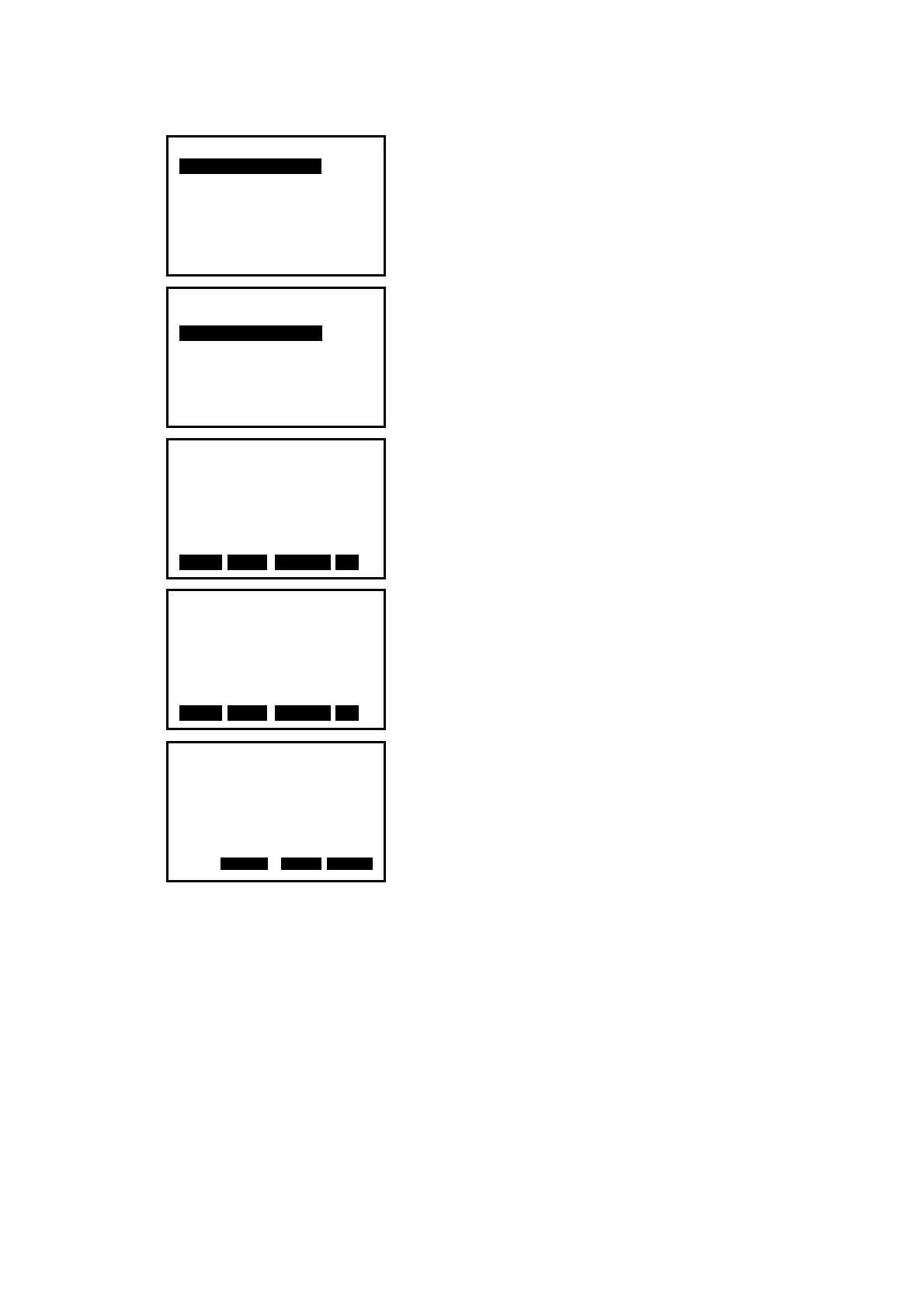
3. Input the instrument occupied data, see Ҥ6.1 Input
the occupied point data”.
4. Select “
2. Define baseline”.
5. Input the first point data, or press F1: [
READ] to
use existed coordinates data, or press F3:[MEAS] to
measure the point.
6. Press F4: [
OK] to input the second point data.
7. Press F4: [OK] to finish defining baseline. The
grade of the baseline will display.
8. Press F2: [1:**] or F3: [%] to change the grade
display mode.
NOTE:
◆ Defined baseline could be used in both stake out line measurement and point
projection.
Point projection
1.Occ. Orientation
2.Define baseline
3.Point projection
Define 1st Pt.
Np:
Ep:
Zp:
Pt#:
READ R E C M E A S OK
0.000
0.000
0.000
Azimuth 300gon
HD 10.412m
Grade
1:150
1:** 0 %0 HOKD
Point projection
1.Occ. Orientation
2.Define baseline
3.Point projection
Define 2nd Pt.
Np:
Ep:
Zp:
Pt#:
READ R E C M E A S OK
0.000
0.000
0.000


 To Next Page
 Loading...