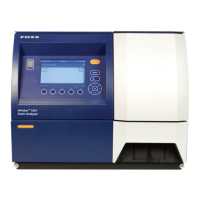
Infratec™ 1241 Grain Analyzer
Service Manual 1001 5015 / Rev. 4 3:31
20. Type in the IP number to the Mosaic Server in Mosaic Host field. Remember
that Infratec software cannot resolve DNS name, therefore use IP number to
Mosaic server. Enter the right port for the Infratec to connect. Select Update type
On Command or On Timer. Select OK. In selecting On Command the customer
needs to go into menu to be able to synchronize, see next picture. Easiest way
for the customer is to have Update Type On Timer.
Fig. 3:60
21. Select “5 Enable Mosaic Communication” to start synchronizing with the
Mosaic System.
Fig. 3:61


 To Next Page
 Loading...