The basics of operation
11
3 The basics of operation
In this chapter you will learn about the basic optimail 30 functions and how to handle
the postage meter user interface.
3.1 Turning on/off
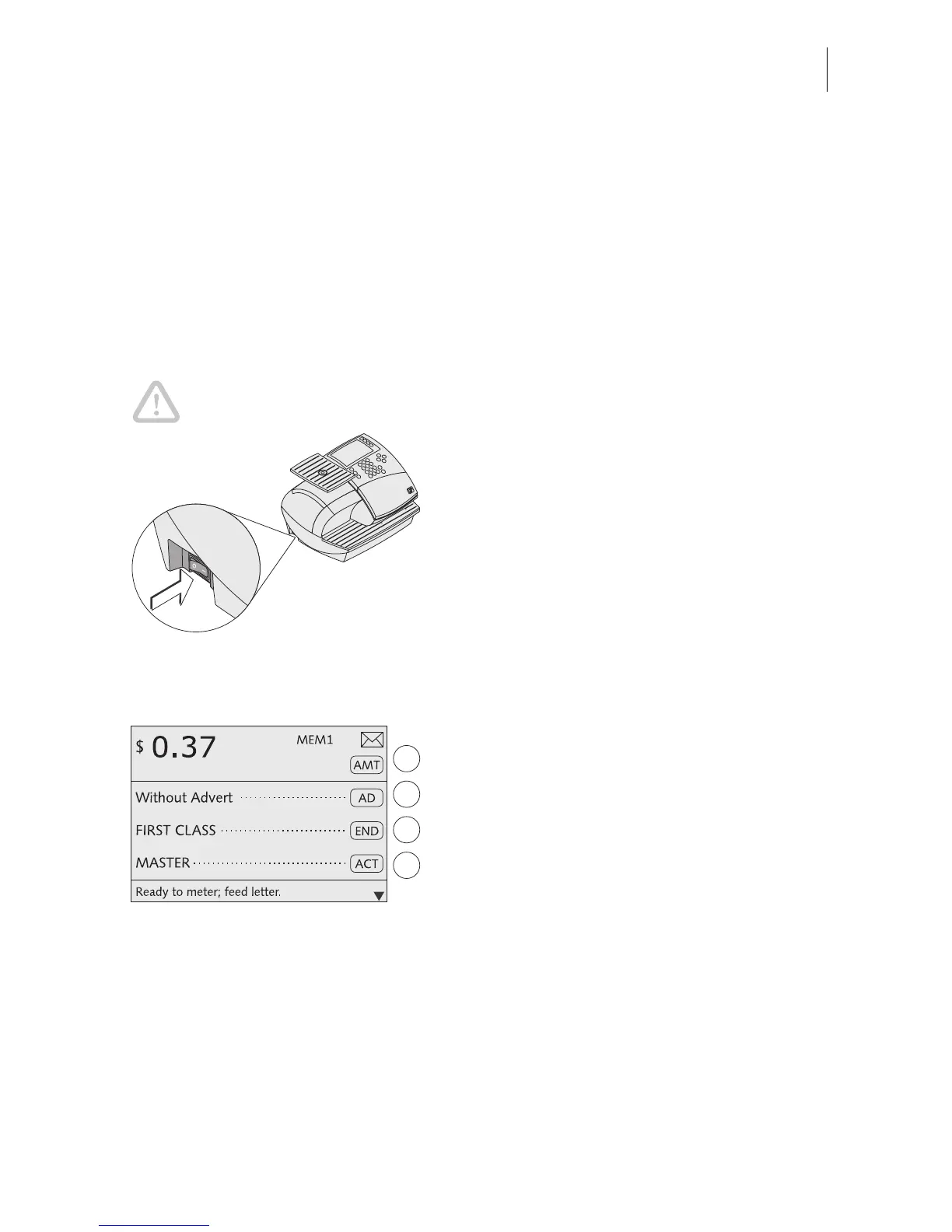
Push the power switch, the toggle switch on the left side of the postage meter, to turn
the optimail 30 ON or OFF.
Caution! Wait for at least one minute before you turn the optimail 30 on
again.
Turning on
• Push
I (= ON) on the power switch.
The display lights up and a start routine
starts. The optimail 30 tests and activates all
machine components. This procedure takes
some time and is accompanied by signal
tones and display messages.
Finally the Home menu appears.
The optimail 30 is ready and displays the
following metering options:
The home menu (example)
– The postage and, if applicable, the
endorsement imprint are the settings
saved under MEM 1.
– Current date.
– An account has been set when an access
card (MASTER or USER) has been
plugged or access control was disabled.
– The advert is ruled by the current account.
Turning off
• Push
O (= OFF) on the power switch.
The optimail 30 switches off. The display light
goes out.



 To Next Page