Advanced settings & system information
67
13 Advanced settings & system information
13.1 Viewing / printing / sending system information
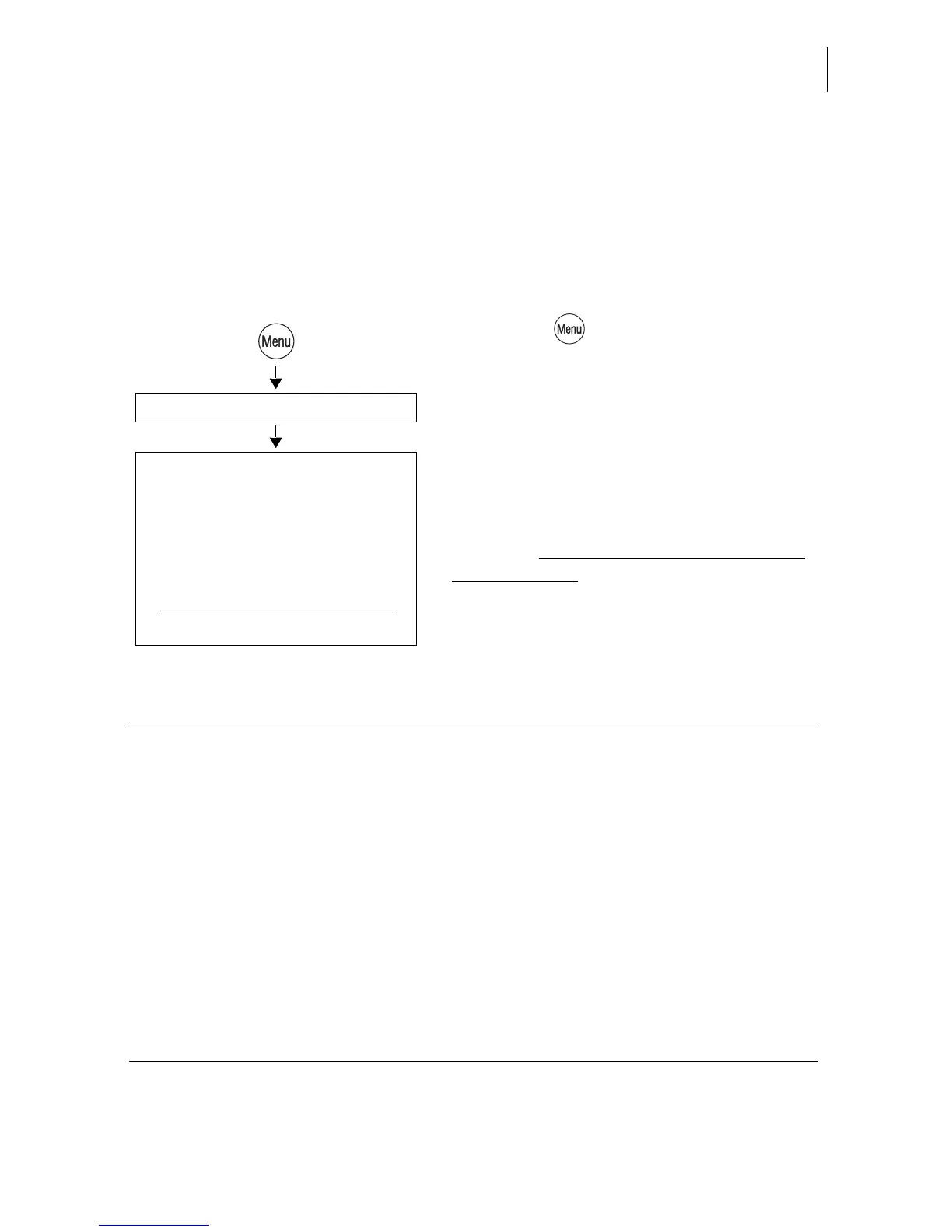
You can view and print all major machine parameters as a list. optimail 30 also lets
you send the data to the after-sales service.
• Press the key.
• Select in the menu:
SYSTEM INFORMATION.
• Choose the topic you want information on.
Sending system information
With the ALL INFORMATION function you
transmit – only upon request by Francotyp-
Postalia please – data to the FP after-sales
service.
– Modem / Telephone /
–Scale
– Rate Table
– Security Device
– System
– Ink Ribbon
– Endorsement Statistics
(Send) All Information
System Information
Available reports and information:
MODEM / TELEPHONE Modem name and dialing parameters
Saved telephone numbers
SCALE
(optional)
Technical information on the integrated scale
RATE TABLE Available rate tables and validity
SECURITY DEVICE Technical information, among others the
machine state, validity and battery state
SYSTEM Machine number, software and imprint data
INK RIBBON Ink ribbon parameters and usage information
ENDORSEMENT STATISTICS Information on the endorsement usage



 To Next Page