optimail 30 Operator Manual
16
3.4.3 Description of operating procedures and menu sequences
in the present Operator Manual
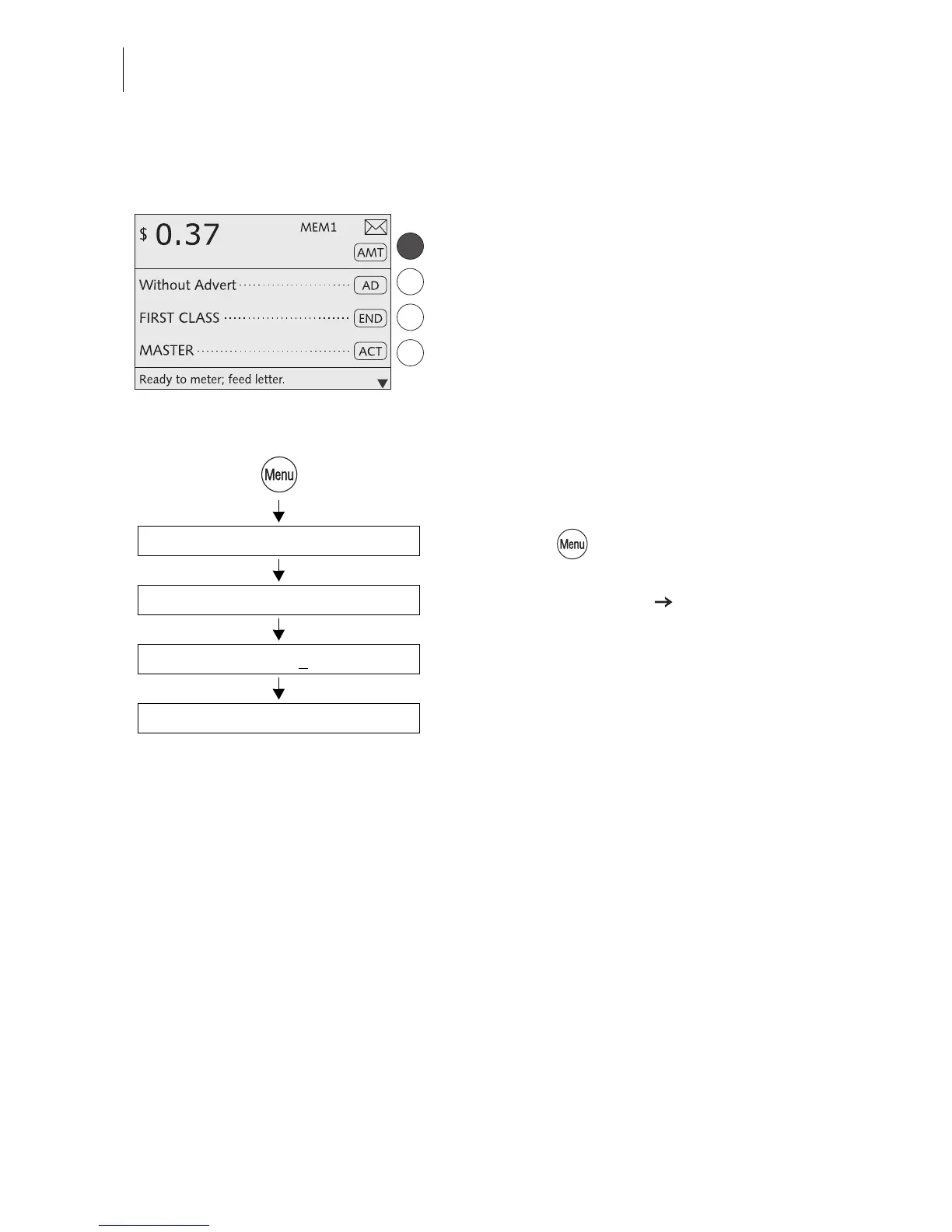
Illustrations of display screens show current
settings and what to type.
The multifunction key that must be pressed to
trigger an action/function is shown in black.
The ‘way’ through the menu to reach a func-
tion as well as inputs/settings for this function
are indicated as follows:
• Press the key.
• Select in the menu:
SYSTEM SETTINGS STANDBY TIME.
• Type the desired time.
• SAVE the setting shown.
Standby Time
Type time: 5 min
System Settings
Save



 To Next Page