Advanced settings & system information
69
13.4 Low postage warning – setting the threshold
The ‘Low postage warning’ function warns you when the available postage in your
optimail 30 drops below a preset threshold. You can also disable the low postage
warning.
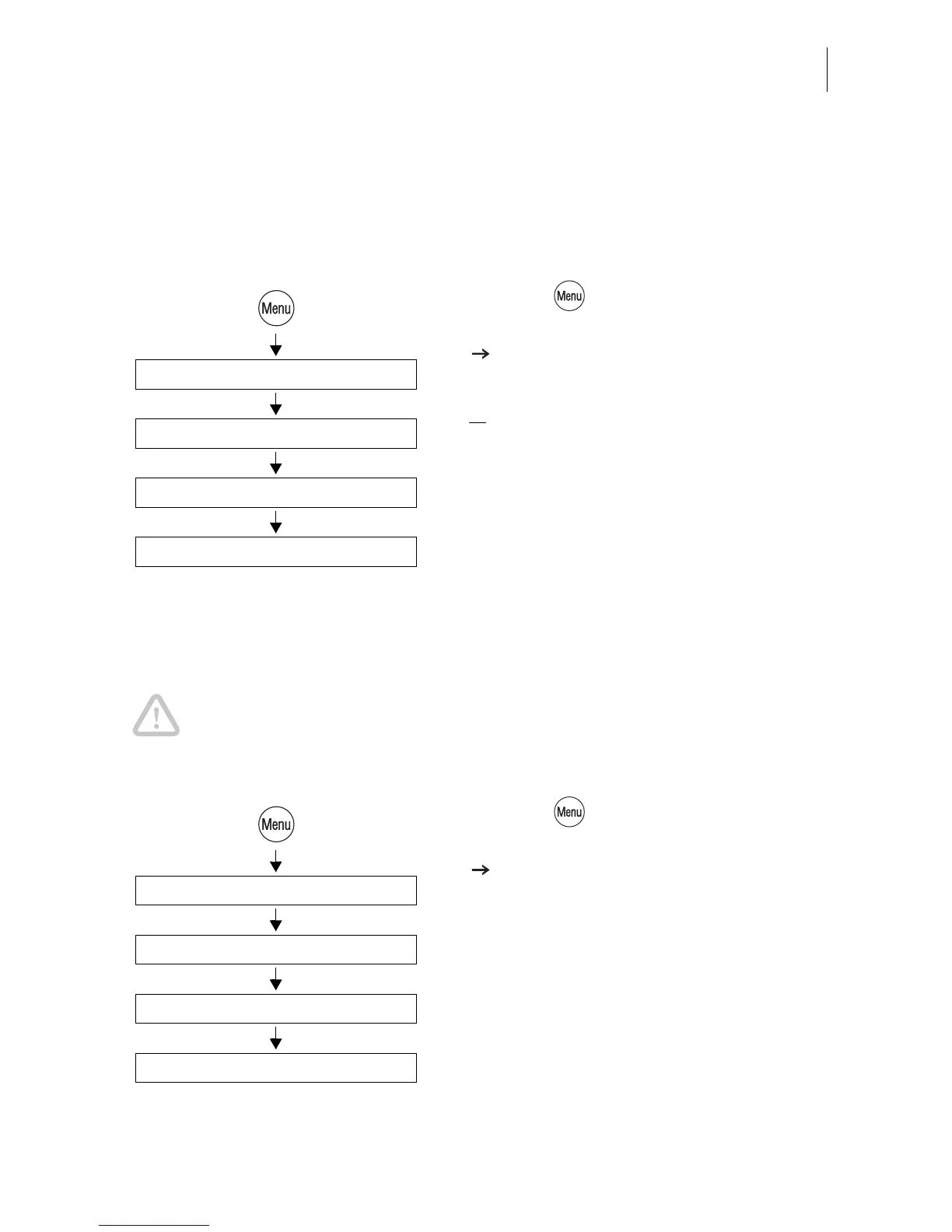
• Press the key.
• Select in the menu: SYSTEM SETTINGS
LOW POSTAGE WARNING.
• Type the desired threshold
or
select WARNING OFF to disable the warn-
ing function.
• SAVE the setting shown.
13.5 Setting the access rights
Caution! Disabling the access rights will disable the account access restric-
tions. Every user can meter on all accounts.
You can only change the access right status if the MASTER card is fitted.
• Press the key.
• Select in the menu: SYSTEM SETTINGS
ACCESS RIGHTS.
The ACCESS RIGHTS menu appears.
The current access rights setting is shown in
the display left.
• Turn access rights ON or OFF.
• SAVE the setting shown.
Low Postage Warning
Type threshold / Warning off
System Settings
Save
Access Rights
On / Off
System Settings
Save



 To Next Page