Memory
53
8.3 Renaming memory items
You can name each of the memory items. The memory item selection list shows this
name instead of the saved assignment.
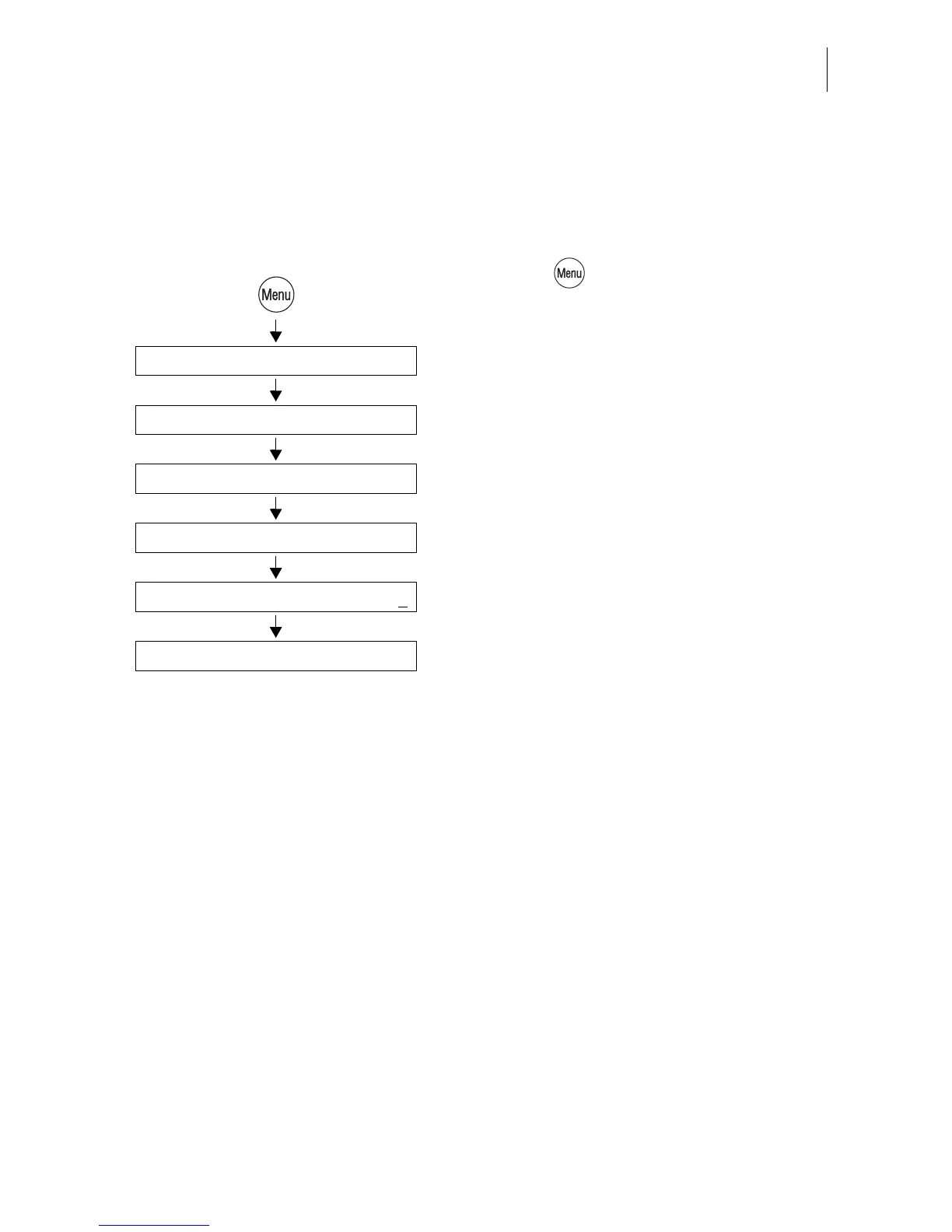
• Press the key.
• Select in the menu: MEMORIZED RATES.
• Select the memory the name of which you
wish to change.
• Use RENAME to open the menu for the
memory names.
• With NEW NAME you can delete the entire
name shown.
• Type the desired name.
In the example this is “Canada-Letter/Air-
mail”.
• Press SAVE to save the name.
The memory item selection list now shows
this name instead of the saved setting.
New Name
Select memory: 1 … 4 (9)
Rename
Memorized Rates
Enter name Canada-Letter/Airmail
Save



 To Next Page