Advanced settings & system information
71
13.7 Setting audible signals
The optimail 30 confirms each keypress with a beep. A series of audible signals indi-
cates an error. You can restrict the scope of audible signals to warnings or turn off
the audible signal altogether.
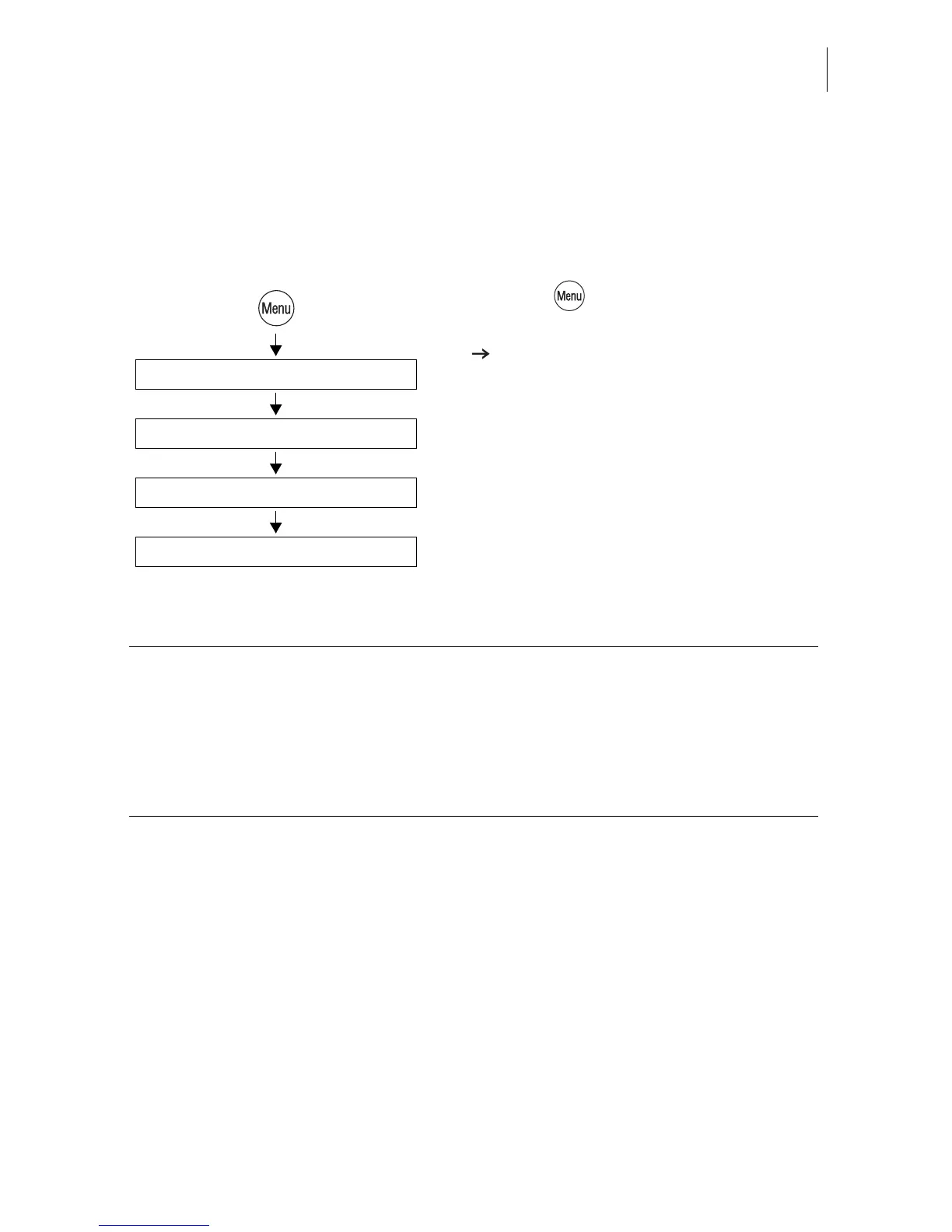
• Press the key.
• Select in the menu: SYSTEM SETTINGS
AUDIBLE SIGNALS.
• Use ALL SIGNALS OFF/ON or JUST
WARNINGS to adapt the current setting.
• SAVE the setting shown.
Audible Signals
Off / On / Just Warnings
System Settings
Save
Audible signal - possible settings and their meaning:
ON Audible signal with each keypress,
with each message…
OFF No audible signals
WARNINGS ONLY Important audible signals only,
audible signals with errors



 To Next Page