Imprint management
65
12.2 Using / renaming / deleting adverts
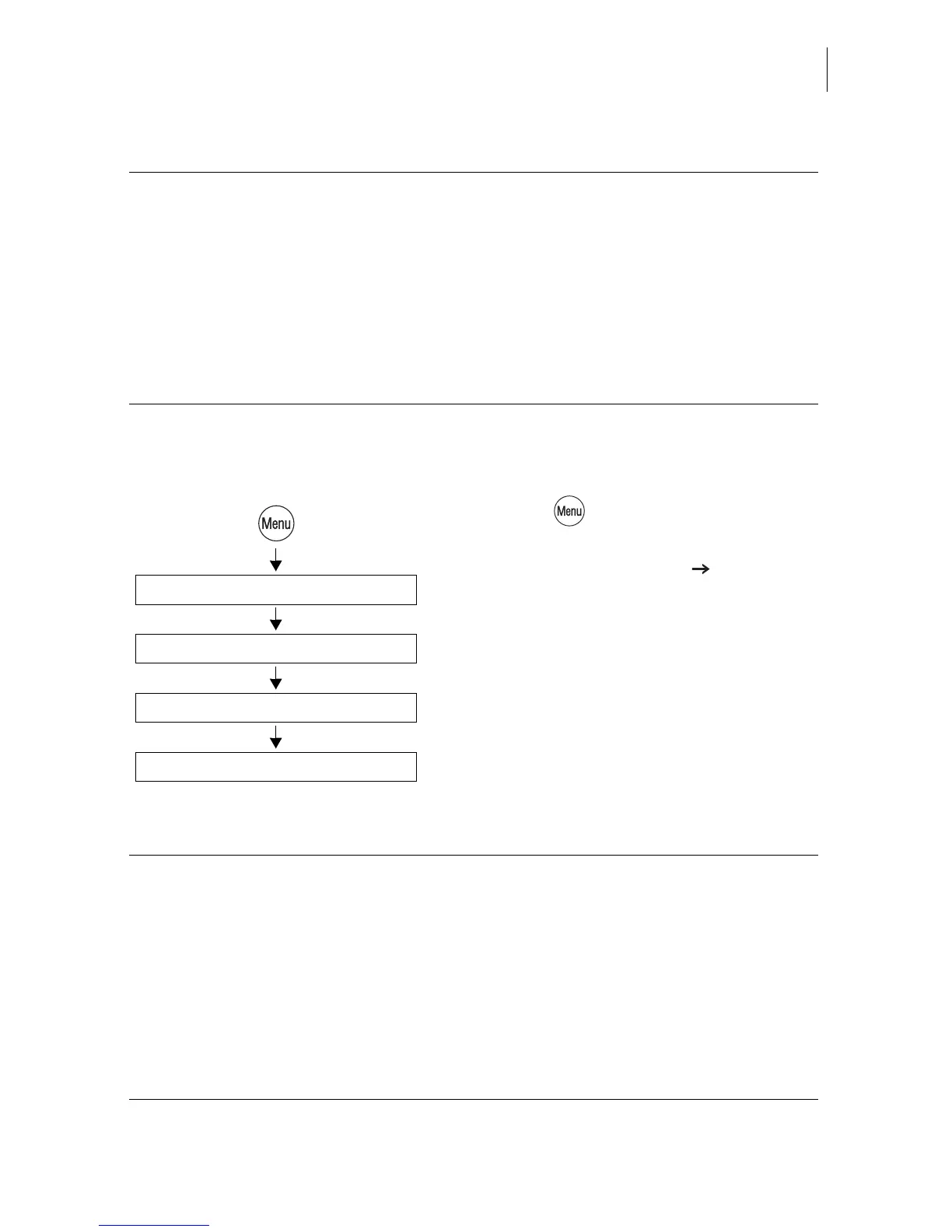
• Press the key.
• Select in the menu:
IMPRINT MANAGEMENT MANAGE
ADVERTS.
• Select the desired advert.
The ADVERT MANAGER menu shows a
simplified graphical preview of the advert.
• You can RENAME or DELETE the advert.
Functions in the LOAD FROM CARD menu and their meaning:
LOAD ALL Loads all data from the card into the
optimail 30.
SELECT optimail 30 prompts for each imprint:
“Do you want to load: YES/NO”.
When you have answered all prompts, the
selected imprints are flagged with OK.
Use LOAD to load the selected imprint data
into the optimail 30.
Manage Adverts
Select advert
Imprint Management
Rename / Delete
Functions in the ADVERT MANAGER menu and their meaning:
RENAME Opens the menu where you can change the
name.
You can change the name that appears in the
home menu and in the advert lists as you like.
For notes on how to type text see page 21.
DELETE Deletes the advert on display after a security
prompt.
USE Selects the advert for metering.



 To Next Page