optimail 30 Operator Manual
18
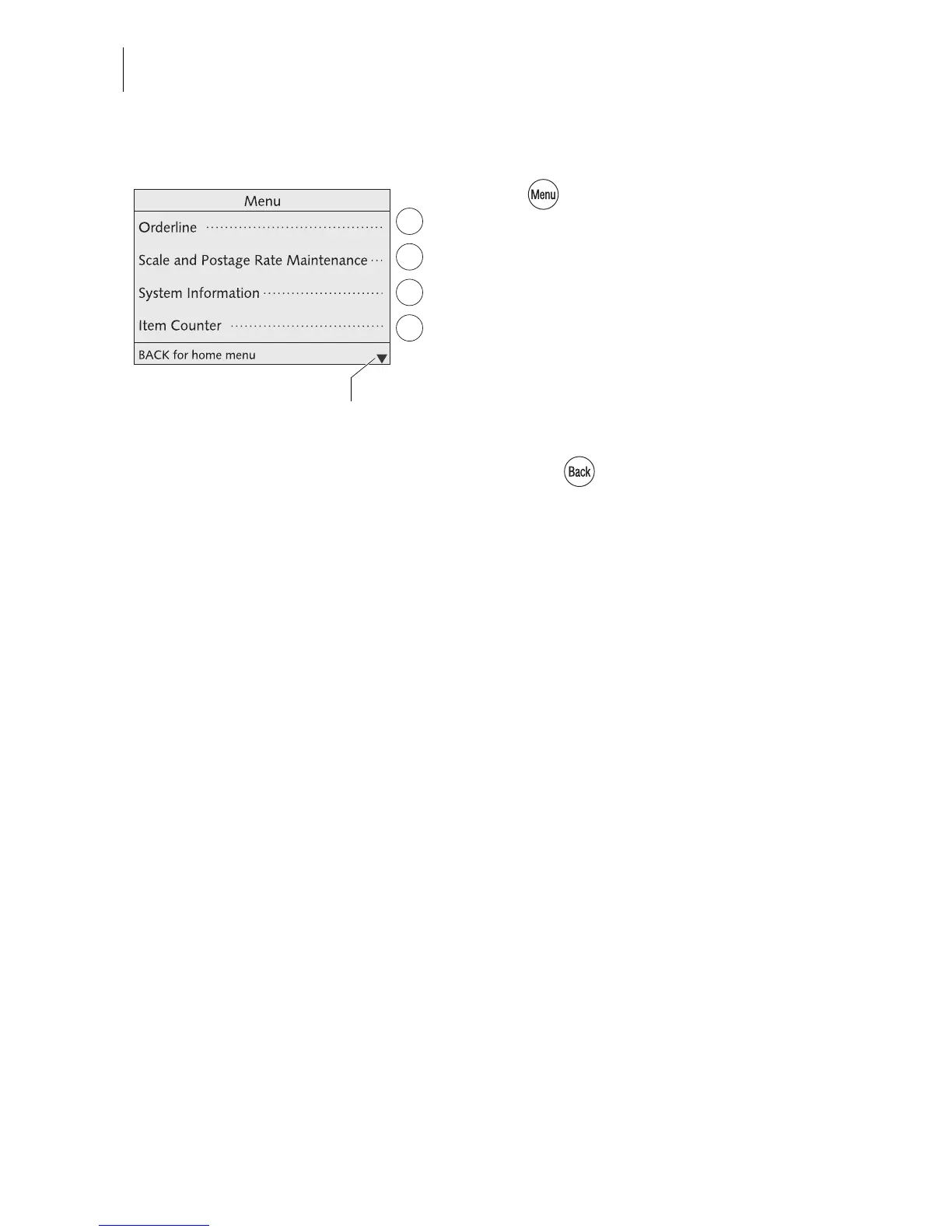
3.4.5 The menu
Use key to open the MENU.
From this menu you can access the adminis-
tration functions, the system settings and ser-
vice functions.
Use the arrow keys to scroll to the next page
and back.
Use the multifunction keys to select the func-
tions. Depending on the function a menu with
further options, an adjustment menu, a list…
appear.
Pressing the key always returns you to
the higher-level menu.
A quick overview of MENU has been pro-
vided on page 104.
Other functions:
scroll with arrow keys



 To Next Page