Advanced settings & system information
77
13.12 Modem settings – changing dialing parameters
You must set the modem parameters for the optimail 30 to match your telephone con-
nection. The modem configuration is part of the log-in procedure during commission-
ing. You should verify and, if necessary, correct the settings if changes were made to
your telephone system.
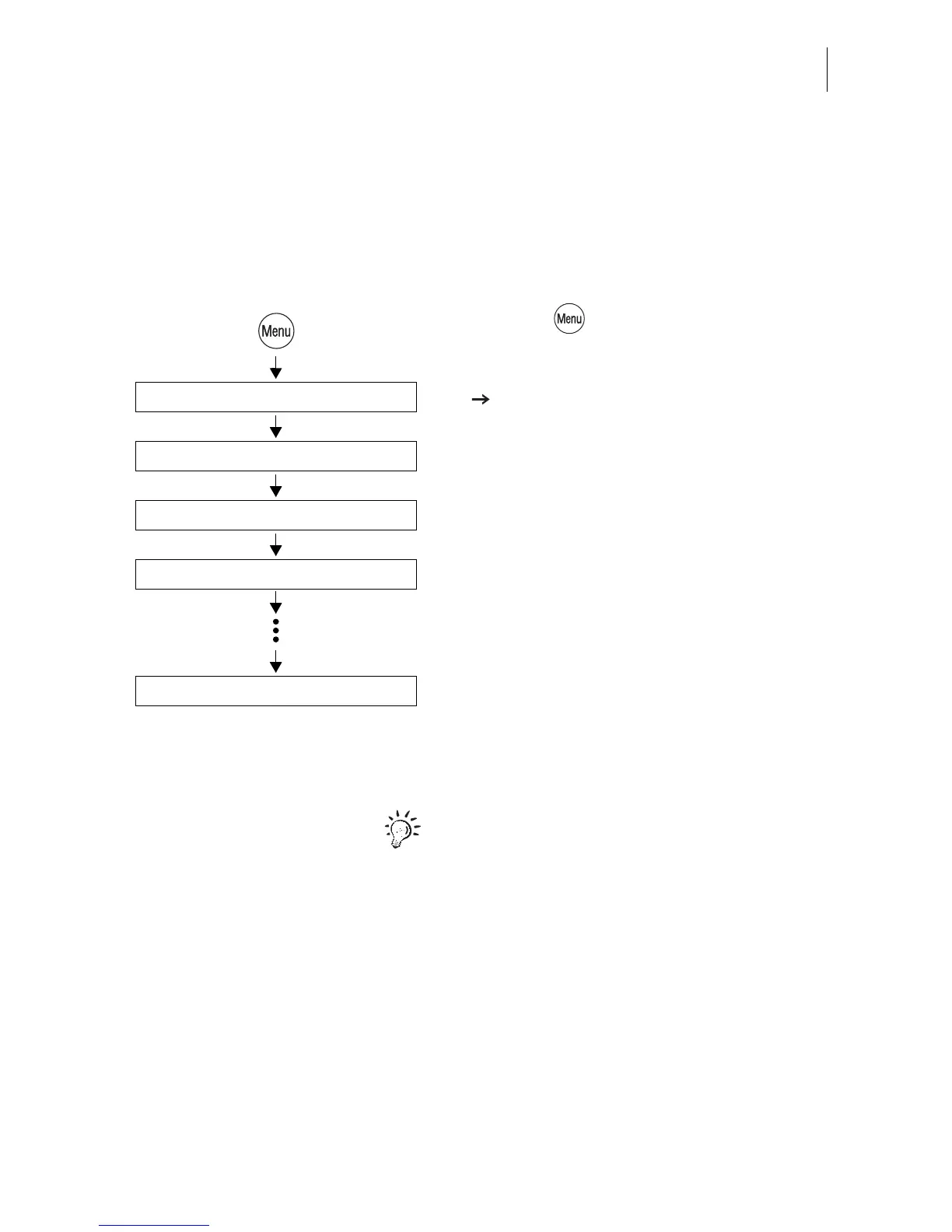
• Press the key.
• Select in the menu:
MODEM AND TELEPHONE NUMBERS
SET MODEM PARAMETERS.
The optimail 30 opens the procedure for set-
ting the modem parameters.
• Follow the instructions on the display.
The optimail 30 prompts you for:
– phone type
– access method
– the exchange digit if applicable.
• Press CONTINUE to set the displayed
parameter.
When finished the optimail 30 displays all
valid parameters.
• If the modem parameters shown are
correct: SAVE.
The table on the next page shows and
explains the possible settings.
Set Modem Parameters
Select Phone type
Modem and Telephone Numbers
Save
Continue



 To Next Page