Advanced settings & system information
75
13.10 Changing the user interface language
The optimail 30 user interface supports English and German.
Switching the user interface to German
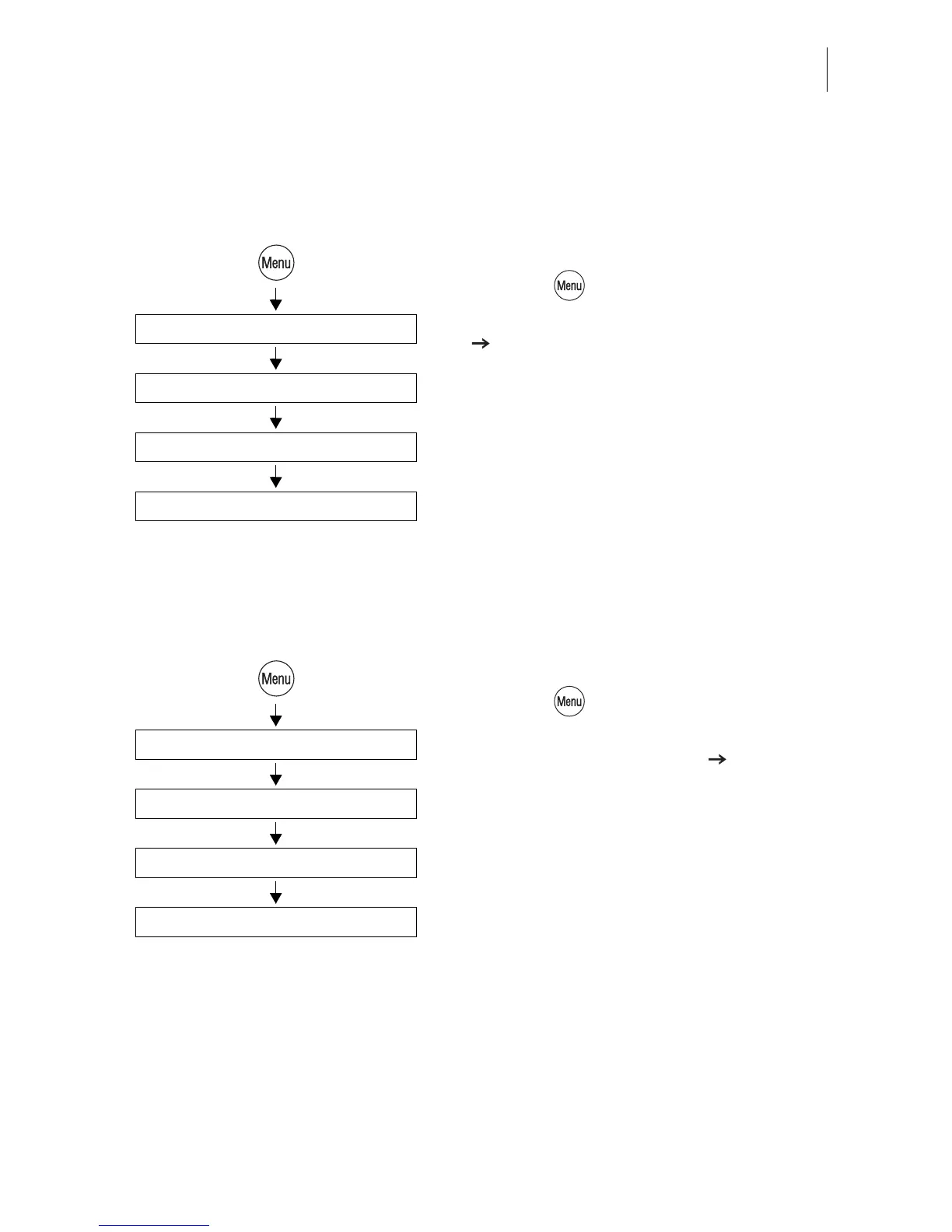
• Press the key.
• Select in the menu: SYSTEM SETTINGS
CHANGE LANGUAGE.
• Select the language DEUTSCH (DE).
The menu language immediately changes
from English to German. The rate table as
well as the names for accounts, adverts…
remain unchanged.
• Save the settings (SPEICHERN).
The German user interface language
remains selected until you change it to
English again.
Switching the user interface to English
• Press the key.
• Select in the menu:
SYSTEMEINSTELLUNGEN
SPRACHE UMSCHALTEN.
• Select the language ENGLISH (EN).
• SAVE the language setting.
Change language
Deutsch (de)
System settings
Speichern
Sprache umschalten
English (en)
Systemeinstellungen
Save



 To Next Page