The basics of operation
21
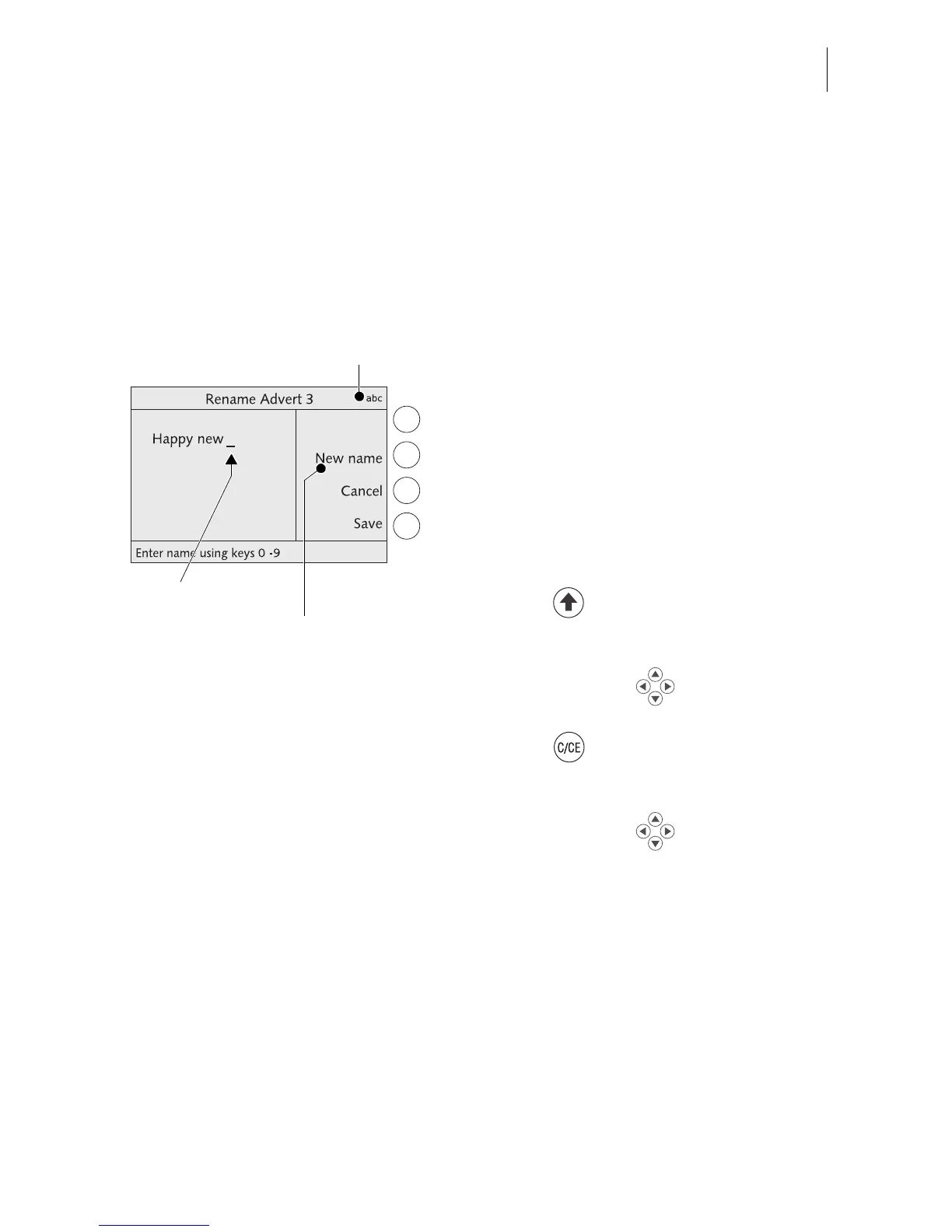
3.5 Text input
Letters including umlaut characters and accents, punctuation marks and special
characters are assigned to the numeric keys for entering texts such as account
names or short dialing abbreviations. Page 14 shows available special characters.
Typing characters
A cursor
_ marks the point where a character
can be typed in a text box.
• Press the appropriate numeric key as
many times in rapid succession until the
desired character appears in the display.
After a short time the cursor jumps one digit
to the right. You can now type the next char-
acter.
Switching upper/lower case letters
• Press the key.
Deleting characters
• Use the arrow keys to position the
cursor on the character to be deleted.
• Press the key to delete the character.
Inserting characters
• Use the arrow keys to position the
cursor on the point in the text where the
character is to be inserted.
• Type the desired character.
Flashing cursor



 To Next Page