optimail 30 Operator Manual
70
13.6 Setting the display contrast
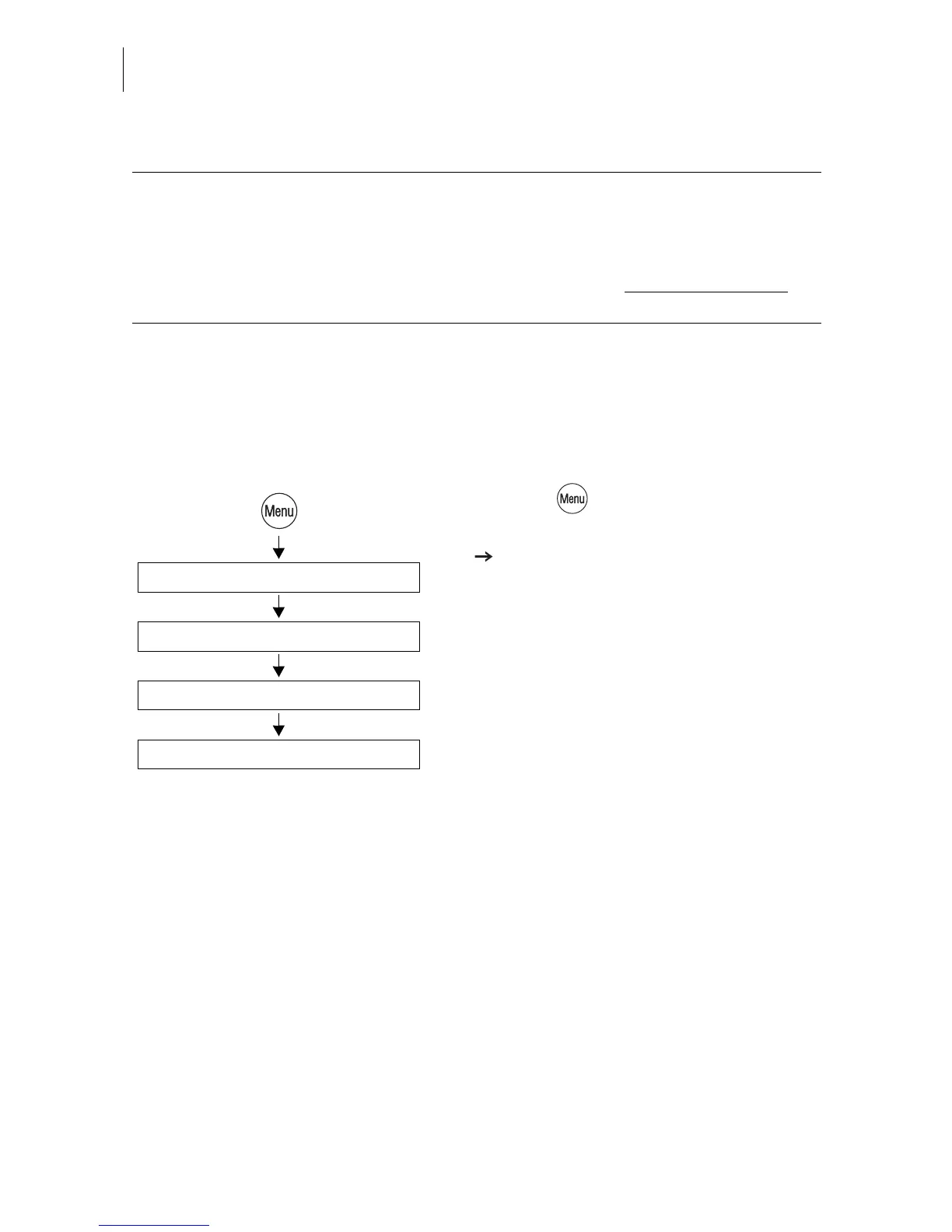
You can adapt the display contrast to increase the readability.
• Press the key.
• Select in the menu: SYSTEM SETTINGS
DISPLAY CONTRAST.
• Use INCREASE or DECREASE to adapt
the display contrast.
You can see the change immediately in the
display. Change settings until you can easily
read the display.
• SAVE the setting.
Access rights - possible settings and their meaning:
ON Metering is possible with a valid access card
(MASTER or USER) only.
OFF No access restrictions for metering.
Metering is possible without access card
on
all accounts.
Display Contrast
Increase / Decrease
System Settings
Save



 To Next Page