optimail 30 Operator Manual
22
3.6 Test imprint
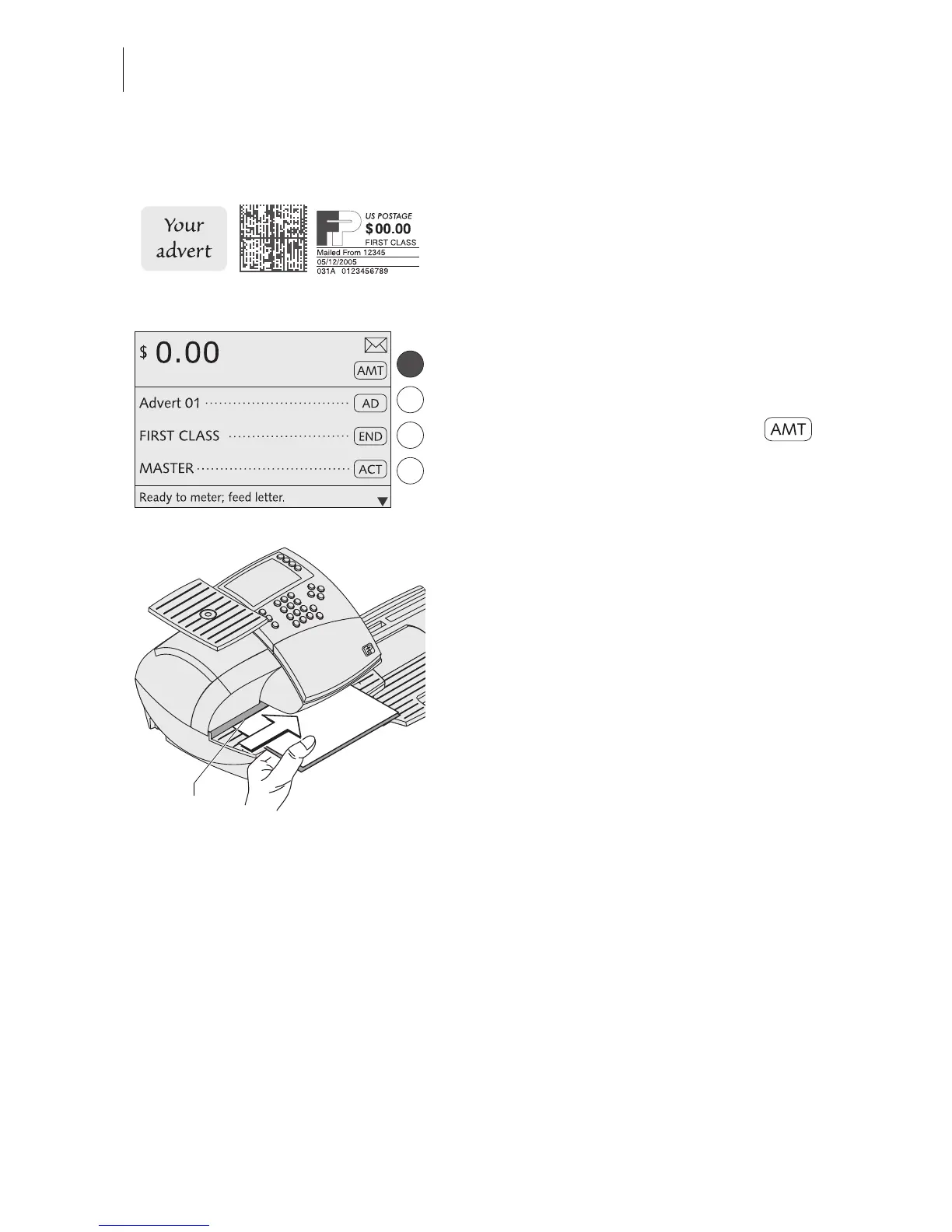
You can check the settings for the metering
process by doing a test imprint with postage
value “0.00” (zero imprint).
• Type the postage value “0” in the home
menu.
“0” is displayed in the status bar.
• Confirm the postage value with the
multifunction key.
The postage value “0.00” is set.
• Fold a sheet (letter size) in the middle.
• Place the folded sheet on the letter
receiving tray:
– side to be printed face up
– the folded edge must touch the letter
guide.
• Push the sheet in direction of the arrow
until the optimail 30 feeds the sheet.
A roller pushes the sheet against ribbon and
print head and printing starts as soon as the
letter sensor detects the sheet.
The optimail 30 prints the zero imprint and
ejects the imprinted sheet to the right.
Folded edge



 To Next Page