Account administration
61
11.3 Viewing and printing account statistics
You can view and print the postage used by the separate accounts and the number
of meter imprints in an overview. The printed list also includes the current settings of
all accounts.
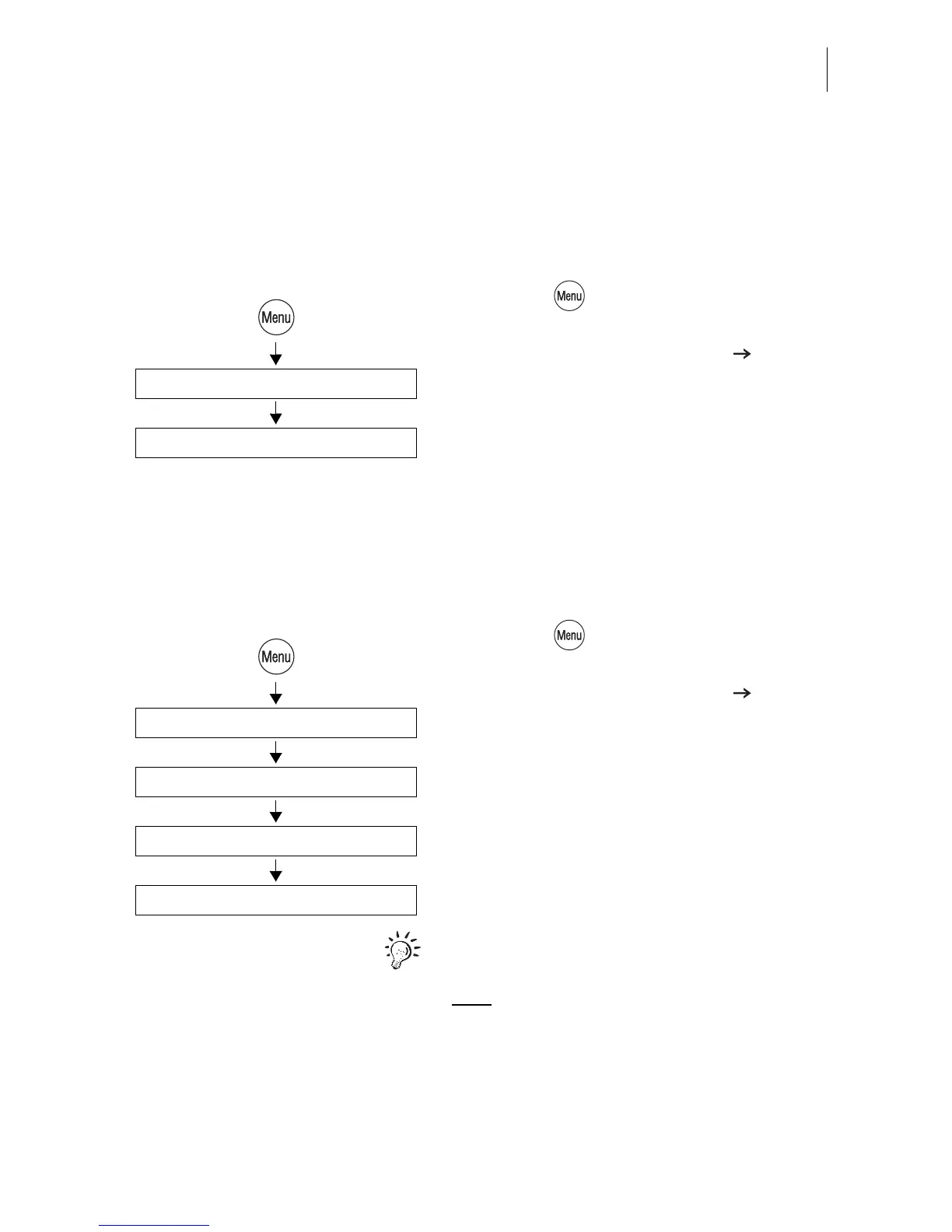
• Press the key.
• Select in the menu:
ACCOUNT ADMINISTRATION
STATISTICS.
Printing account statistics
The account statistics comprise 2 pages.
• Load an empty sheet or a double label for
each page.
11.4 Changing / clearing down / deleting an account
• Press the key.
• Select in the menu:
ACCOUNT ADMINISTRATION
DISPLAY / EDIT / NEW.
• Select the account to be changed.
The ACCOUNT ADMINISTRATION menu
appears. The display left indicates the cur-
rent account parameters (name, default
advert…) and the usage data (postage used
and number of meter imprints since last Clear
down).
Refer to page 59 for an explanation of the
account parameter meanings.
Note: The USER card allows access to the
assigned account only. The administration
menu for this account opens immediately
after ACCOUNT ADMINISTRATION.
Statistics
Account administration
Display / Edit / New
Select the account to be changed
Account administration
Clear Down / Delete / Change



 To Next Page