optimail 30 Operator Manual
84
13.14.5 Setting the gravity
To determine the weight the scale measures the gravity between the earth and the
object on the scale pan. This force depends on the latitude and the distance to the
geocenter. To have the exact weight displayed you must therefore specify the loca-
tion of your postage meter with scale.
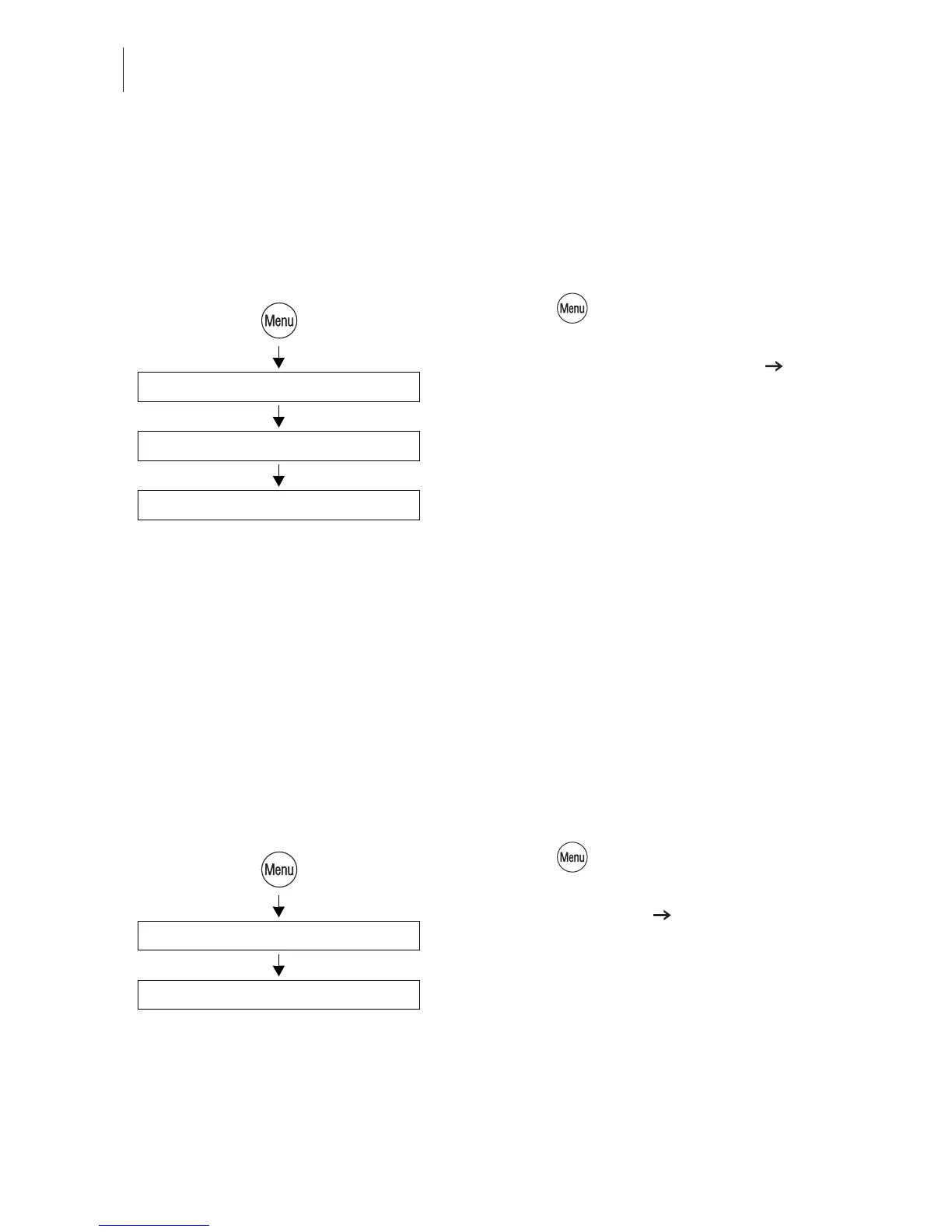
• Press the key.
• Select in the menu: SCALE AND
POSTAGE RATE MAINTENANCE
GRAVITY SETTING.
• Select the location (state).
The optimail 30 saves the setting and returns
to the SCALE AND POSTAGE RATE MAIN-
TENANCE menu.
13.15 Re-authorization
You must inform Francotyp-Postalia of the new location for your optimail 30 if you
wish to operate the optimail 30 at another location (e.g. after a move). At the new
location you must re-authorize your optimail 30 by establishing a modem connection
to the data center.
• Make sure the optimail 30 is connected to
the telephone line and the dialing parame-
ters for the modem are correctly set up.
• Press the key.
• Select in the menu:
SYSTEM SETTINGS RE-AUTHORIZE.
• Confirm the security prompt with YES.
Re-Authorization starts. You can monitor the
progress in the display. It takes some time to
establish the connection and to exchange
data. Please stand by.
Gravity Setting
Select location (state)
Scale and Postage Rate Maintenance
Re-Authorize (remote)
System Settings



 To Next Page