optimail 30 Operator Manual
50
7.6.2 Operating optimail 30 with an external postage calculator
Caution! Also read the Operator Manual for your FP postage calculator. Pay
special attention to the information of how to safely operate the FP postage
calculator.
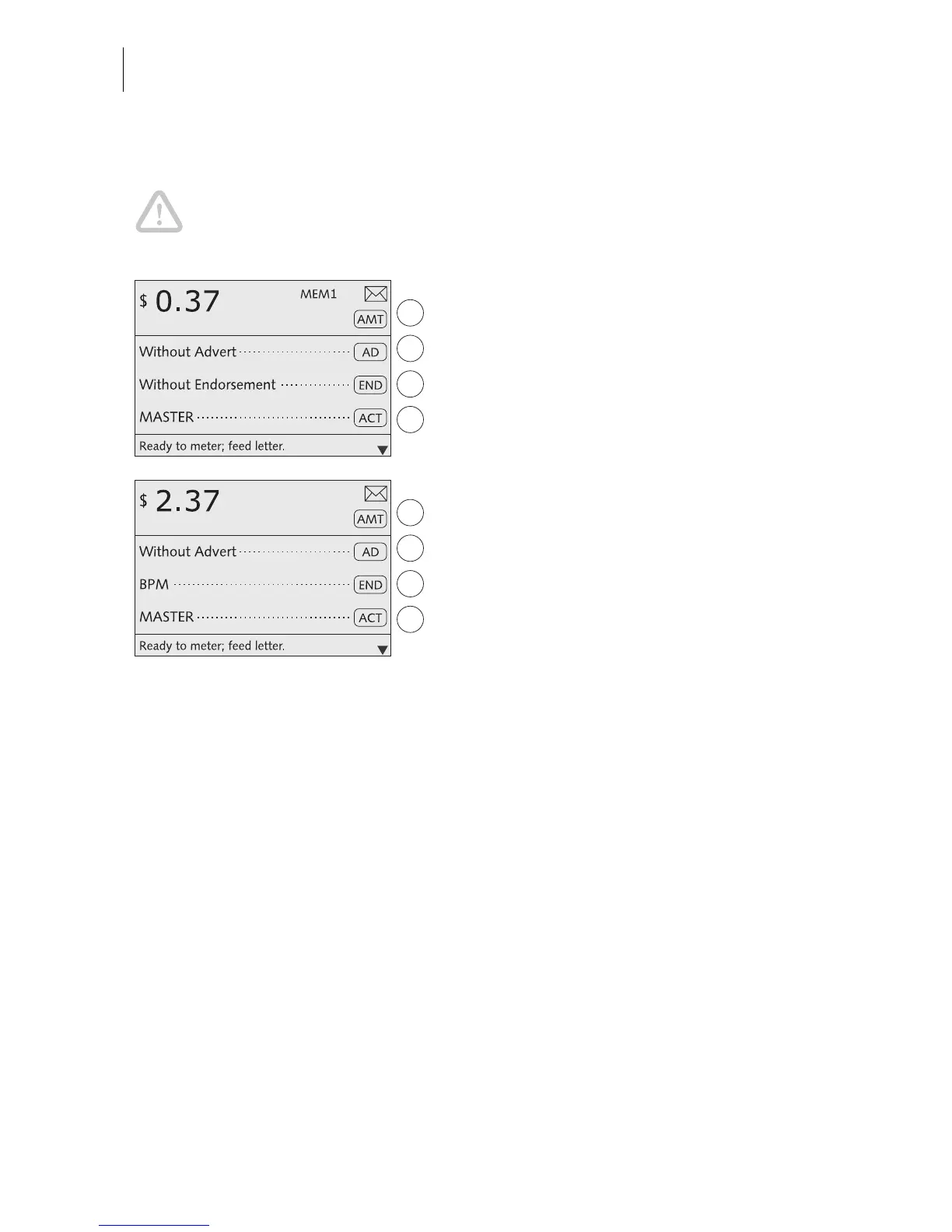
• Turn on the optimail 30 and FP postage
calculator.
The optimail 30 must display the home menu
and be ready for metering.
• Determine the postage with the
FP postage calculator.
The data required by U.S. Postal Service
(postage and endorsement if applicable) are
automatically sent to the optimail 30 and set
in the home menu.
• Check the other settings for the meter
imprint and – if necessary – edit them
accordingly (advert, imprint offset…).
• Meter the mail piece with the optimail 30.



 To Next Page