optimail 30 Operator Manual
58
11 Account administration
With the optimail 30 account administration function you can record and evaluate
metering procedures separated by accounts. Accounts can be sections/departments
of a company or individual companies within a community office.
You can define up to nine accounts in your optimail 30 and set up access rights with
MASTER and USER cards. Account 1 is defined ex works and permanently assigned
to the MASTER card (MASTER account).
Refer to Chapter 5.1 on page 31 on how to select accounts for metering.
11.1 Setting up a new account
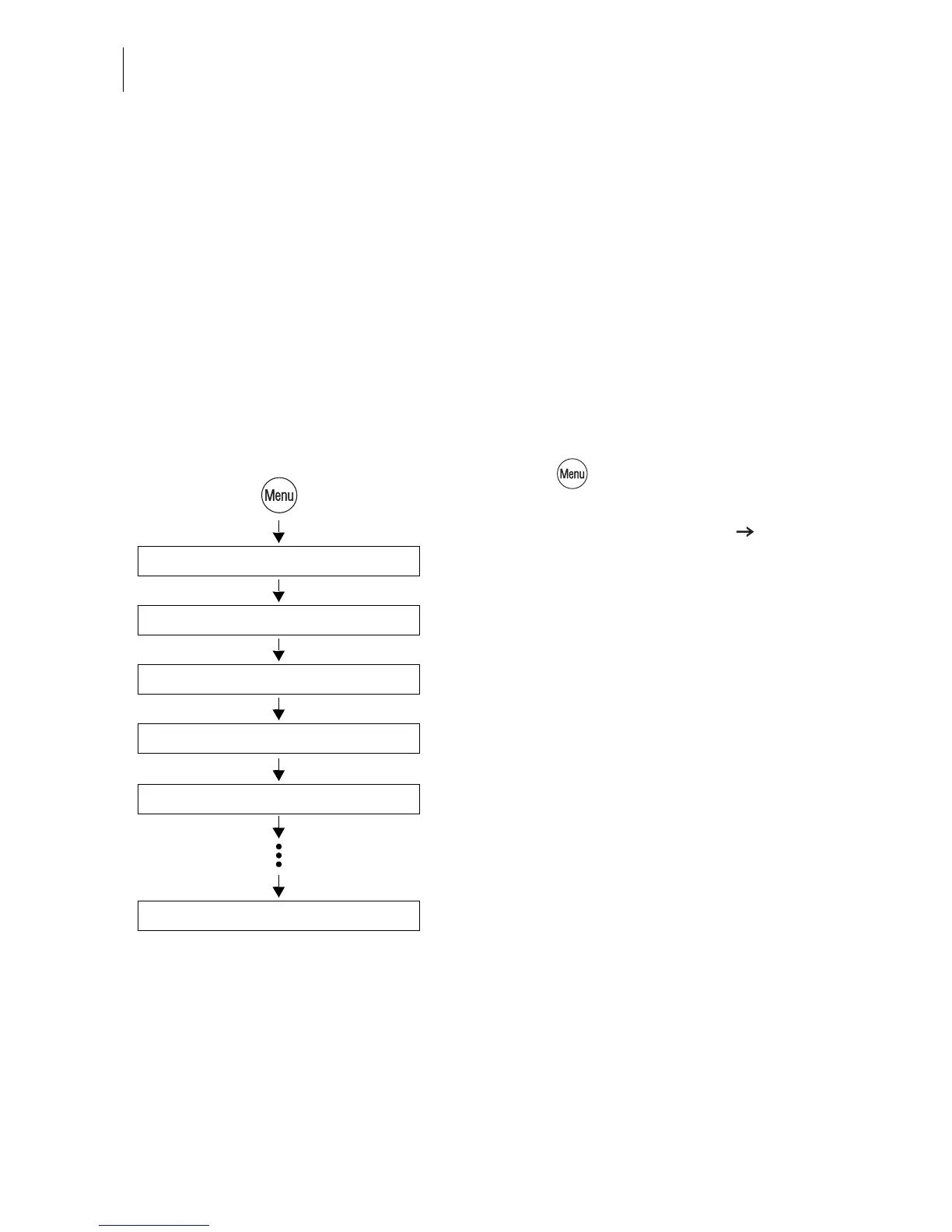
• Press the key.
• Select in the menu:
ACCOUNT ADMINISTRATION
DISPLAY / EDIT / NEW.
• Select a NOT ASSIGNED account in the
list.
The optimail opens the procedure for setting
up the account.
• Simply follow the instructions on the
display.
The optimail 30 successively prompts you to
specify all necessary details.
Possible settings are explained on the next
page.
• Press CONTINUE to save the displayed
parameter.
• If all parameters are complete: SAVE the
new account.
Save
Display / Edit / New
Not assigned
Account administration
Enter name
Continue



 To Next Page