optimail 30 Operator Manual
66
12.3 Deleting endorsements
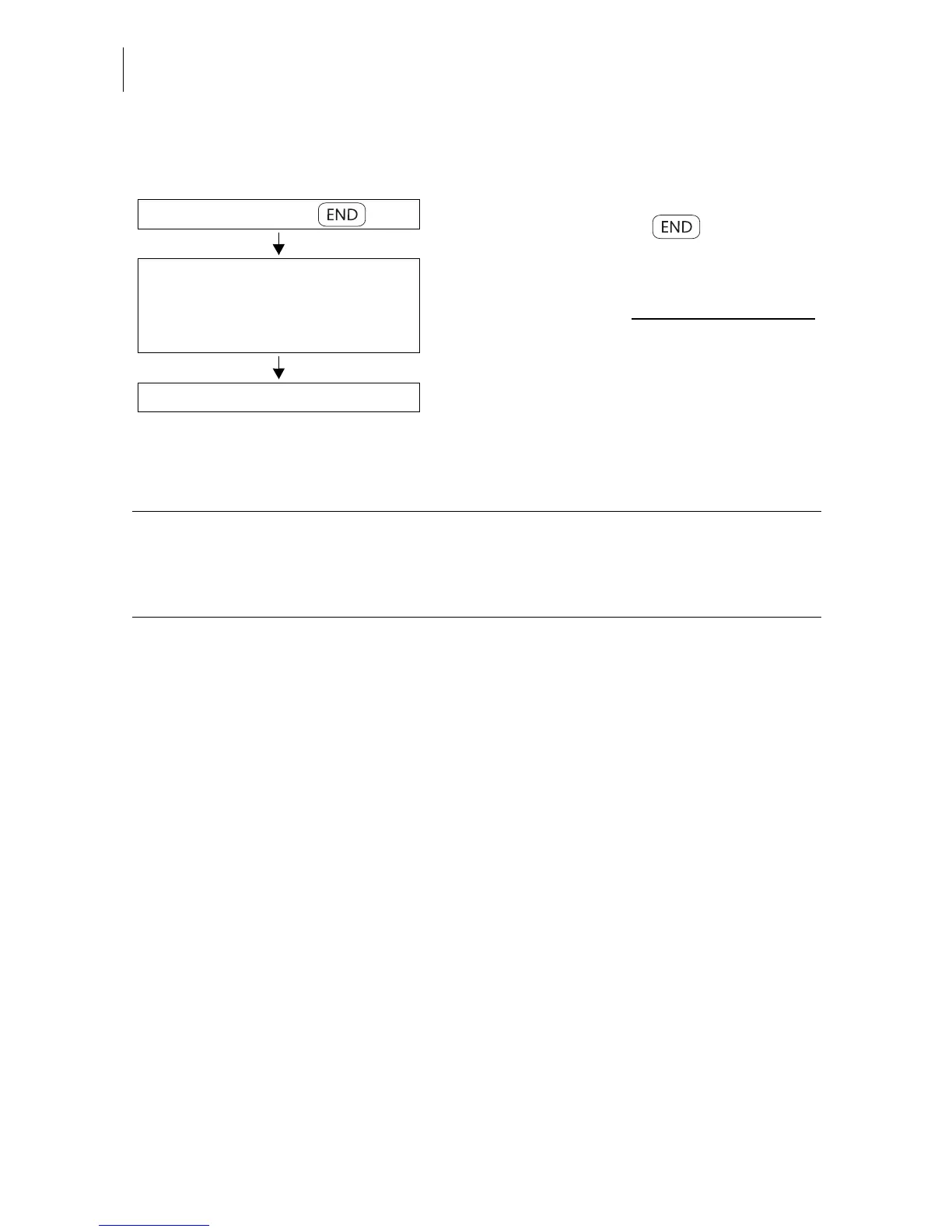
• In the home menu:
Press the key next to .
• In the ENDORSEMENT SELECTION list:
keep the multifunction key for the endorse-
ment to be deleted pressed for some time
(approx. 2 seconds).
The EDIT ENDORSEMENT menu displays
the selected endorsement.
• Select DELETE.
In the home menu:
Open the administration menu:
Keep the multifunction key for
the desired endorsement imprint
pressed for some time.
Delete
Functions in the EDIT ENDORSEMENT menu and their meaning:
DELETE Deletes the endorsement on display after a
security prompt.
USE Selects the endorsement for metering.



 To Next Page