Advanced settings & system information
73
13.8.2 Summer time changeover
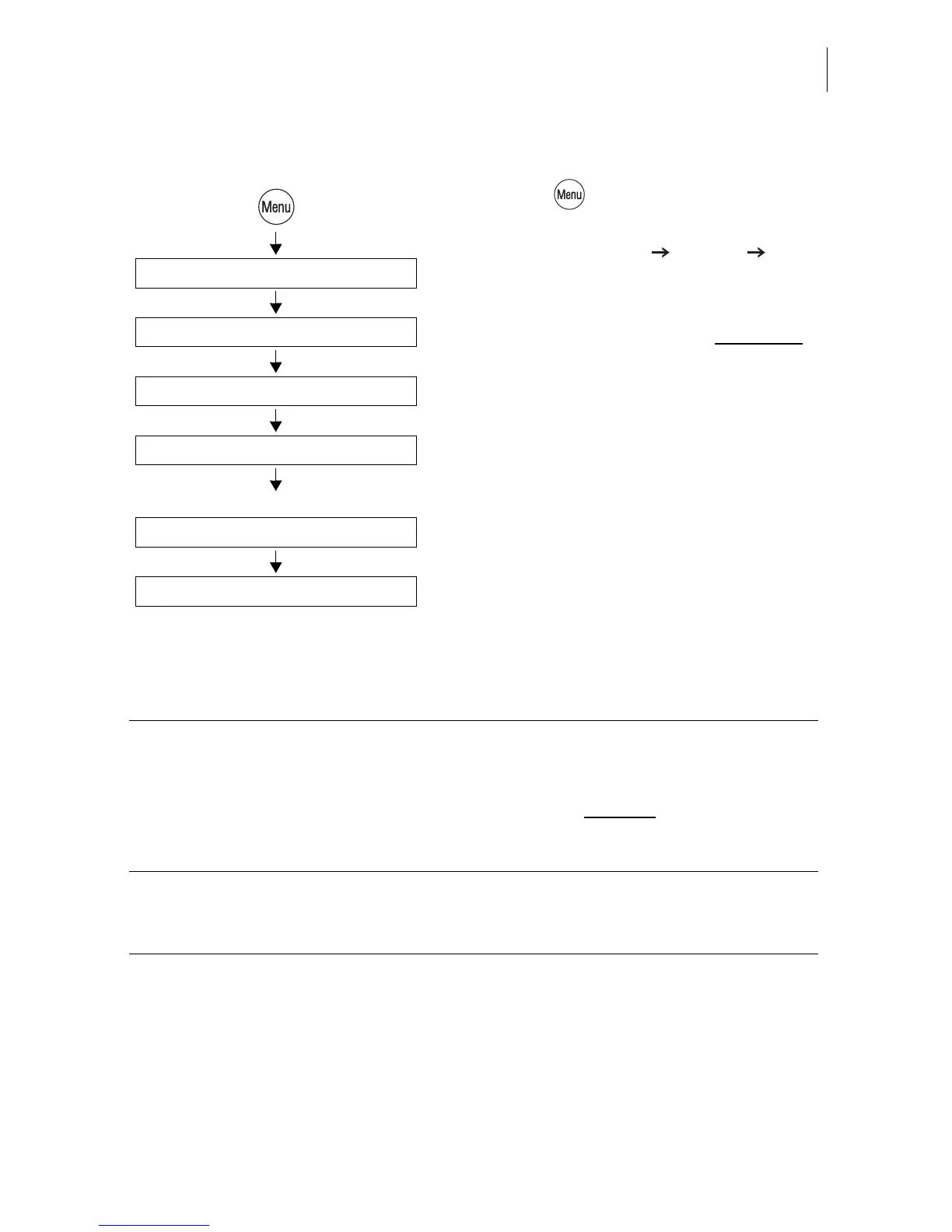
• Press the key.
• Select in the menu:
SYSTEM SETTINGS CLOCK
SUMMER TIME CHANGEOVER.
The SUMMER TIME CHANGEOVER menu
shows the current setting in the display left
for
– automatic changeover
– summer time
–time.
The table below explains the possible set-
tings.
• You can turn the automatic function ON or
OFF.
If the automatic function is turned off:
• Set the correct summer time by hand.
• SAVE the setting shown.
Summer time On / Off /
Save
Clock
Summer Time Changeover
System Settings
Automatic On / Off /
If “Automatic: Off” is set:
Summer time changeover - possible settings and their meaning:
Automatic ON The optimail 30 automatically corrects the
time when summer time starts and ends.
OFF The optimail 30 does not
automatically
correct the time when summer time starts
and ends.
Summer time ON The clock is set to summer time.
OFF The clock displays the set standard time.



 To Next Page