optimail 30 Operator Manual
14
3.4.2 Display symbols
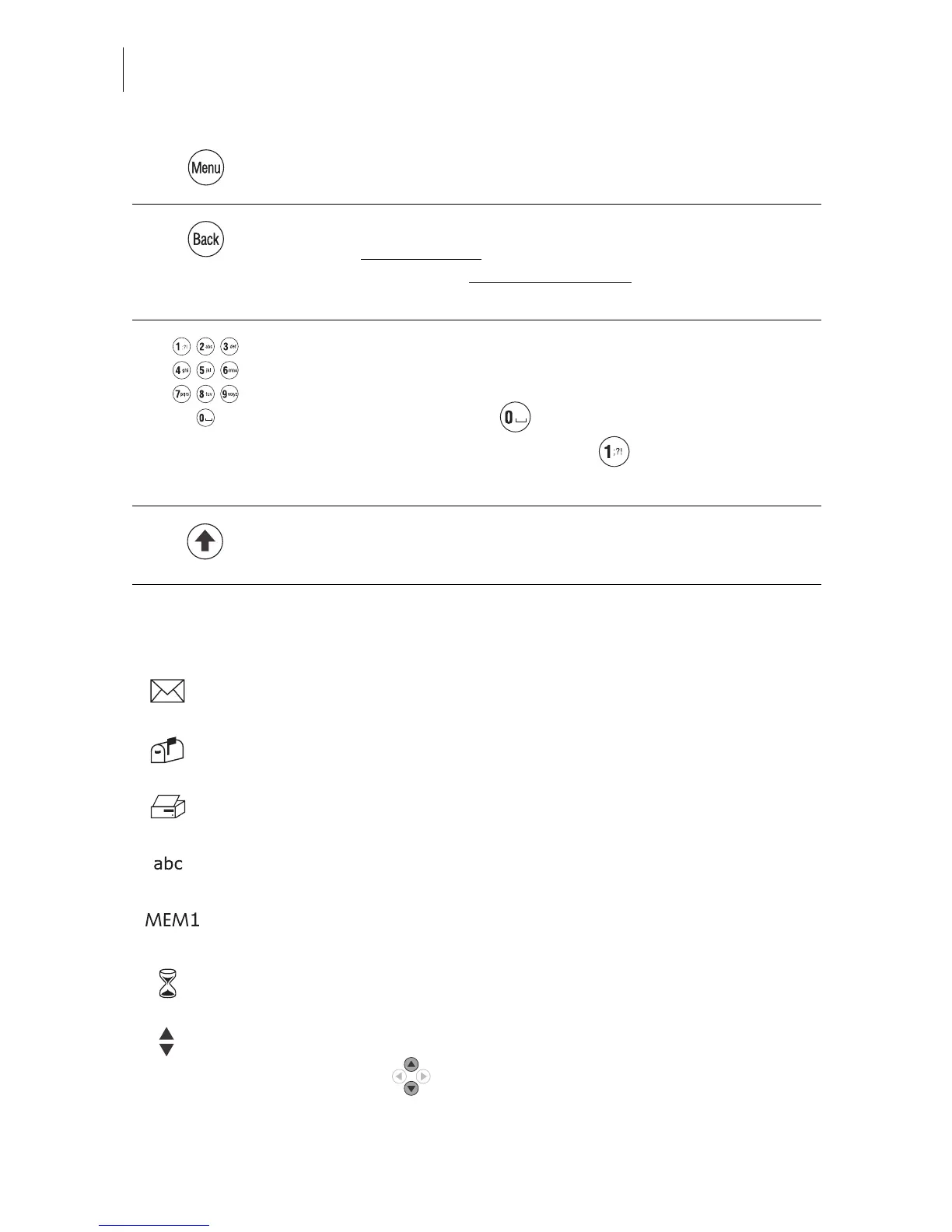
Opens the MENU for system settings, administration, special
and service functions for the optimail 30.
Back key
– Key pressed briefly
: back to last menu/window.
– Keeping the key pressed for longer
(approx. 2 seconds):
Back to the Home menu.
Numeric keys
– For typing numbers.
– For typing text (account names, etc.).
To insert blanks: key .
Available special characters, key :
. , : !; ? % & ’ " ( ) * + - / < = > \ ^ _ @ # € $ £ ¥
Shift key
Switch upper/lower case letters during typing.
The letter symbol indicates: The optimail 30 is ready for metering.
You can feed and meter mail.
The letter box symbol indicates the Incoming mail stamp is enabled and
ready. You can load incoming mail.
The printer symbol indicates the Print lists function
A list, report, preview image… can be printed.
The text symbol indicates that text can be typed.
The numeric keys are released for text input.
MEM and the memory location number indicate the selected memory
item.
The hourglass symbol appears when the optimail 30 requires some more
time (e.g. when updating data). Please wait until the procedure is finished.
Arrows in the status bar indicate the presence of further options that you
can select.
Use the arrow keys to scroll forward or backward.



 To Next Page