optimail 30 Operator Manual
96
15 Tips for troubleshooting
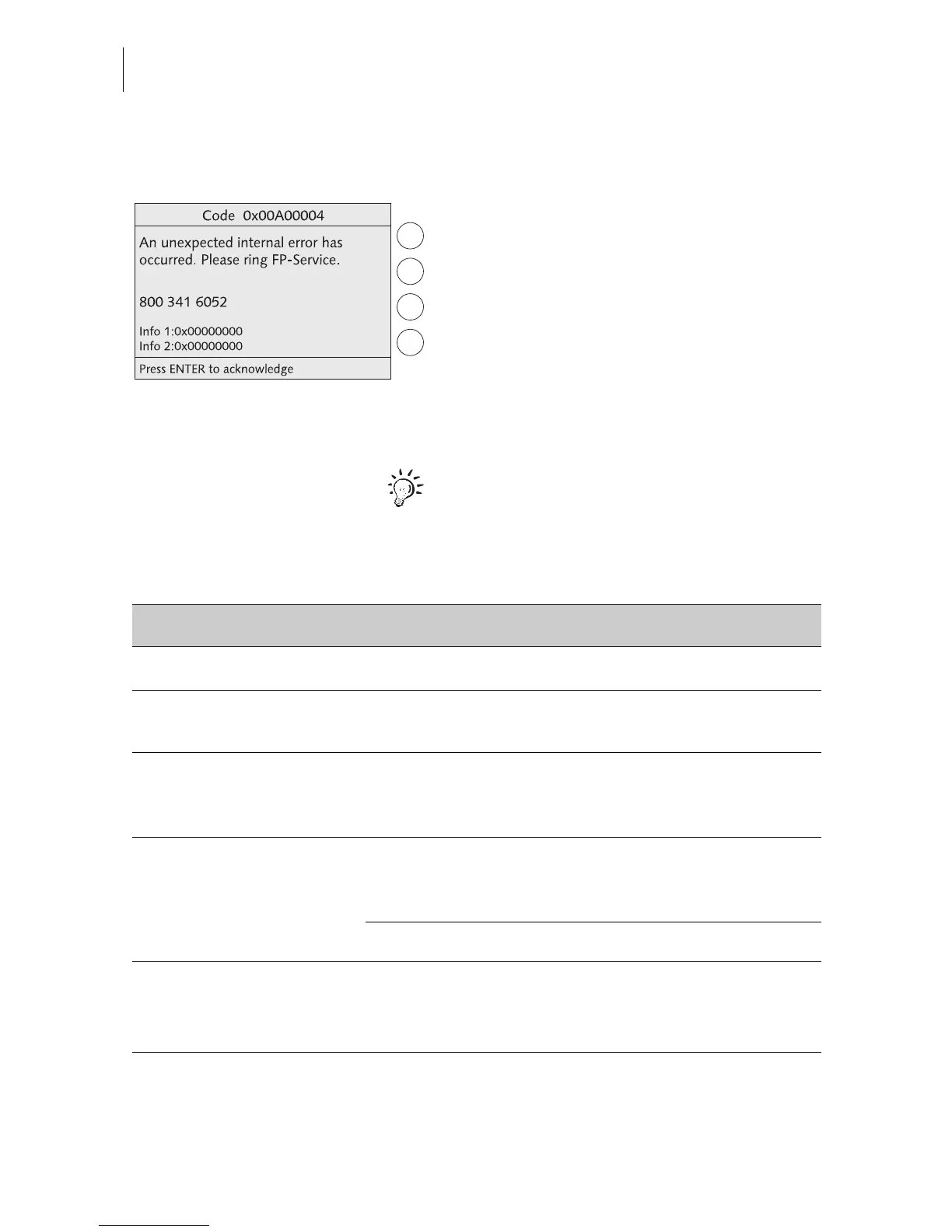
An error message appears on the display in
case of an error or handling error. An addi-
tional beep may also indicate an error (see
Chapter 13.7 on page 71).
Make sure to carefully read the error mes-
sage. You will be given hints on the error
cause and what you can do to remedy it.
You can correct many minor errors and
issues occurring during optimail 30 operation
yourself.
Please contact the after-sales service if you
cannot remedy an error by means of the dis-
play information and the hints given in the
present Operator Manual.
Problem Possible cause and remedy
…general errors
Blank display Check whether the power cable is plugged in correctly
and the power switch is turned on.
Functions are ‘missing’
in the display
Access to these functions is not possible with the
access card inserted.
Heed the access rights
(see pages 102 to 104)
.
optimail 30 fails to
recognize the chip card
Card is inserted incorrectly.
Remove the card and insert it in the card reader again
(chip facing the rear)!
Wrong card type inserted.
optimail 30 behaves
erratically or fails to react
Software issue.
Turn off the optimail 30. Wait at least one minute.
Turn the optimail 30 on again.



 To Next Page