optimail 30 Operator Manual
76
13.11 Setting the meter type
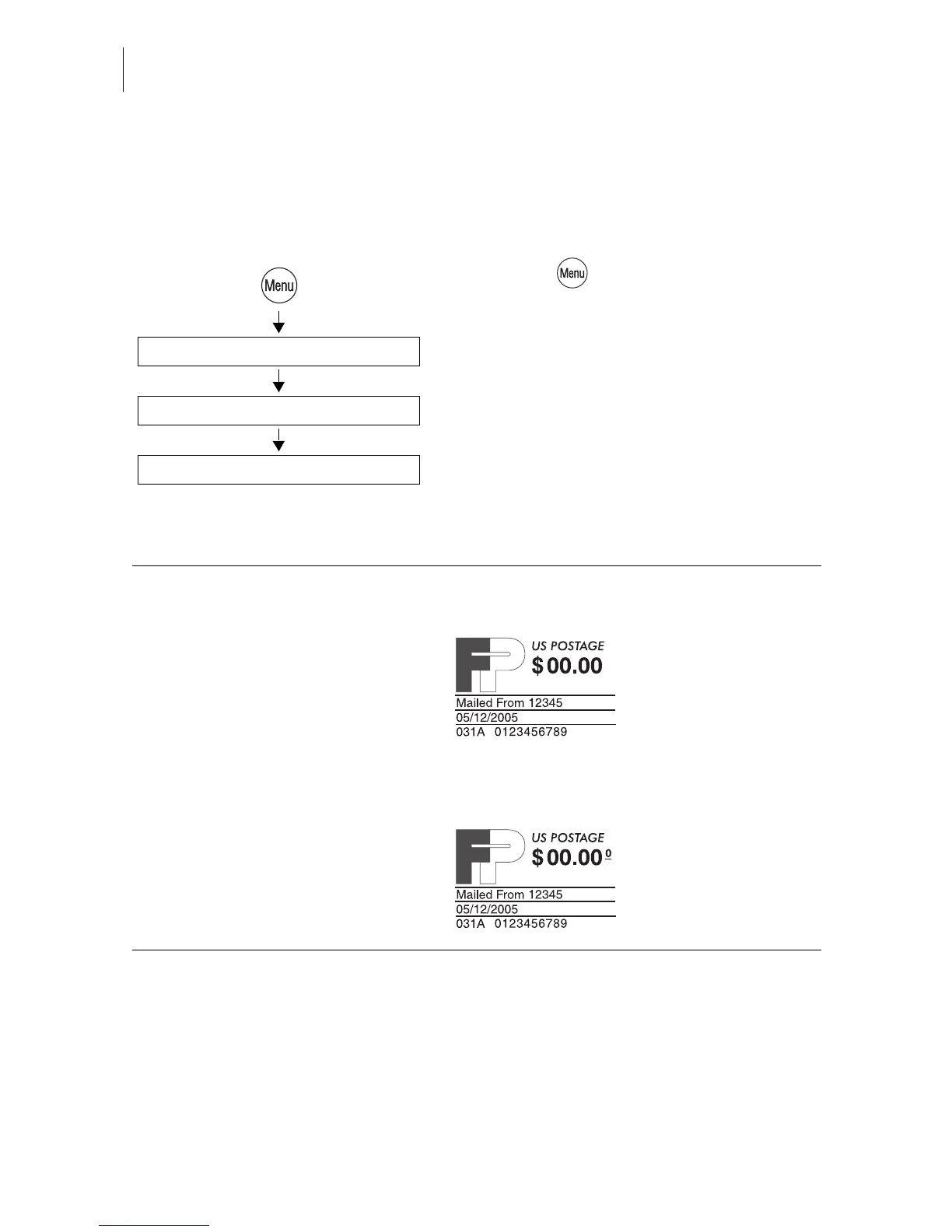
The ‘Meter type’ setting defines whether optimail 30 displays and prints the postage
in the $0.00 or the $0.000 format.
• Press the key.
• Select in the menu: METER TYPE.
• Select <0.00>/<0.000> to change the cur-
rent setting.
• SAVE the setting shown.
<0.00> / <0.000>
Save
Meter Type
Meter Type - possible settings and their meaning:
<0.00> Displays and prints the postage in integer
Cents.
<0.000> Displays and prints the postage in
tenths of Cents.



 To Next Page