optimail 30 Operator Manual
64
12 Imprint management
The optimail 30 offers a number of powerful management functions for managing
individual imprint elements. Among these are the assignment of custom names for
endorsements, graphical preview and printing of adverts as well as deleting of super-
fluous adverts and endorsements. You can load new adverts and endorsements from
chip cards.
The following chapters explain the functions in more detail.
12.1 Loading imprint data from cards
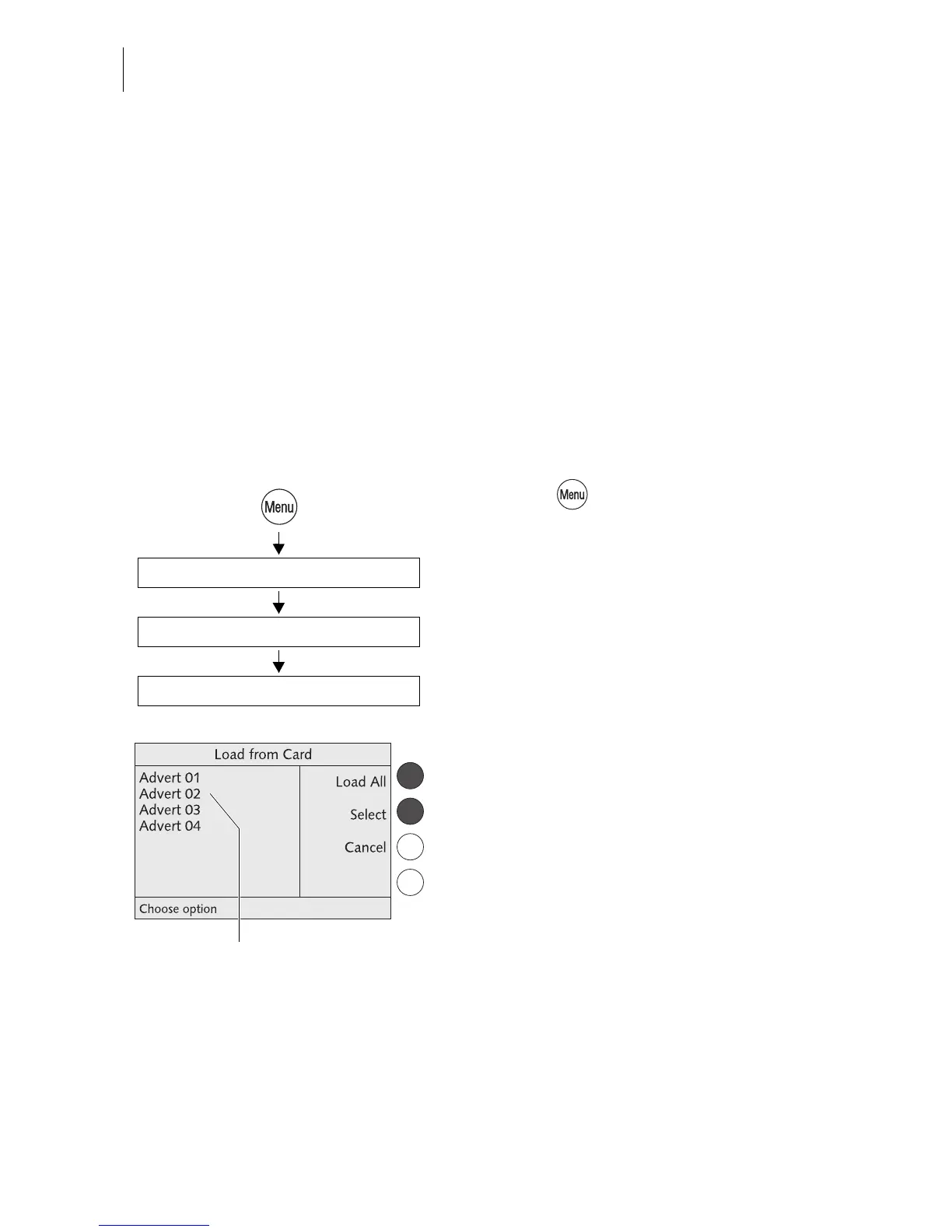
You can easily load imprint data (adverts, endorsements) from chip cards. Order the
card with desired imprints from Francotyp-Postalia.
• Press the key.
• Select in the menu:
LOAD FROM CHIP CARD.
• Remove the access card and insert the
card with imprint data.
The optimail 30 shows all imprint data saved
on the card.
• You can LOAD ALL or SELECT individual
imprints.
Insert a card
Load All / Select
Load from Chip Card
Imprint on the card (in the
example: adverts)



 To Next Page