optimail 30 Operator Manual
60
11.2 Assigning / blocking USER card(s) for an account
Each account (except MASTER account) can be assigned one or several USER
cards. The USER card allows access to the assigned account only. You can block
the USER card(s) in order to protect the optimail 30, e.g. when a card is lost.
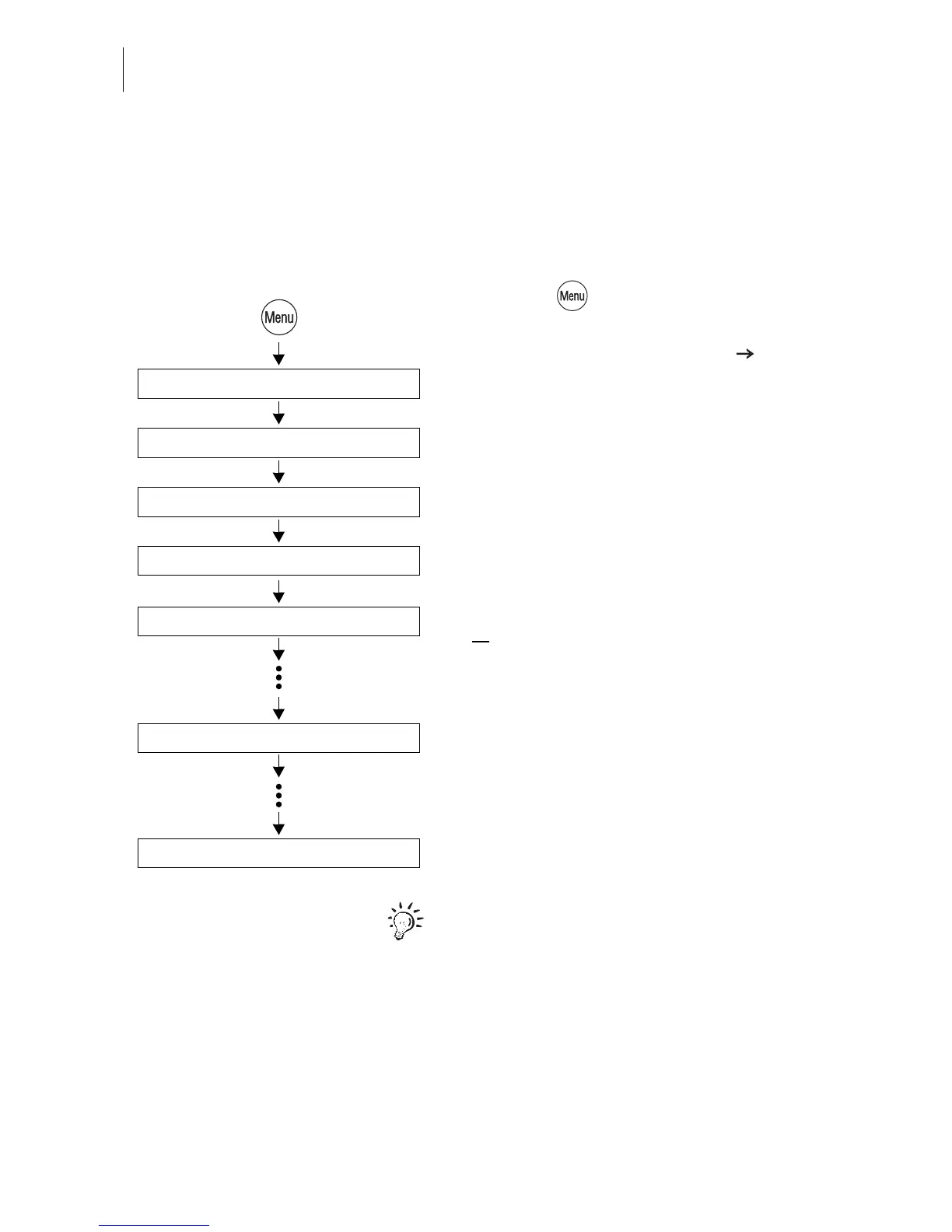
• Press the key.
• Select in the menu:
ACCOUNT ADMINISTRATION
DISPLAY / EDIT / NEW.
• Select the account for which a card is to be
programmed.
• Use CHANGE to open the procedure for
changing the account parameters.
• Press CONTINUE until the menu for card
assigning/blocking appears.
• Select NEW CARD to assign the account a
USER card
or
BLOCK CARD all USER cards for this
account.
• Follow the instructions on the display to
assign a USER card.
• Complete the procedure of changing
account parameters with SAVE.
You can overwrite no longer used or blocked
USER cards with a new account assignment.
New card / Block card
Select account for the USER card
Change
Display / Edit / New
Account administration
Continue
Save



 To Next Page