optimail 30 Operator Manual
12
3.2 Stand-by
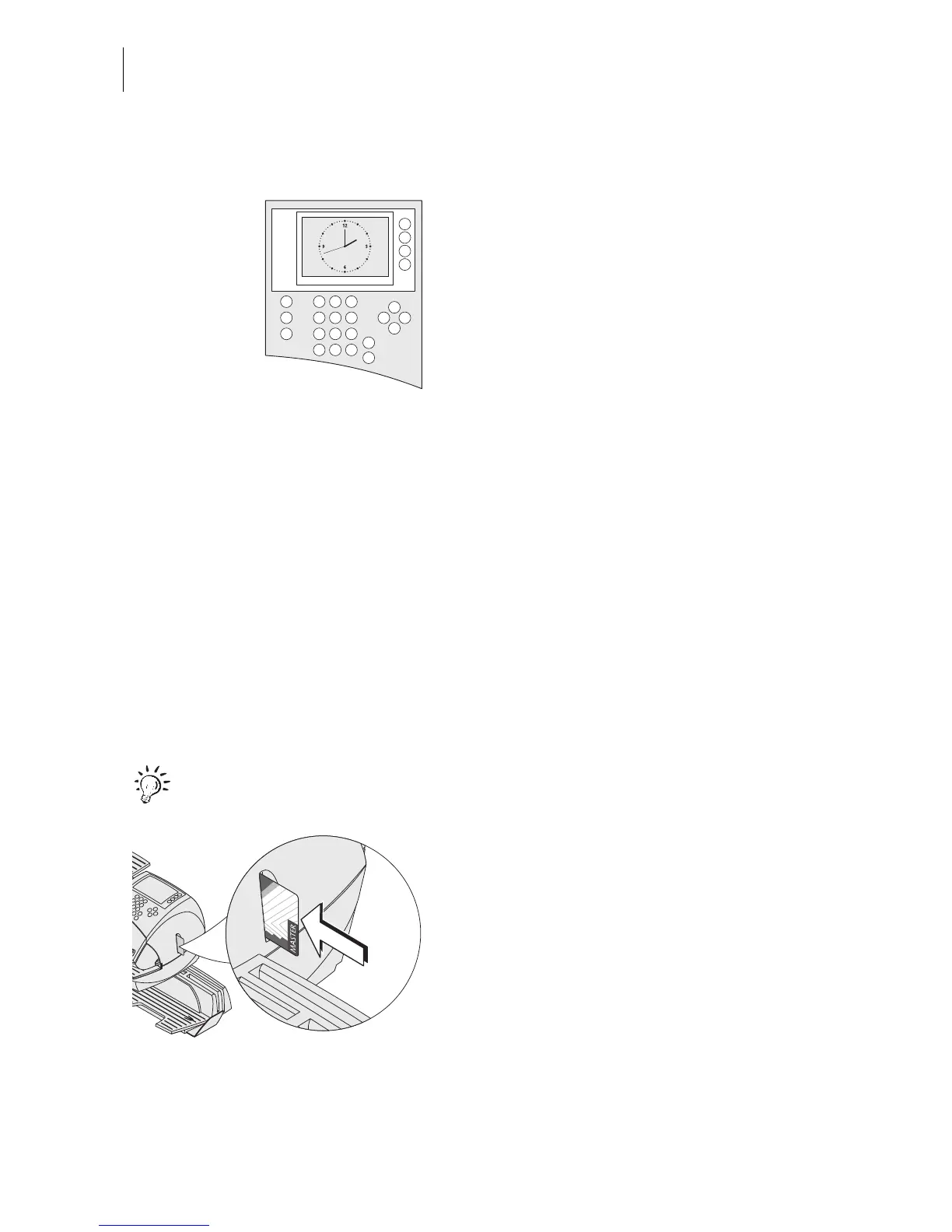
When in stand-by the optimail 30 displays a
clock. The display is dark.
The optimail 30 goes to stand-by if you do not
feed any letters or press any keys for some
time. You can reactivate the optimail 30 by
pressing any key.
Refer to Chapter 13.9 on page 74 on how to
set the stand-by period.
3.3 Access control – MASTER / USER
The MASTER and USER cards, commonly referred to as access cards, control the
access rights to the postage meter.
The card labeled MASTER allows access to all functions.
Cards labeled USER allows access to certain functions only.
– Billing metering to assigned accounts.
– Saving and editing memory items.
– Assigning an advert to the current account.
Access control with cards can also be disabled. Metering is then possible without
access card on all accounts.
For an overview of all access rights refer to page 102.
Inserting an access card
• Insert the access card in the card reader.
The chip on the card must face the rear.
• Push in the access card against a slight
resistance all the way to the stop. You can
feel the card snap in.
Removing an access card
• Simply pull the access card out of the card
reader.



 To Next Page