optimail 30 Operator Manual
54
8.4 Deleting memory items
You can overwrite superfluous memory items with a new assignment or delete them.
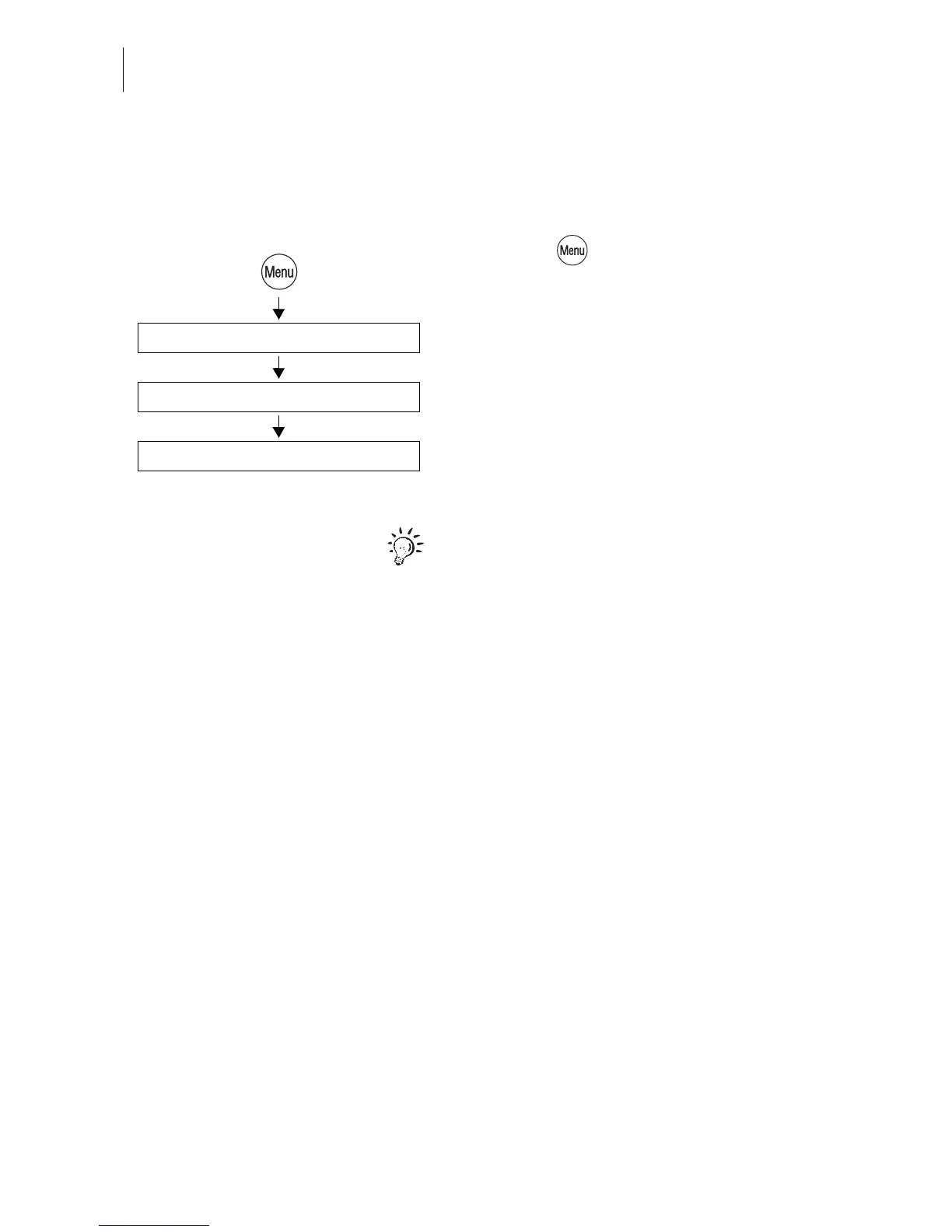
• Press the key.
• Select in the menu: MEMORIZED RATES.
• Select the memory you wish to delete.
• Press DELETE to delete the saved setting.
The memory list indicates “Not assigned”.
Saved postal rates for postage calculation:
The optimail 30 automatically deletes those
memory items that do not comply with the
new rate table as soon as the new table has
come into force. This is the case when United
States Postal Service has ceased to offer the
product saved in the memory item.
Select memory: 1 … 4 (9)
Delete
Memorized Rates



 To Next Page