Advanced settings & system information
83
13.14.4 Taring
The integrated scale is automatically tared if deviations from the zero point are
detected. This is indicated by a popup message.
You must tare the scale if you wish to weigh with a pre-load (e.g. when using an extra
scale pan).
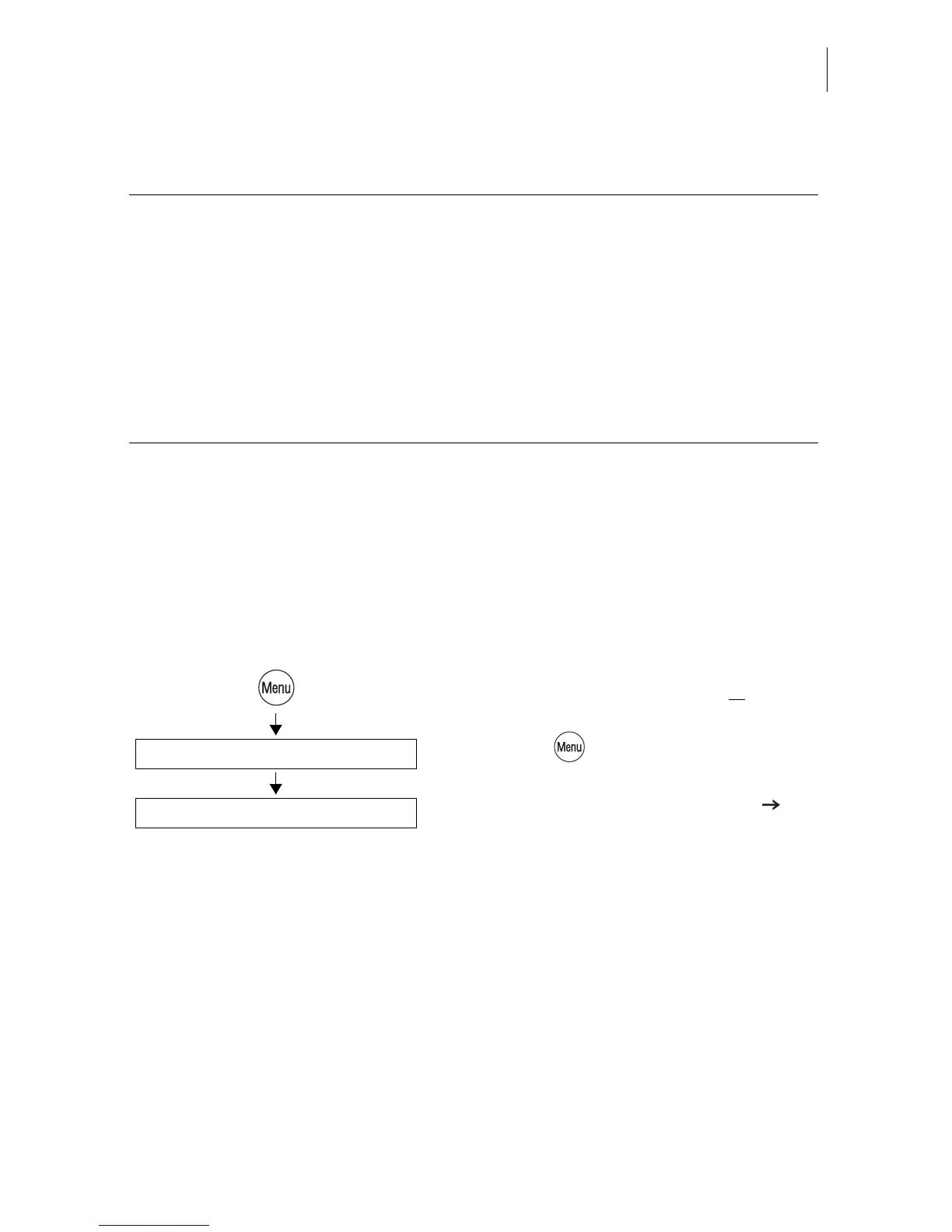
• Setting the desired initial state for the
scale: Remove load from scale
or
place
pre-load in position.
• Press the key.
• Select in the menu: SCALE AND
POSTAGE RATE MAINTENANCE
ZERO ADJUST.
A popup message indicating that the scale is
being tared appears in the display for some
seconds. The scale is tared as soon as the
message disappears.
Functions in the AUTOMATIC ENDORSEMENT SELECTION menu and
their meaning:
ON For postage calculation the optimail 30
selects an appropriate endorsement on the
basis of the selected postal rates and uses it
for metering.
OFF The optimail 30 does not automatically select
an endorsement. During metering the
optimail 30 prints the endorsement selected
in the home menu.
Zero Adjust
Scale and Postage Rate Maintenance



 To Next Page