optimail 30 Operator Manual
82
13.14.2 Deleting rate tables
Caution! You cannot select a rate table to be deleted. All rate tables saved
in the optimail 30 will be deleted.
Metering is impossible without valid rate table!
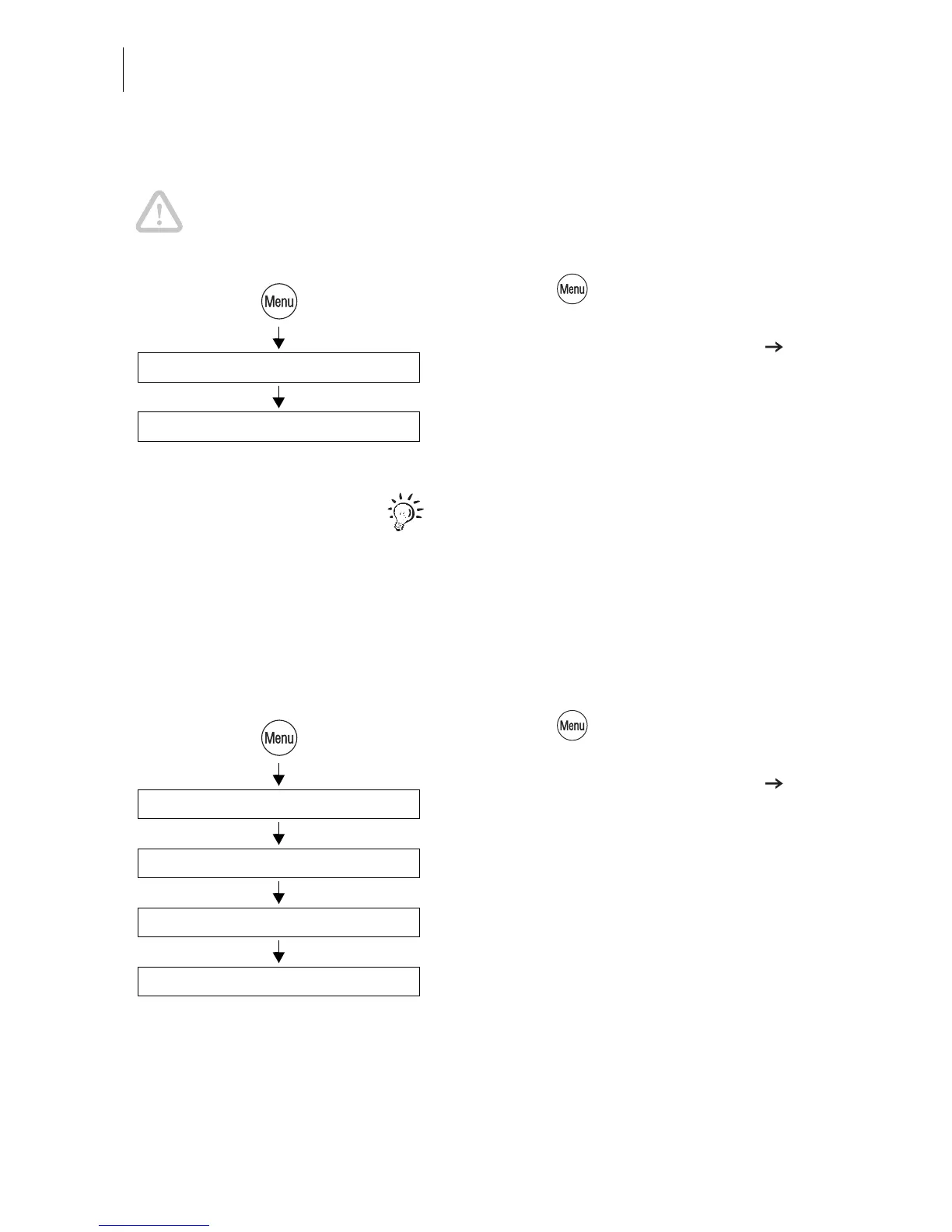
• Press the key.
• Select in the menu: SCALE AND
POSTAGE RATE MAINTENANCE
DELETE RATE TABLE.
• Confirm the security prompt with YES.
All rate tables saved in the optimail 30 will be
deleted after a security prompt.
Before you can meter again you must load a
rate table.
13.14.3 Turning automatic endorsement selection on/off
This parameter defines whether postage calculation is to control the endorsement
selection in the home menu.
• Press the key.
• Select in the menu: SCALE AND
POSTAGE RATE MAINTENANCE
AUTOMATIC ENDORSEMENT
SELECTION.
• Turn the automatic endorsement selection
ON or OFF.
• SAVE the setting shown.
Delete Rate Table
Scale and Postage Rate Maintenance
Automatic Endorsement Selection
Automatic On / Off /
Scale and Postage Rate Maintenance
Save



 To Next Page