optimail 30 Operator Manual
72
13.8 Clock
The optimail 30 features a battery-backed system clock adjusted at the factory. It is
rarely necessary to correct the time. The optimail 30 automatically corrects the time
when summer time starts and ends. You can disable this automatic function and man-
ually correct the time for summer time.
Use the ‘Time Zone’ function to set the applicable local time.
The FP after-sales service is responsible for making changes to the basic setting and
for correcting larger time offsets.
13.8.1 Correcting the time
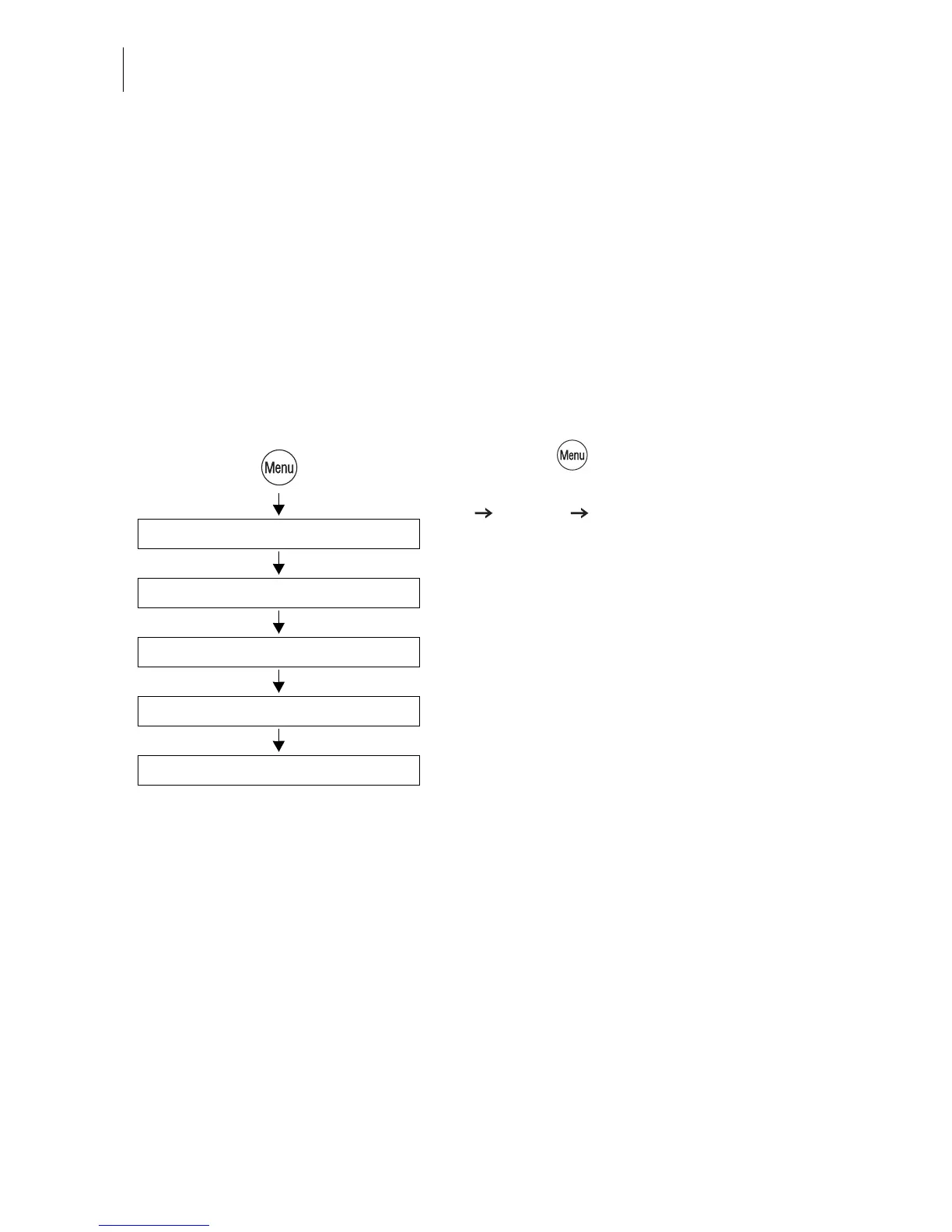
• Press the key.
• Select in the menu: SYSTEM SETTINGS
CLOCK CALIBRATE CLOCK.
You will see the current time and the set
correction.
• Use +2 SECONDS / -2 SECONDS to cor-
rect the time.
You can set the system clock early or late by
up to 5 minutes.
• SAVE the setting shown.
Clock
Calibrate clock
System Settings
+2 Seconds / -2 Seconds
Save



 To Next Page