The basics of operation
13
3.4 The user interface
This chapter covers the optimail 30 user interface. You will be introduced to the menu
and window types, the used symbols, the modes of operation and how the present
manual presents menu/operating sequences.
3.4.1 Key functions
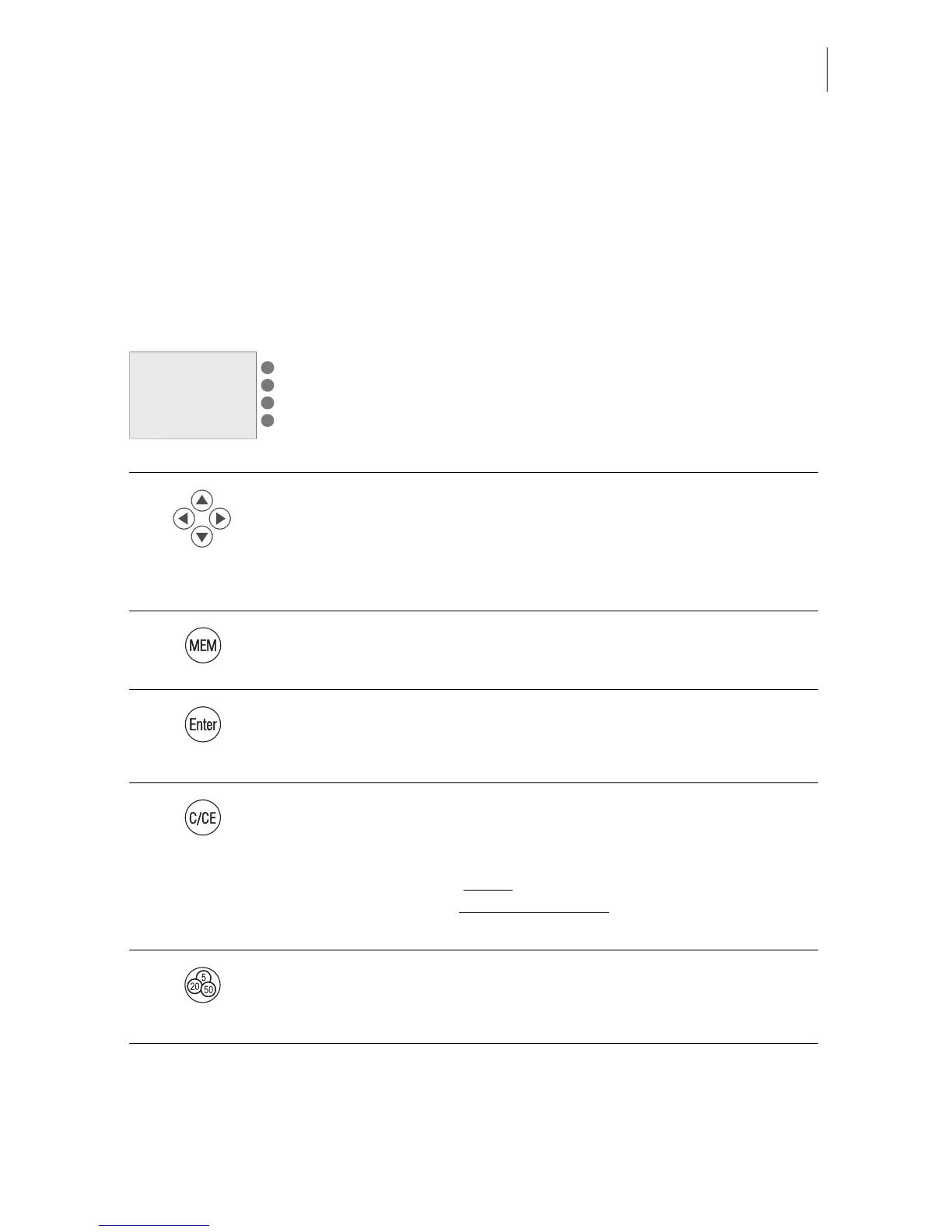
Multifunction keys
The keys to the right of the display are multifunction keys (also
called soft keys). These keys are assigned different functions.
Display text and symbols indicate the currently assigned func-
tion.
Arrow keys
– For scrolling in menus, lists…
– For cursor movement (e.g. when typing text).
– For increasing/decreasing values (when changing selected
system parameters).
Memory
Displays saved products and selects them for metering.
Enter key
– Confirm input.
– Acknowledge messages.
Clear
Special function when selecting postal rates in the postage
calculation menu:
– Pressing the key briefly
clears one item each.
– Keeping the key pressed for longer
(approx. 2 seconds)
clears all selected postal rates.
Opens the TELESET menu for:
– Loading postage.
– Calling up register values.



 To Next Page