Setting the meter imprint
25
4.2 Endorsement
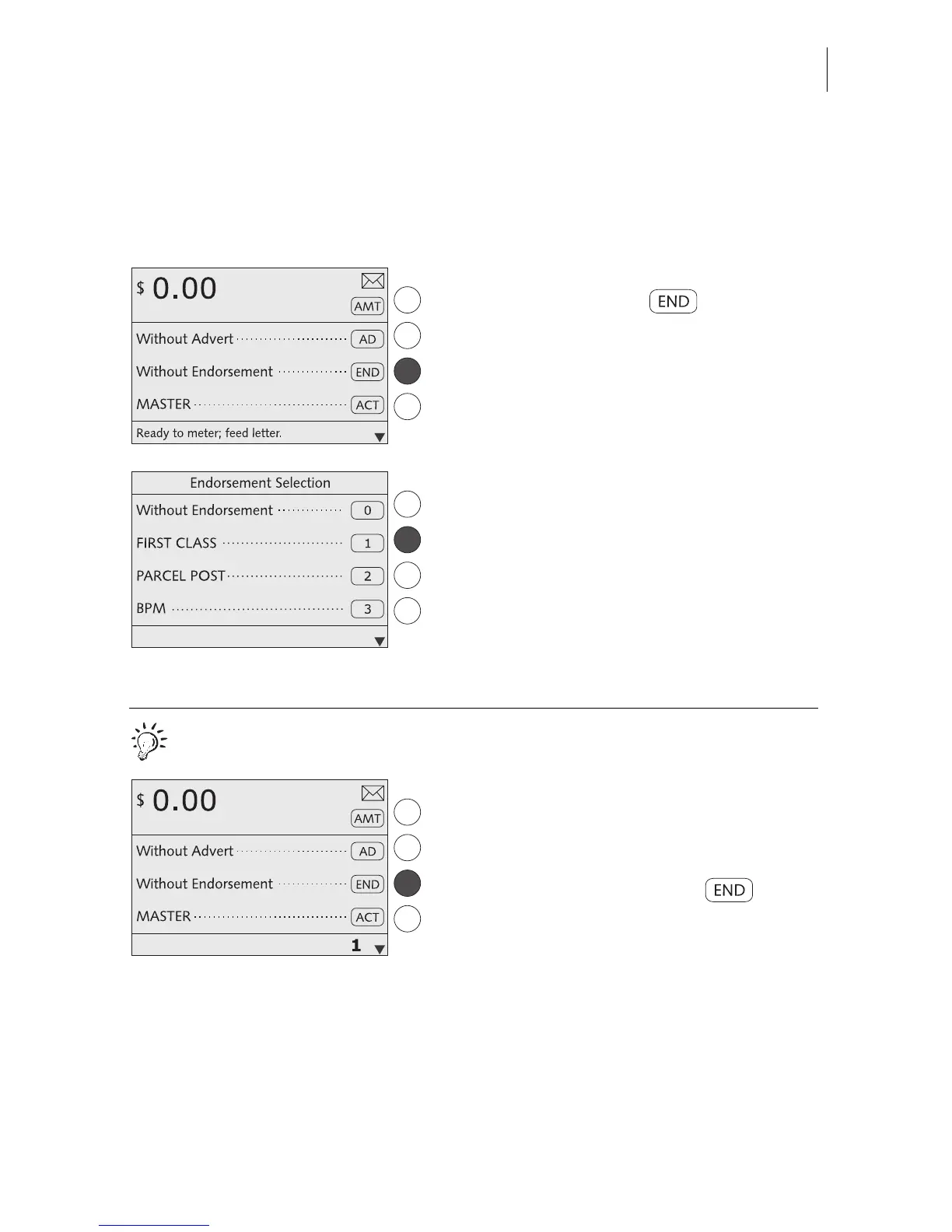
You can mark special mail types with an appropriate endorsement (e.g. First Class,
Priority, Media Mail).
In the home menu:
• Press the key next to .
You see a list with all available endorse-
ments.
• Select the desired endorsement. In the
example it is “First Class” (endorsement
No. 1).
The optimail 30 returns to the home menu.
The endorsement is set.
Quick results for the advanced user.
In the home menu:
• Type the desired endorsement number.
The number is displayed in the status bar.
• Confirm with the key next to .



 To Next Page