optimail 30 Operator Manual
24
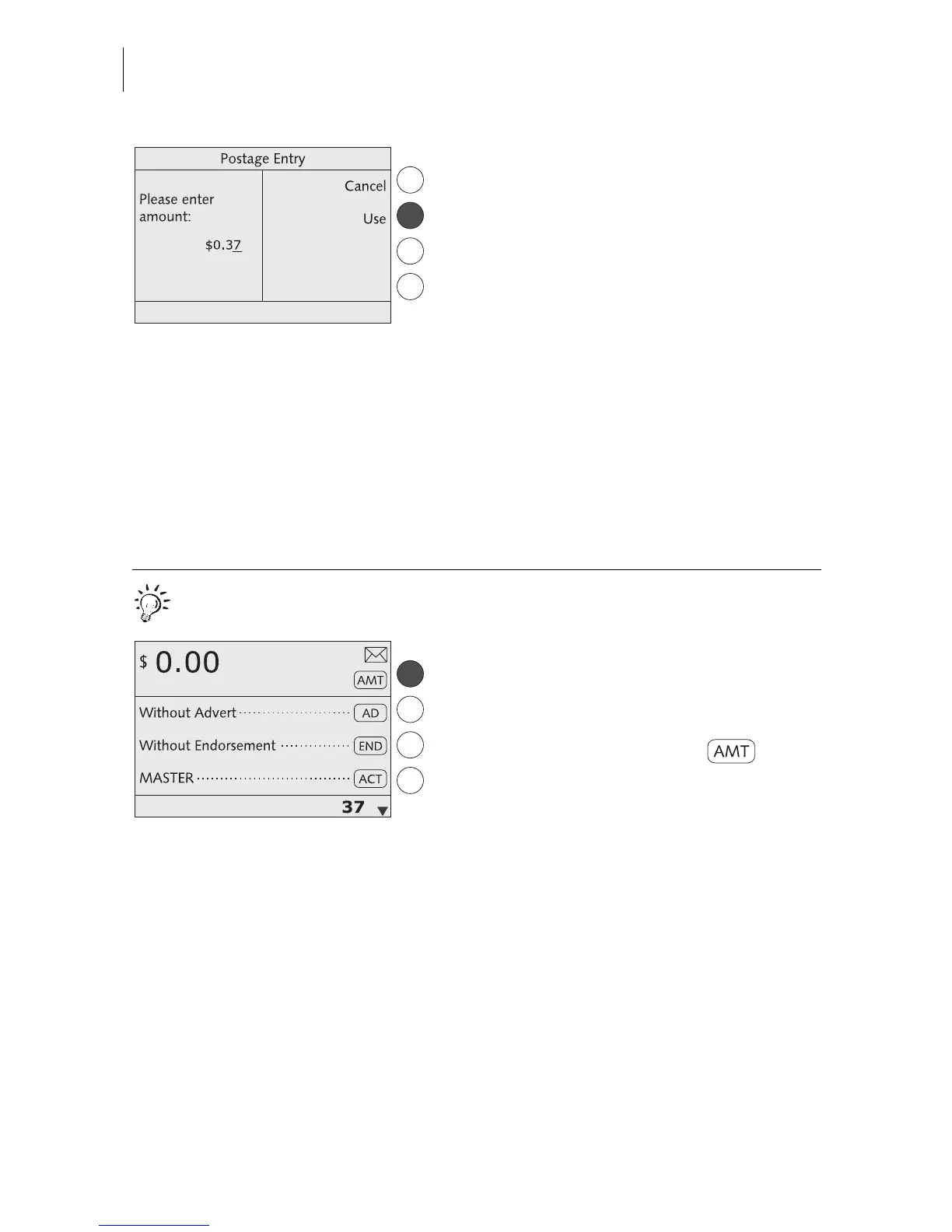
• Type the desired postage value.
• Press USE to set the postage value.
The optimail 30 returns to the home menu.
The postage value is set.
High postage
The optimail 30 issues a warning if you set
too high a postage. The optimail 30 thus
helps you to prevent overmetering and loss
of postage. You can edit the limit for this
monitoring function in the SYSTEM SET-
TINGS menu (see Chapter 13.3 on page 68).
Quick results for the advanced user.
In the home menu:
• Type the desired postage value.
The postage is displayed in the status bar.
• Confirm with the key next to .



 To Next Page