optimail 30 Operator Manual
52
8.2 Saving memory items
As memory you always save the current settings in the home menu, i.e. the postage
and the endorsement
or
postal rates for postage calculation
(optimail 30 with integrated
scale only)
. Please refer to Chapter 4 on how to set the postage and the endorsement.
Please refer to Chapter 6 for more information on ‘postal rates’.
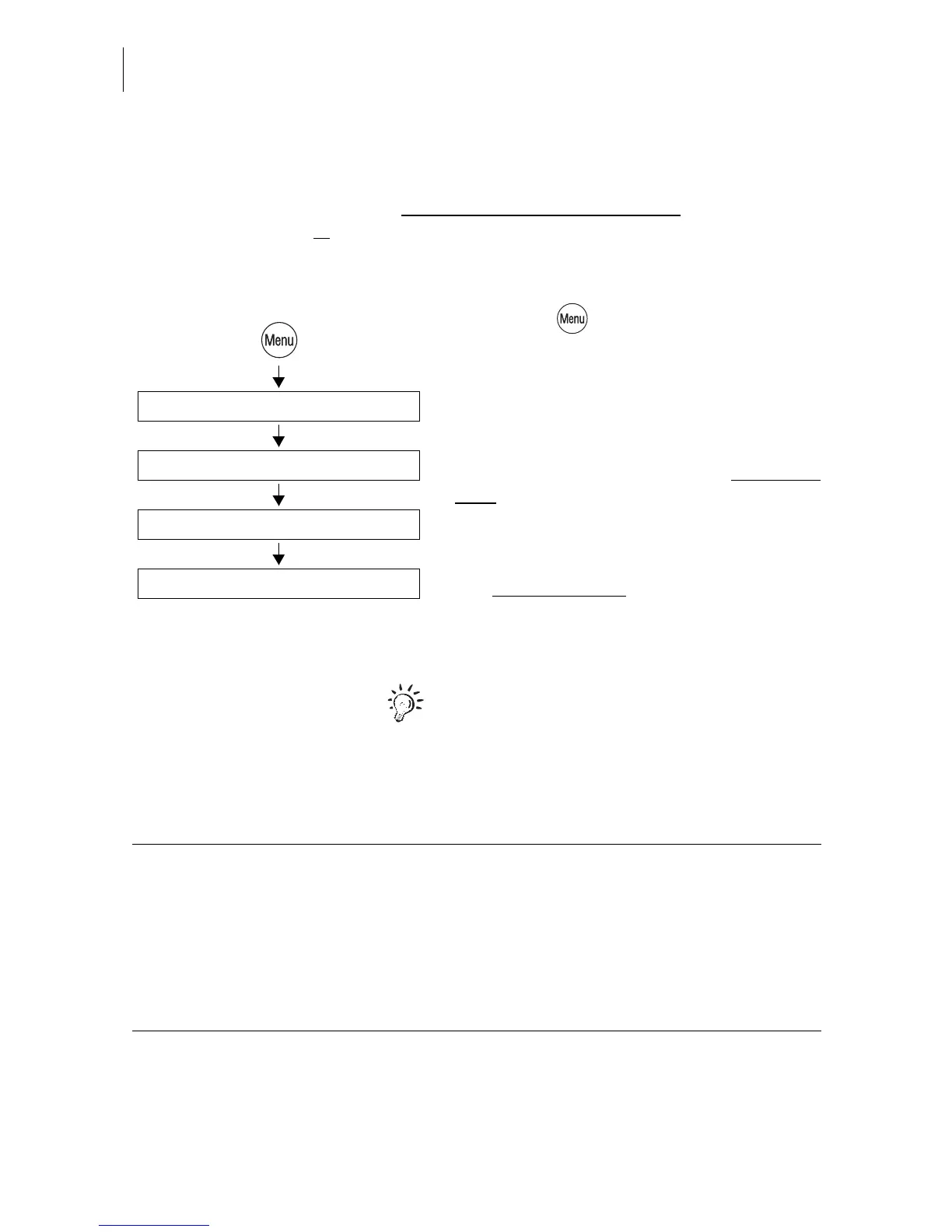
• Press the key.
• Select in the menu: MEMORIZED RATES.
• Select the memory number under which
you wish to save the settings.
The optimail 30 opens the Memorized Rates
menu. The display left shows the old assign-
ment.
• Press NEW to adopt the current setting in
the home menu.
The new assignment
is shown.
• Press SAVE to save the current assign-
ment as memory item.
Memory 1
The optimail 30 uses the settings saved
under Memory 1 as power-on default.
Select memory: 1 … 4 (9)
New
Memorized Rates
Save
Functions in the NEW MEMORIZED RATE menu and their meanings
(optimail 30 with scale only):
LESS WEIGHT Sets the displayed weight to “0lb 0.0 oz”.
Saving writes the postal rates and the
“0lb 0.0 oz” weight to a memory item.
You must weigh your mail piece each time
you call up such a memory item.
INC WEIGHT Indicates the current weight again.



 To Next Page