optimail 30 Operator Manual
26
4.3 Advert
You can print an advert of your choice on your mail. The optimail 30 offers the
following options for advert printing:
– The postage meter can hold a maximum of 6 different adverts. The saved adverts
are available to all users.
– Advert on USER card. On request Francotyp-Postalia will supply USER cards with
an advert of your choice. The advert is read from the card as soon as the card is
inserted.
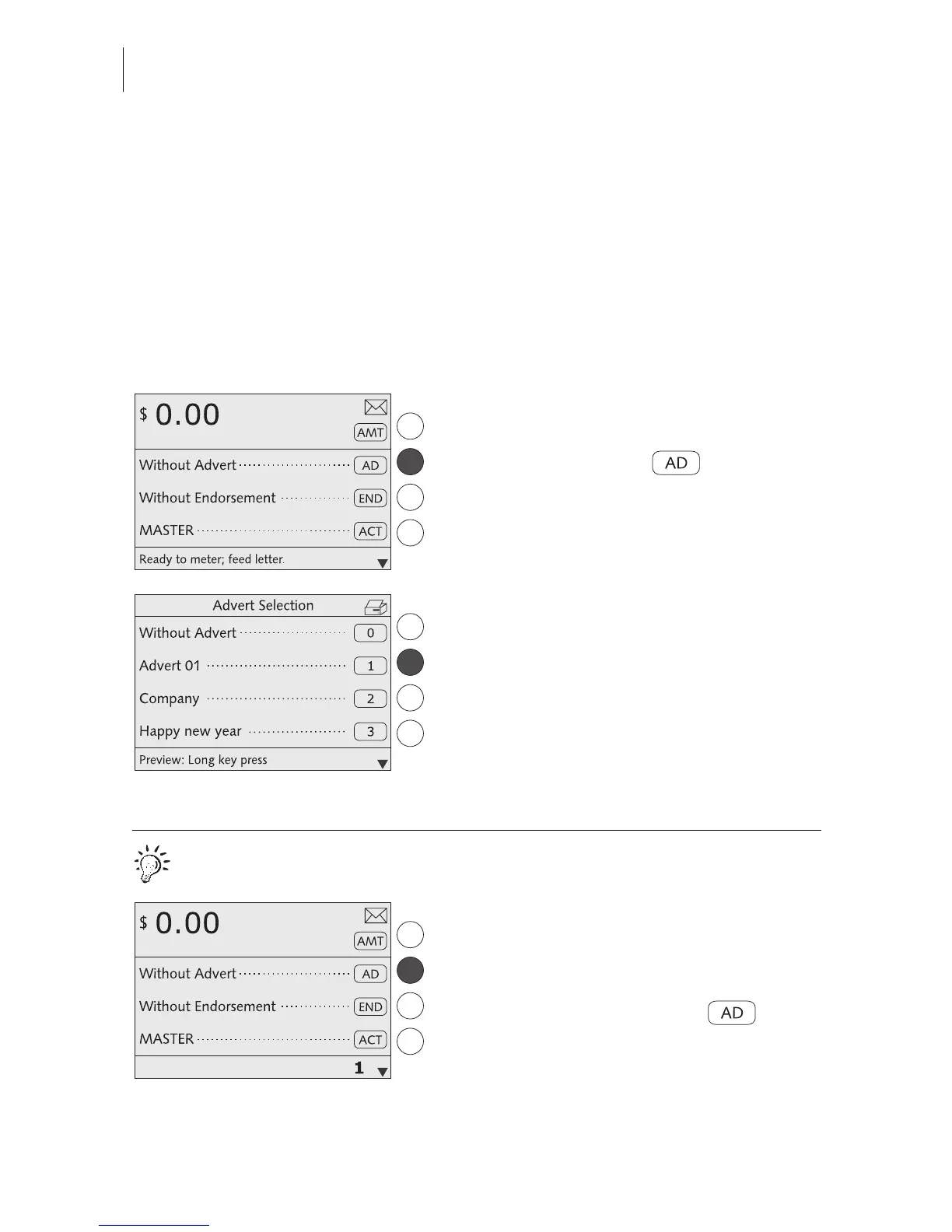
Setting the advert
In the home menu:
• Press the key next to .
You see a list with all available adverts.
• Select the desired advert. In the example it
is “Advert 01”.
The optimail 30 returns to the home menu.
The advert is set.
Quick results for the advanced user.
In the home menu:
• Type the desired advert number.
The number is displayed in the status bar.
• Confirm with the key next to .



 To Next Page