optimail 30 Operator Manual
20
3.4.7 Adjustment menus
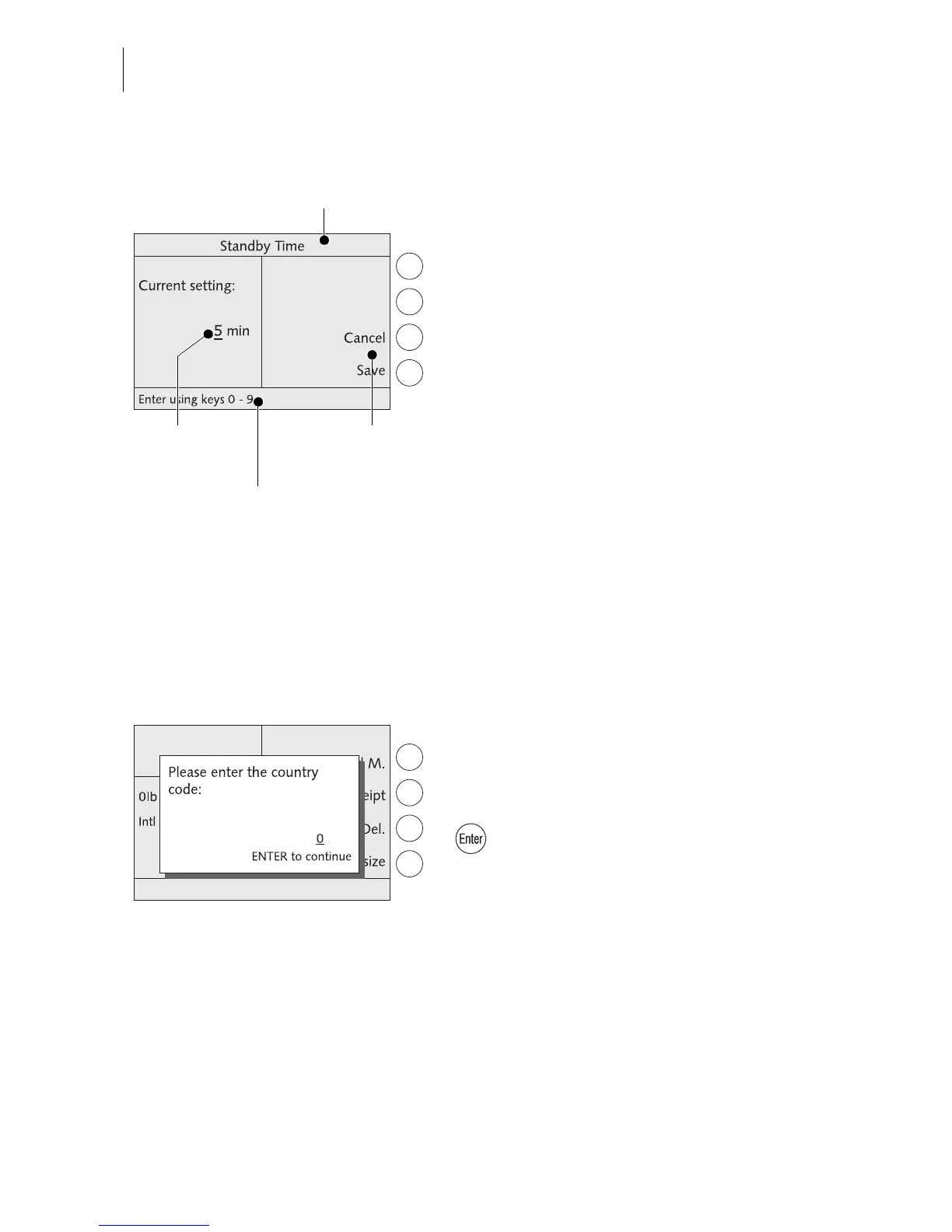
The optimail 30 opens a separate menu each
for editing system parameters and for typing,
editing, clearing user-specific data.
Structure and function of these menus are
similar. On the display left the optimail 30
shows the current setting. To the right you
see other settings and functions you can
select with the multifunction keys.
A cursor, the flashing underscore
_ indicates
a box where you can type text or numbers.
The caption displays the menu’s title. A sym-
bol in the caption can indicate a certain oper-
ating state.
The status bar informs of special features
and gives additional hints.
Adjustment menus can also comprise graph-
ical elements for visualization.
3.4.8 Popup windows
A popup window prompting for input opens
for some settings. Messages also appear as
a popup.
Confirm messages and popup input with the
key.
Some popup messages feature auto-confir-
mation, i.e. they automatically close after
some time.
Status bar



 To Next Page