optimail 30 Operator Manual
62
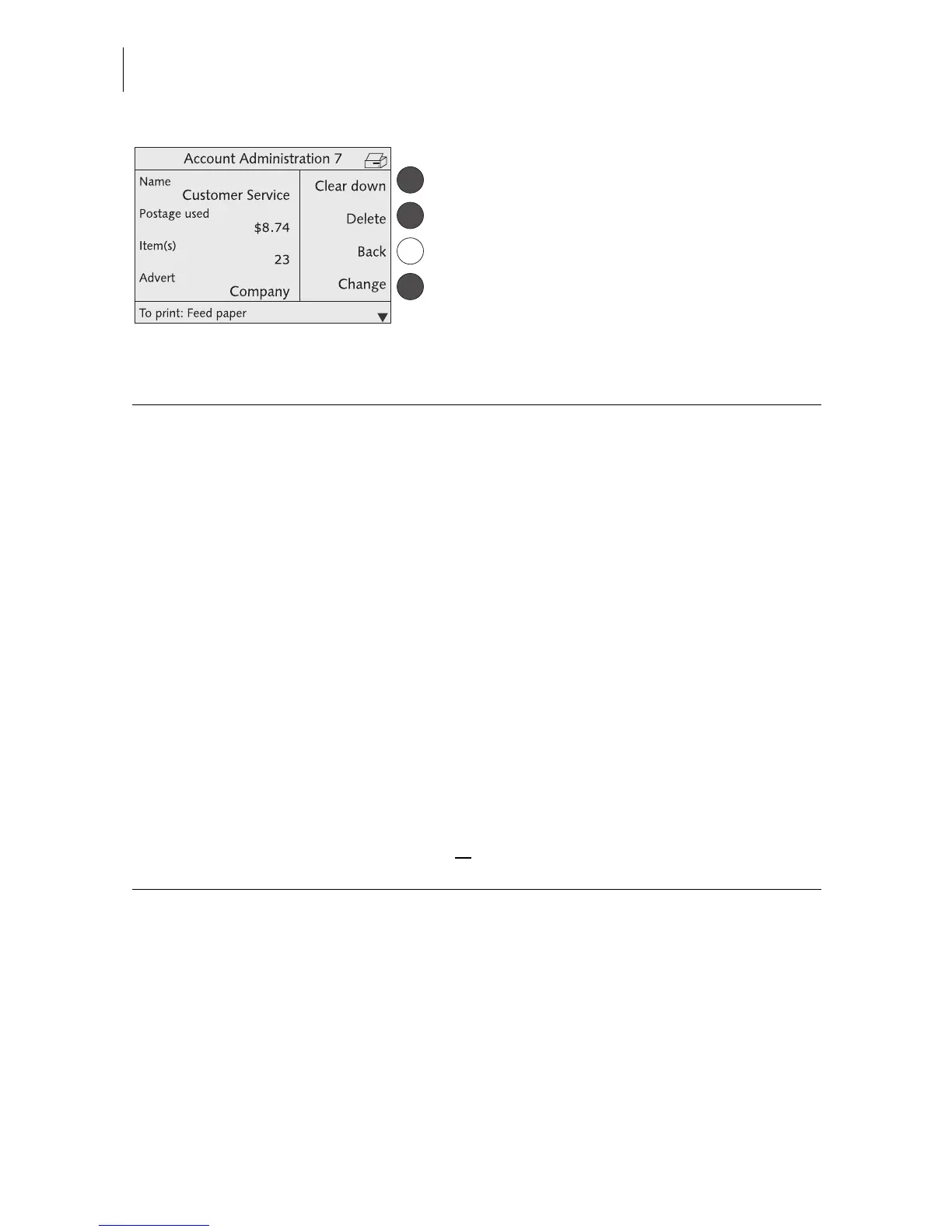
• You can CHANGE, CLEAR DOWN or
DELETE the account shown.
Functions in the ACCOUNT ADMINISTRATION menu and their meaning:
CLEAR DOWN Clears down all incurred postage data
(Postage used) and the number of meter
imprints performed (Items) for the account
shown.
DELETE Deletes the account shown, including all
account data.
CHANGE Opens the procedure for changing the
account parameters (name, default
advert…).
The optimail 30 successively displays the
parameters you are authorized to change.
You can keep or change the current parame-
ters.
Press CONTINUE to save the displayed
parameters.
When the procedure is finished, select SAVE
or
CANCEL to either save or discard all
changes.



 To Next Page