Setting the meter imprint
29
Metering without date
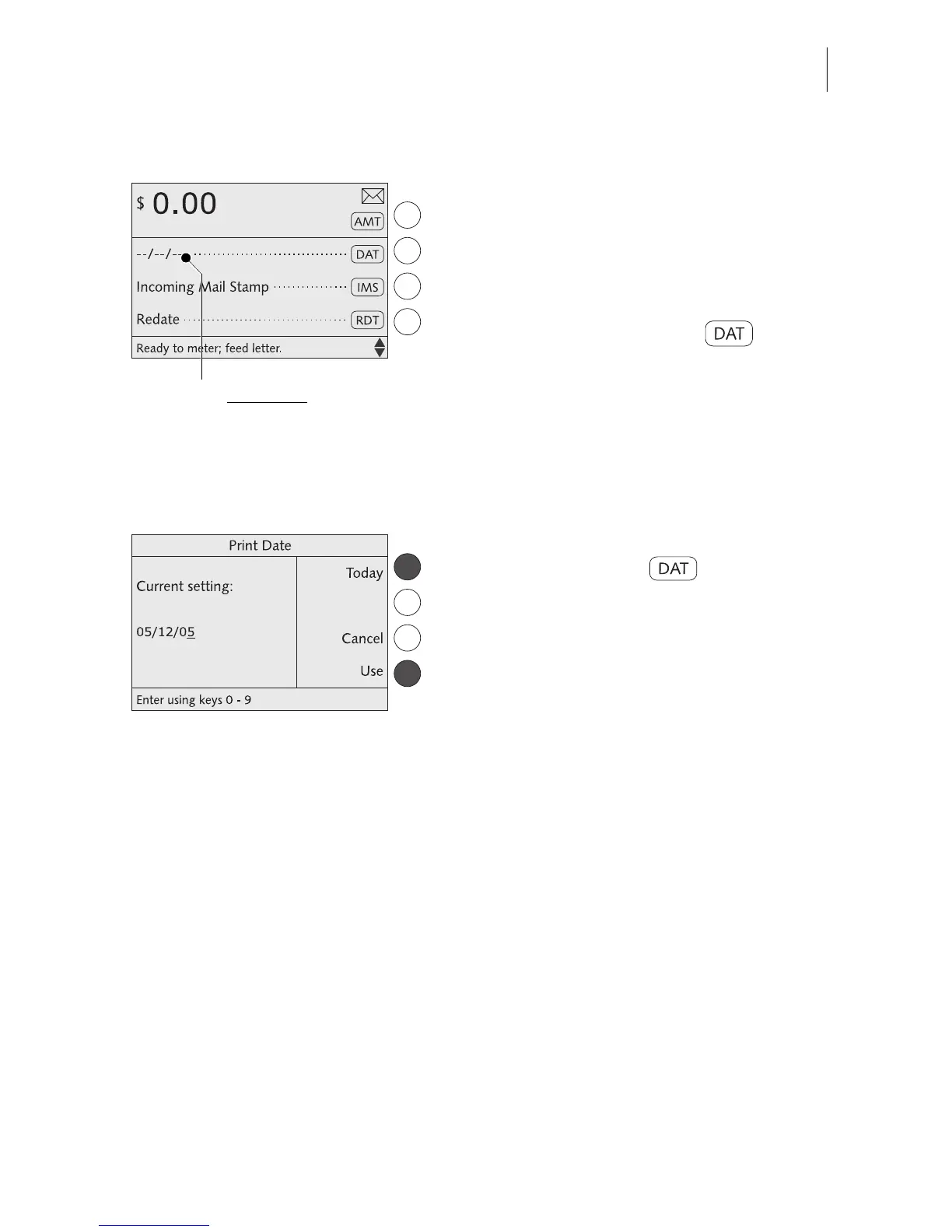
The optimail 30 can omit the date in the
meter imprint. Please heed the U.S. Postal
Service regulations.
In the home menu:
• Type “000000” as the date.
• Confirm with the key next to .
The home menu indicates “– – / – – / – –”
instead of the date. No date appears in the
meter imprint.
Resetting the metering date to the
current date
In the home menu:
• Press the key next to .
• Press TODAY to set the current date.
• Press USE to set the date.
The optimail 30 returns to the home menu.
The current date is set for metering.
Metering without date



 To Next Page