optimail 30 Operator Manual
34
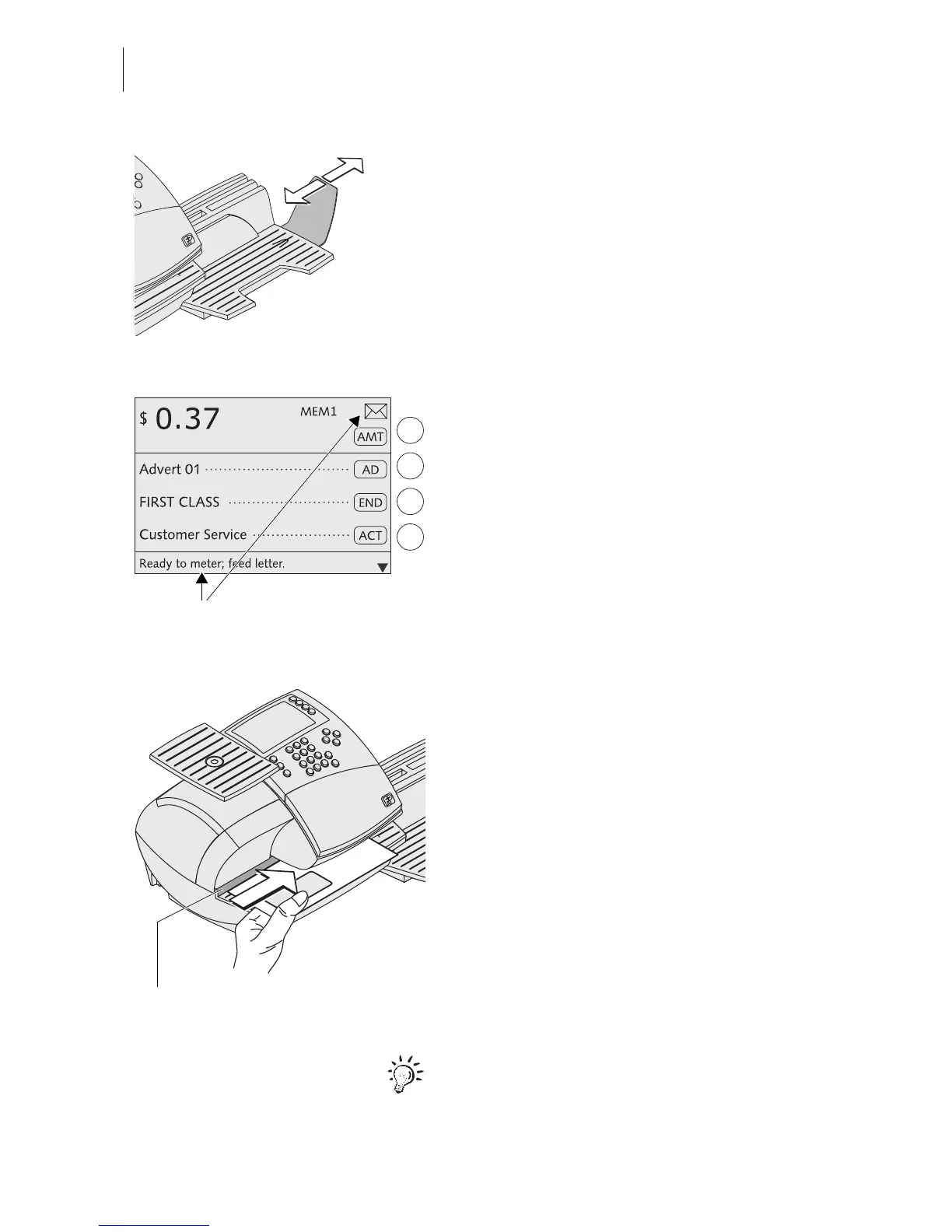
The catch tray can be adapted to different
envelope sizes by displacing the stop.
The stop features four catches for the most
common sizes.
Metering…
You can start metering if the optimail 30 is
ready for metering (letter symbol in the top
right corner and appropriate information in
the status bar).
Positioning a letter/postcard
• Place the letter on the letter receiving tray:
– side to be printed face up (address field
is visible)
– the top edge must touch the letter guide.
• Push the letter in direction of the arrow until
the letter sensor detects the letter.
A roller pushes the sheet against ribbon and
print head and printing starts as soon as the
optimail 30 detects the letter.
The illustration shows the approximate posi-
tion where the optimail 30 starts feeding the
letter.
The imprinted letter is ejected to the right.
Refer to Chapter 7.5 on page 47 on how to
simultaneously moisten and meter letters.
Ready to meter display
Letter guide



 To Next Page