Postage calculation
37
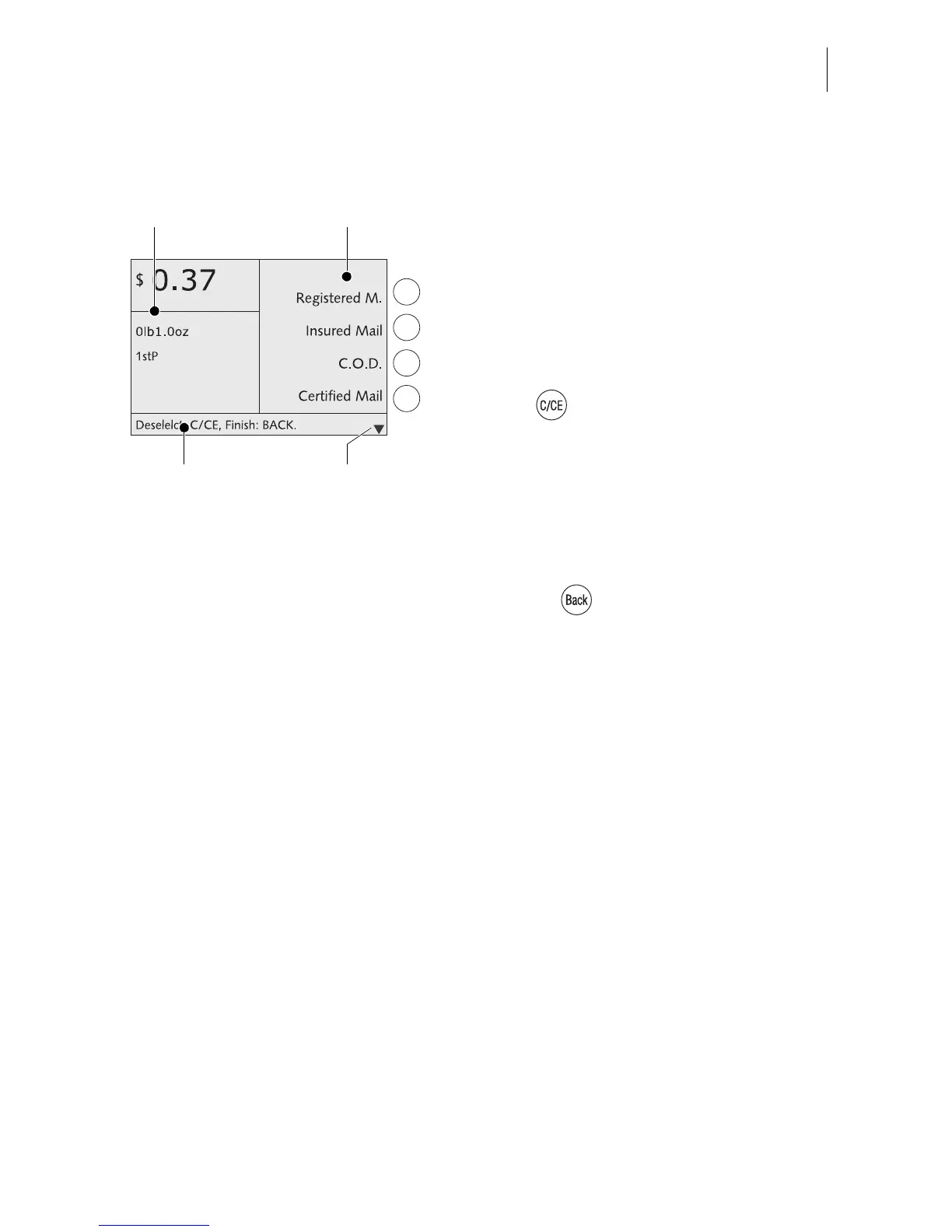
Selecting postal rates
Selectable postal rates are shown in the dis-
play right.
You can scroll the list with the arrow keys if
more than four memory items are available.
Use the multifunction keys to select the
postal rates.
Deselecting postal rates
Press the key to clear (deselect)
selected postal rates from the display area.
– To clear separately: Press key briefly.
– To clear all: Keep the key pressed for
approx. 2 seconds.
Changing to the home menu
Pressing the key returns you to the
home menu.
The optimail 30 saves the current settings to
the home menu when the postage calculation
menu is left.
Menu area
for postal rates
Display area for the
current setting
Status bar
Other postal rates:
scroll with arrow keys



 To Next Page