Postage calculation
39
Selecting special services
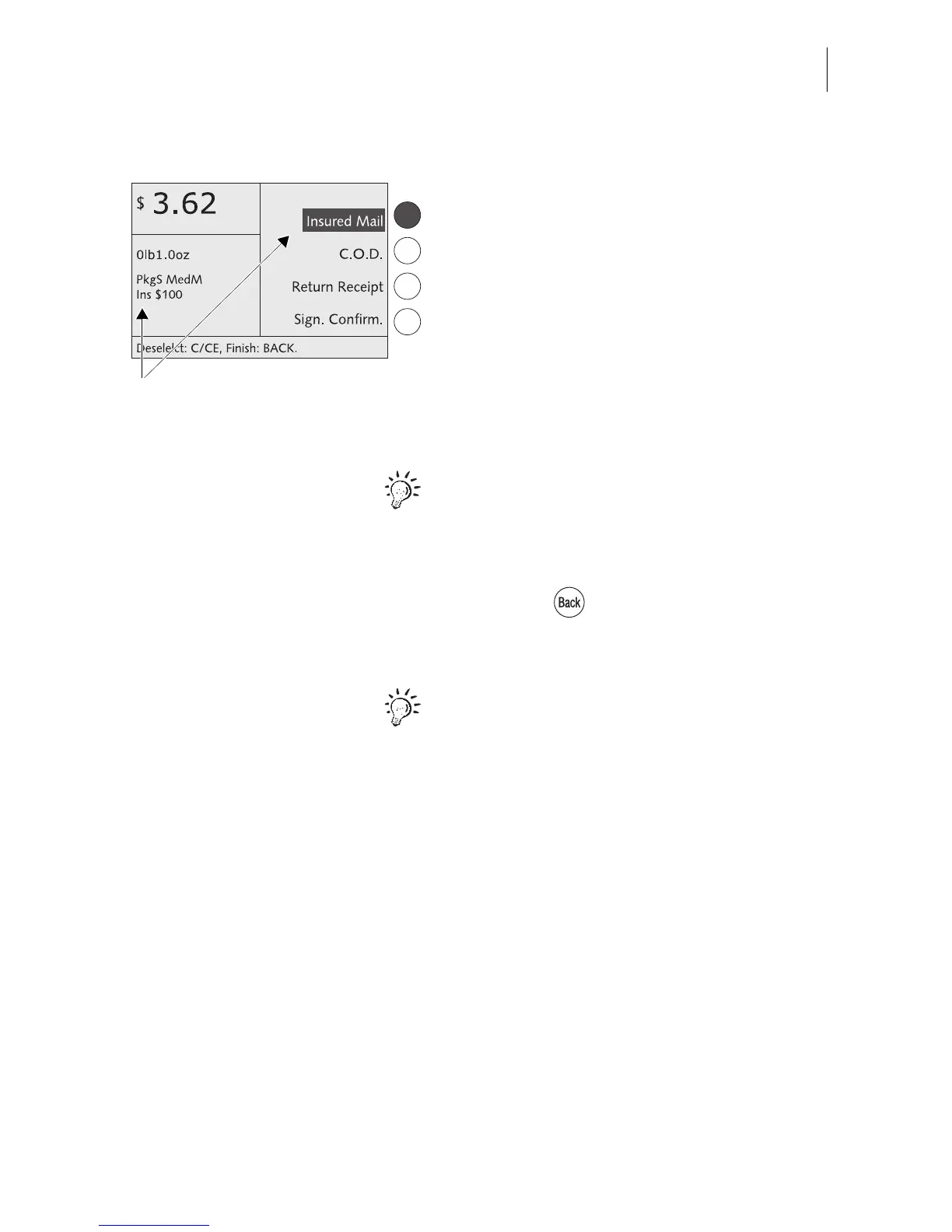
• Select the desired special service by
pressing the appropriate multifunction key.
This is INSURED MAIL in the example.
You can select several special service items.
The optimail 30 supports you in observing
postal regulations and does not permit any
illegal combinations.
All selected special services are shown in the
display area (display left).
The selected special services are also
inverted in the display area (display right).
You can press the appropriate multifunction
key to deselect a special service.
When the desired postal rates are set:
• Press the key to return to the home
menu.
You can save frequently used mail settings
as memory items and directly access these in
the home menu. Refer to Chapter 8 on how
to use the optimail 30 memory function.
Selected special service



 To Next Page