The LEDs turn on or blink to indicate the statuses that are listed below.
Table 25
Status and Meaning of Each LED (Power Supply Unit [Controller Enclosure for the ETERNUS DX60
S5/DX100 S5/DX200 S5])
LED name LED status Meaning
POWER
(green)
Power is supplied to the power supply unit.
(blinks green)
Power is supplied to the power supply unit, but DC power is not
supplied to the ETERNUS DX.
FAULT
(amber)
Power is not supplied to the power supply unit.
AC MISSING
(amber)
Power is not supplied to this power supply unit, but AC power is
supplied to the other power supply unit.
FAN FAIL
(amber)
The power supply unit or the fan in the power supply unit is in error
status.
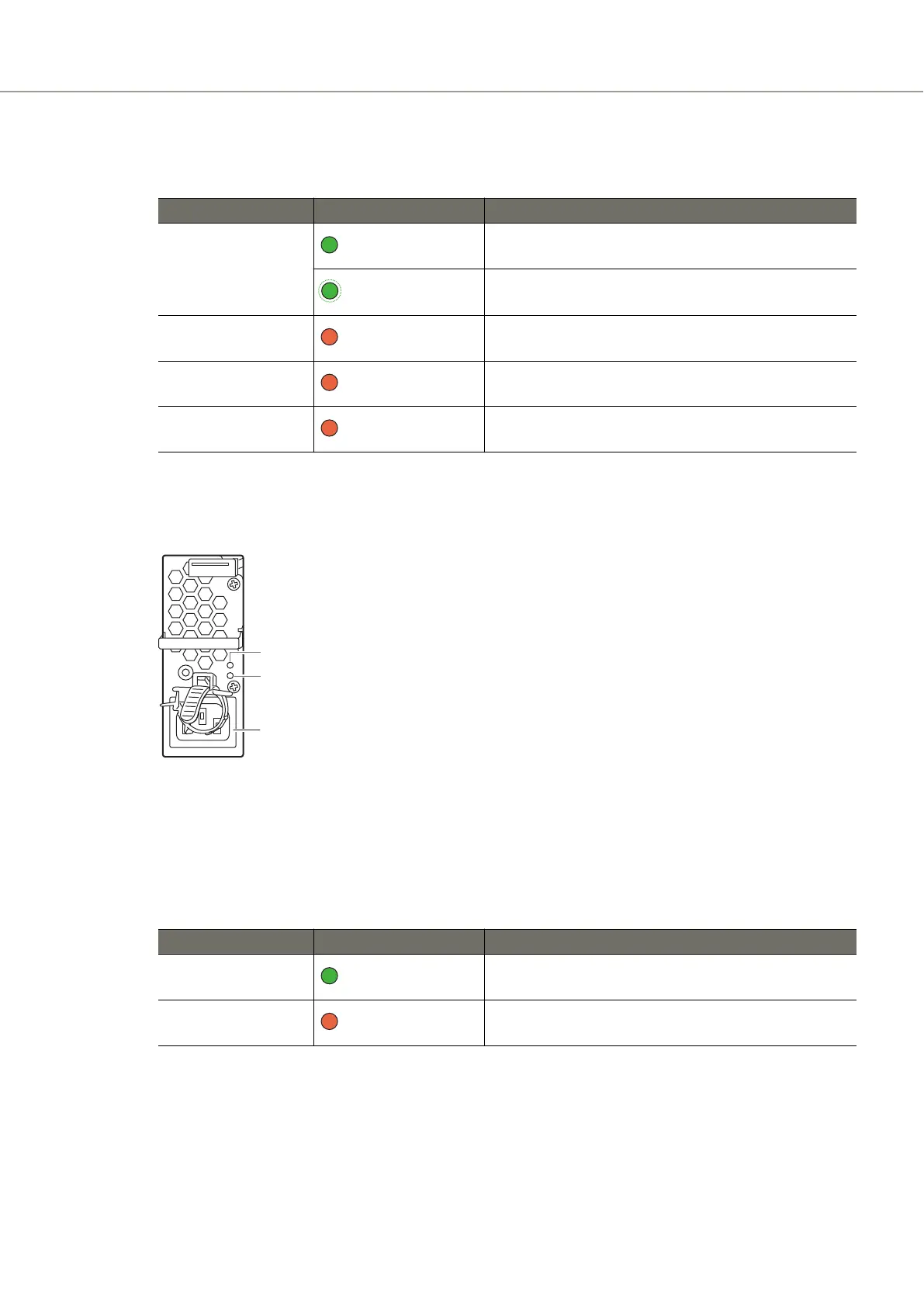
● ETERNUS DX500 S5/DX600 S5/DX900 S5
Figure 59 Power Supply Unit (Controller Enclosure for the ETERNUS DX500 S5/DX600 S5/DX900 S5)
1 Inlet
This inlet is used to connect a power cord.
The states of LEDs are listed below.
Table 26 Status and Meaning of Each LED (Power Supply Unit for the ETERNUS DX500 S5/DX600 S5/DX900
S5)
LED name LED status Meaning
POWER
(green)
AC power is supplied to the power supply unit.
FAULT
(amber)
The power supply unit is in error status.
A. Component Names
Controller Enclosure
236 Configuration Guide (Basic)



 To Next Page
 Loading...






