Chapter 6 Physical Interfaces
6.1 Ethernet Ports
An Ethernet interface is a physical interface for connection to the local network or external
networks.
Note
In the ex works state, the Ethernet ports ETH1 and ETH2 are assigned to the standard
bridge group #, which is configured as DHCP client and with the fallback IP ad-
dress and Netmask .
6.1.1 Port Configuration
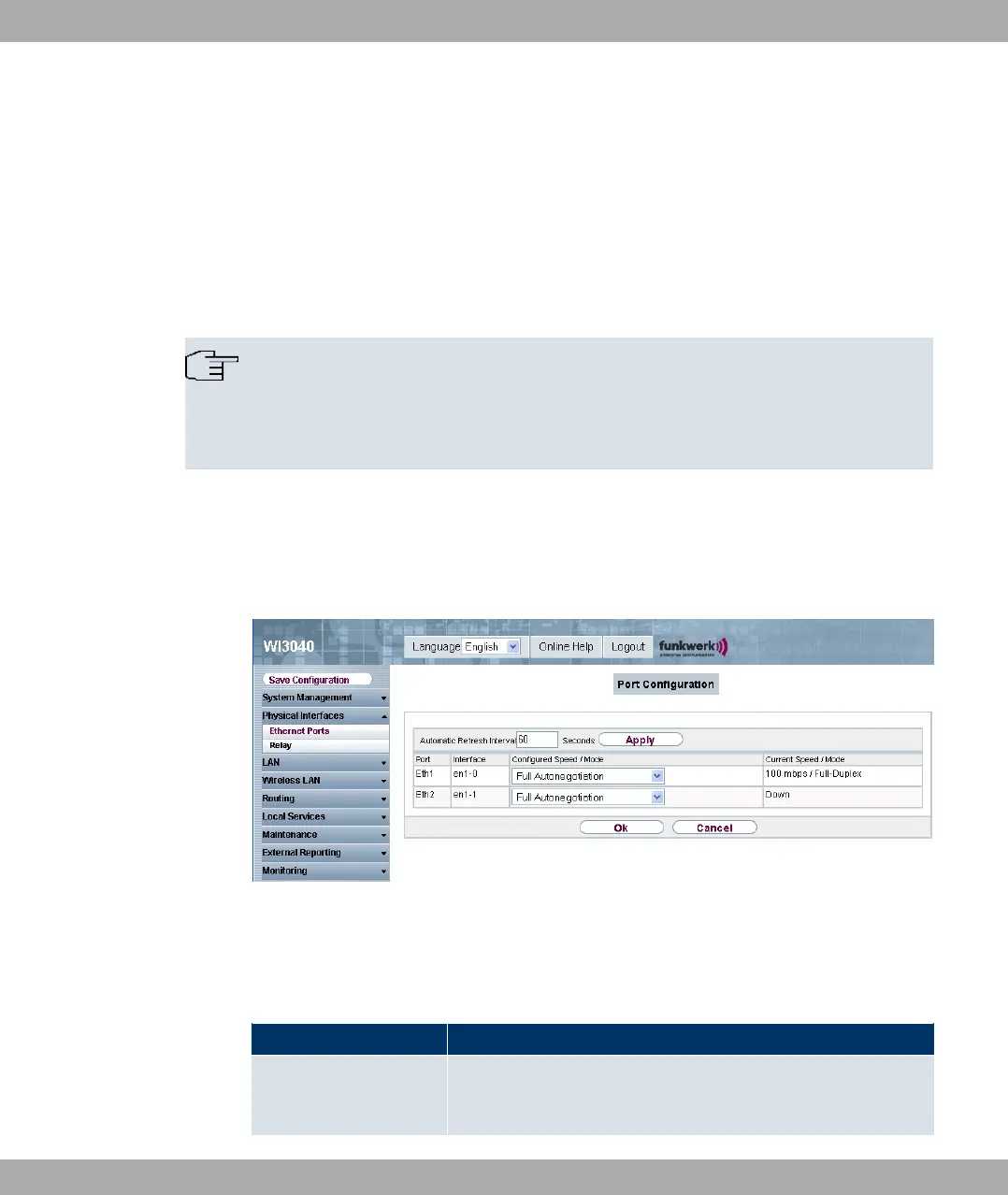
Your device allows you to configure the two Ethernet interfaces separately.
Fig. 52: Physical Interfaces -> Ethernet Ports-> Port Configuration
The Physical Interfaces -> Ethernet Ports -> Port Configuration menu consists of the
following fields:
Fields in Port Configuration menu
Field Description
Port The respective port is displayed here. The numbering corres-
ponds to the numbering of the Ethernet ports on the back of the
device.
6 Physical Interfaces Funkwerk Enterprise Communications GmbH
108 funkwerk W1002/W2002/WIx040/WIx065



 To Next Page