provided the packet size of 4096 bytes is not exceeded. The Activity Monitor on your PC
receives the packets and can display the information contained in them in various ways ac-
cording to the configuration.
Activate the Activity Monitor as follows:
• configure the relevant device(s) to be monitored.
• Start and configure the Windows application on your PC (see BRICKware for Windows ,
see www.funkwerk-ec.com).
12.4.1 Options
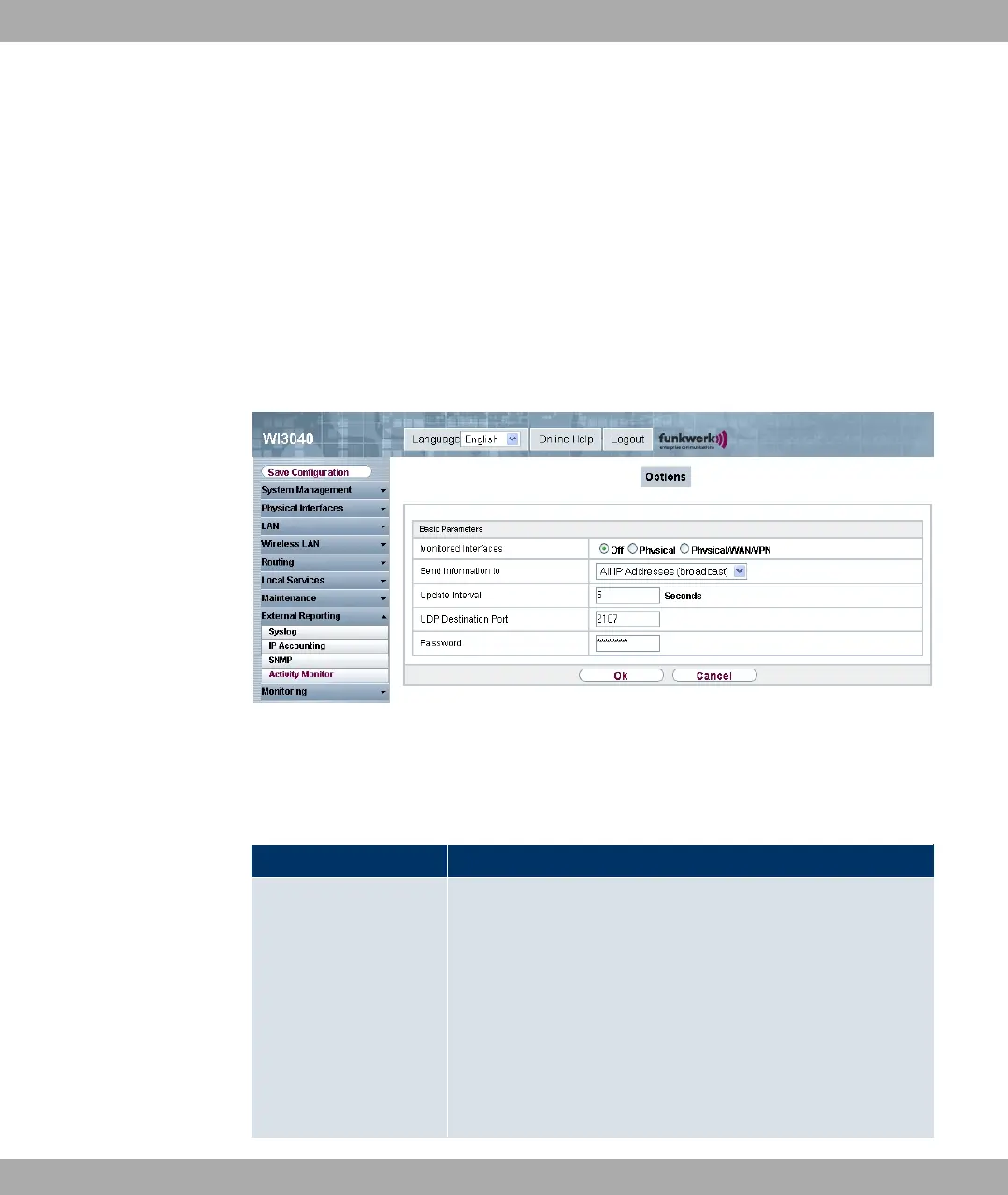
Fig. 106: External Reporting -> Activity Monitor-> Options
The External Reporting -> Activity Monitor -> Options menu consists of the following
fields:
Fields in the Basic Parameters menu
Field Description
Monitored Interfaces Select the type of information to be sent in the UDP packets to
the Windows application.
Possible values:
• 8 (default value): Deactivates the sending of information to
the Activity Monitor.
• 05 ,: Only information about the physical interfaces is
sent.
• 05 ,1-1.-: Information about physical and virtual
12 External Reporting Funkwerk Enterprise Communications GmbH
198 funkwerk W1002/W2002/WIx040/WIx065



 To Next Page