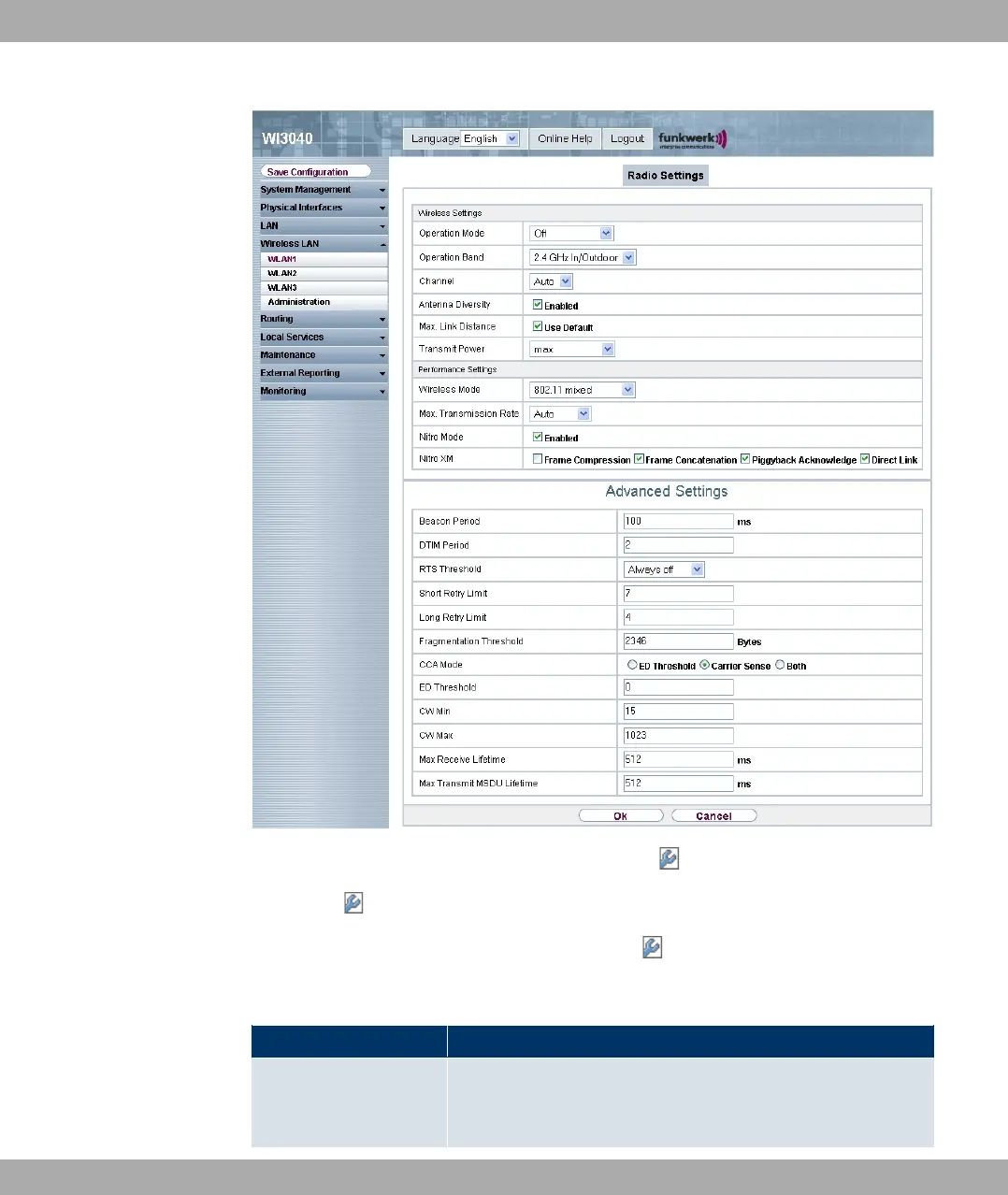
Fig. 60: Wireless LAN -> WLANx -> Radio Settings ->
Choose the button to edit the configuration.
The Wireless LAN -> WLANx -> Radio Settings -> menu consists of the following
fields:
Fields in the Wireless Settings menu
Field Description
Operation Mode Define the mode in which the radio module of your device is to
operate.
8 Wireless LAN Funkwerk Enterprise Communications GmbH
120 funkwerk W1002/W2002/WIx040/WIx065


 To Next Page
 Loading...

