10.3.1.1 New
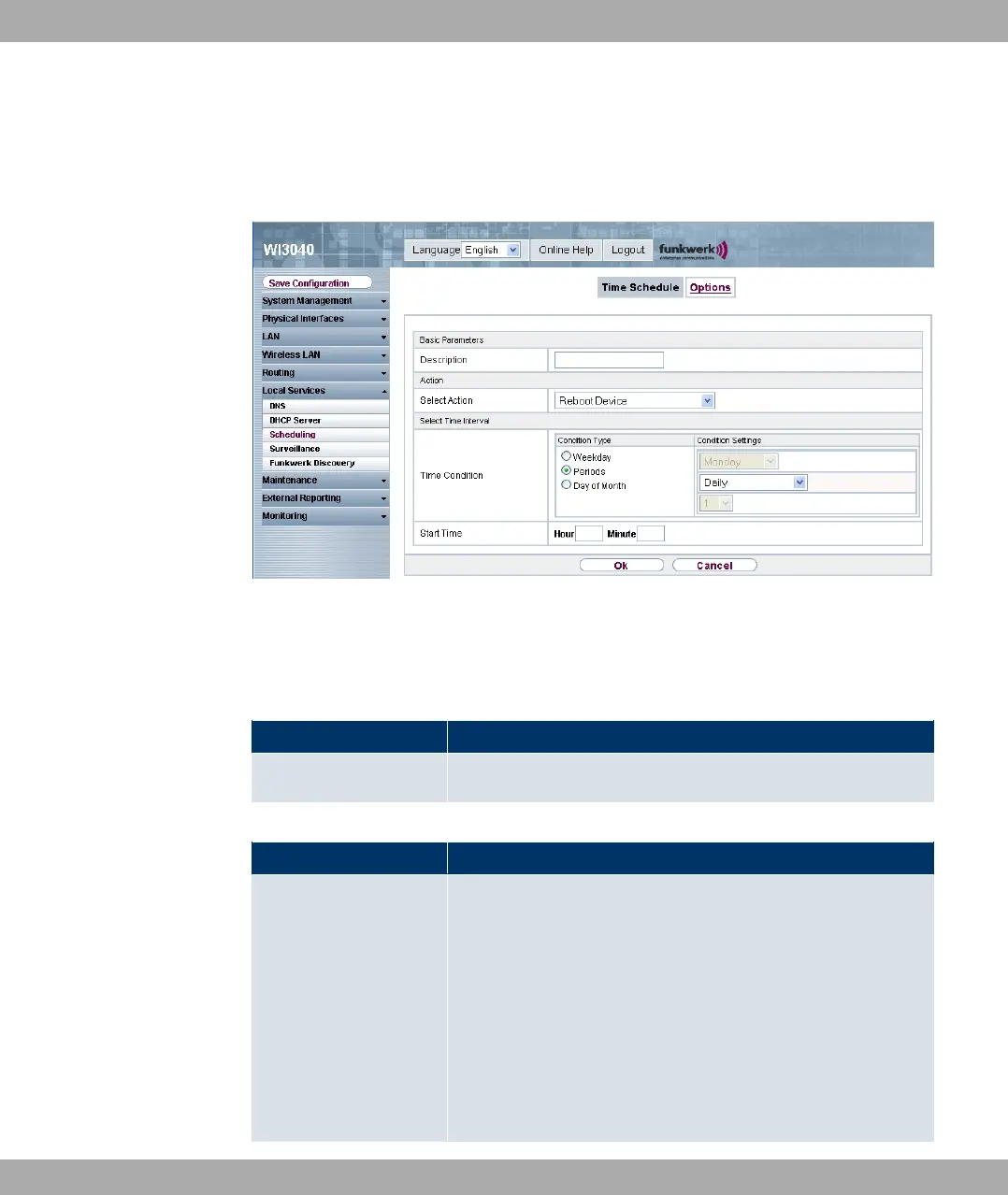
Choose the New button to set up new tasks.
Fig. 84: Local Services -> Scheduling-> Time Schedule -> New
The Local Services -> Scheduling -> Time Schedule-> New menu consists of the follow-
ing fields:
Fields in the Basic Parameters menu
Field Description
Description Enter the desired name for the scheduled task.
Fields in the Action menu
Field Description
Select Action Select the desired action.
Possible values:
• @#" 43 (default value): Your device is rebooted.
• "3" 2" : The interface defined in the Select
Interface field is activated.
• 4"3" 2" : The interface defined in the Se-
lect Interface field is deactivated.
• "3" 9-: The WLAN interface defined in the Select
Funkwerk Enterprise Communications GmbH
10 Local Services
funkwerk W1002/W2002/WIx040/WIx065 167



 To Next Page