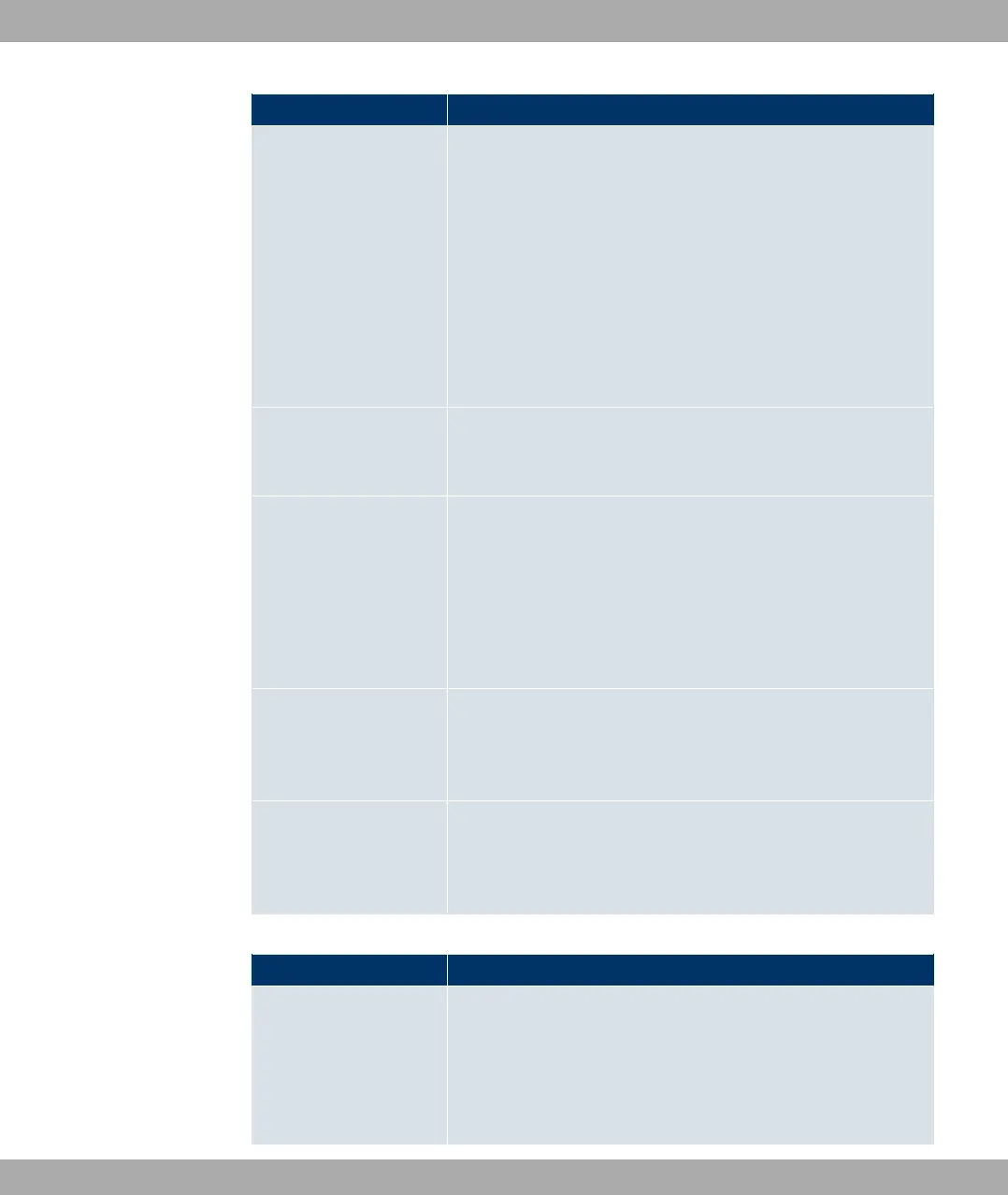
Field Description
Interface field is activated.
• 4"3" 9-: The WLAN interface defined in the Se-
lect Interface field is deactivated.
• 2"" ;:F 9- ( : The wireless module
selected in Select Wireless Module is scanned in the 5-GHz
frequency band. During the scan, all wireless connections are
interrupted.
• /$$ " 6!": A software update is initiated.
• /$$ +$" (!: The backup of the
device configuration to a TFTP server is initiated.
Select Radio Only if Select Action = 2"" ;:F 9- (
Select the radio module to be used for the scan.
Select Interface Only if Select Action = "3" 2" or 4"3
" 2"
or if
Select Action = "3" 9- or 4"3" 9-
Select which interface is to be activated or deactivated.
TFTP server Only if Select Action = /$$ +$" (!
Enter the IP address of the TFTP server to which you wish to
transfer a configuration file.
TFTP File Name Only if Select Action = /$$ +$" (!
Enter the name with which configuration file is to be transferred
to the TFTP server.
Fields in the Select Time Interval menu
Field Description
Time Condition First select the type of time entry in Condition Type.
Possible values:
• 5 (default value): In Condition Settings , select a
weekday.
10 Local Services Funkwerk Enterprise Communications GmbH
168 funkwerk W1002/W2002/WIx040/WIx065



 To Next Page