If you run your device in Access Client mode, you can set up the required client links. To do
this, you need the following data:
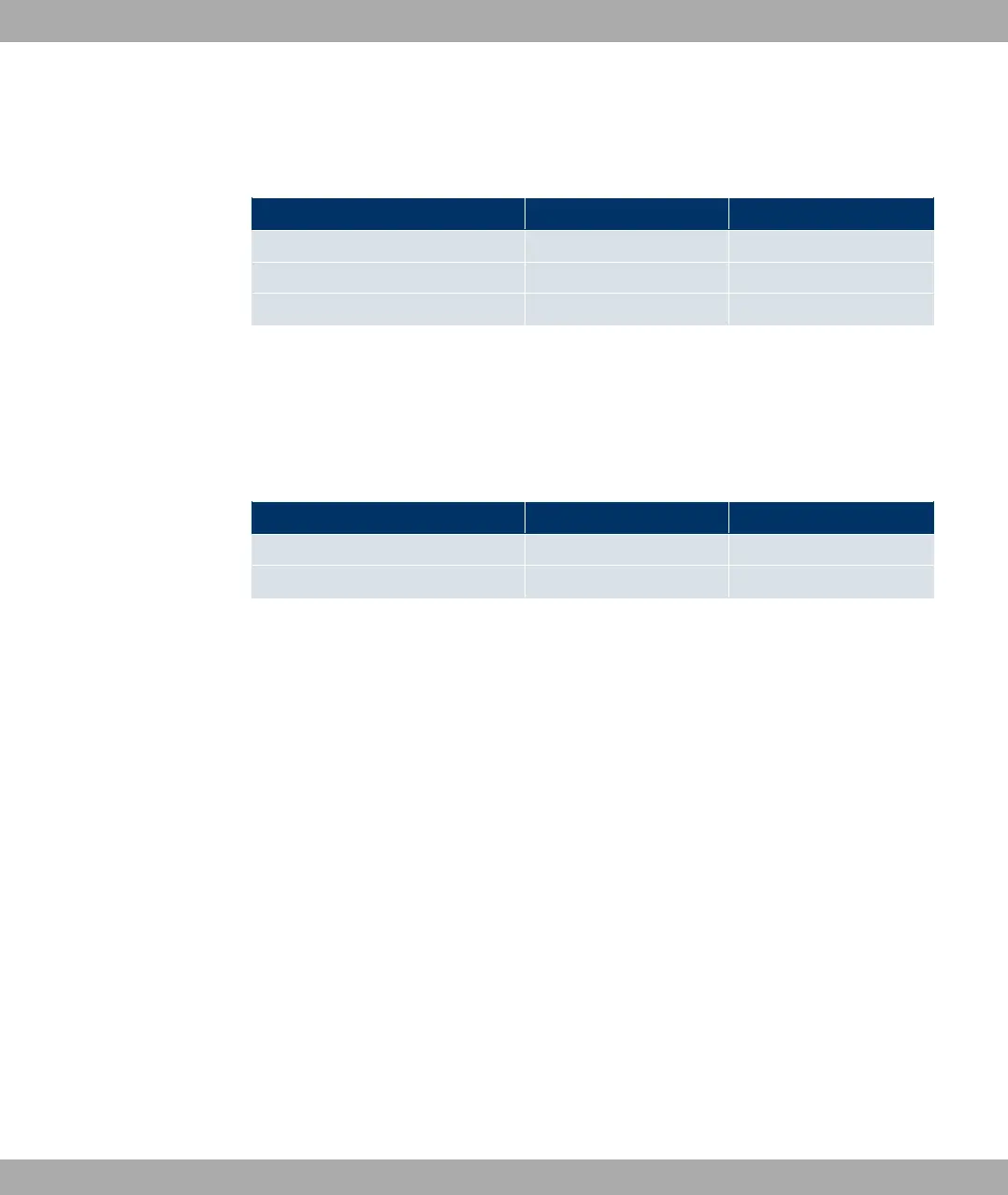
IP configuration of the access client
Access data Example value Your values
Network Name (SSID)
Security mode
Preshared key ! "
Bridge mode
If you run your device in Bridge mode, you can either configure connections to other
bridges manually or use the bridge link autoconfiguration function. For the manual configur-
ation of a bridge link, you need the following data:
Configuration of a bridge link
Access data Example value Your values
Preshared key #$ "
MAC address of remote bridge %%%%&%'
To use the bridge link autoconfiguration function, proceed as described in the Automatic
Configuration of a Bridge Link workshop and read the Wireless LAN chapter of the
user's guide under WLAN1 -> Bridge Links -> Add.
2.5.1.2 Configuring a PC
In order to reach your device via the network and to be able to carry out configuration, the
PC used for the configuration has to satisfy some prerequisites.
• Make sure that the TCP/IP protocol is installed on the PC.
• Select the suitable IP configuration for your configuration PC.
The PC via which you want to configure the IP address for your device must be in the
same network as your device.
Checking the Windows TCP/IP protocol
Proceed as follows to check whether you have installed the protocol:
(1) Click the Windows Start button and then Settings -> Network and Dial-up Connec-
tions (Windows 2000) or Settings -> Network Connections (Windows XP).
(2) Click LAN Connection.
(3) Click Properties in the status window.
Funkwerk Enterprise Communications GmbH
2 Quick Install Guide
funkwerk W1002/W2002/WIx040/WIx065 17



 To Next Page