4.3.2.3 Searching Lists
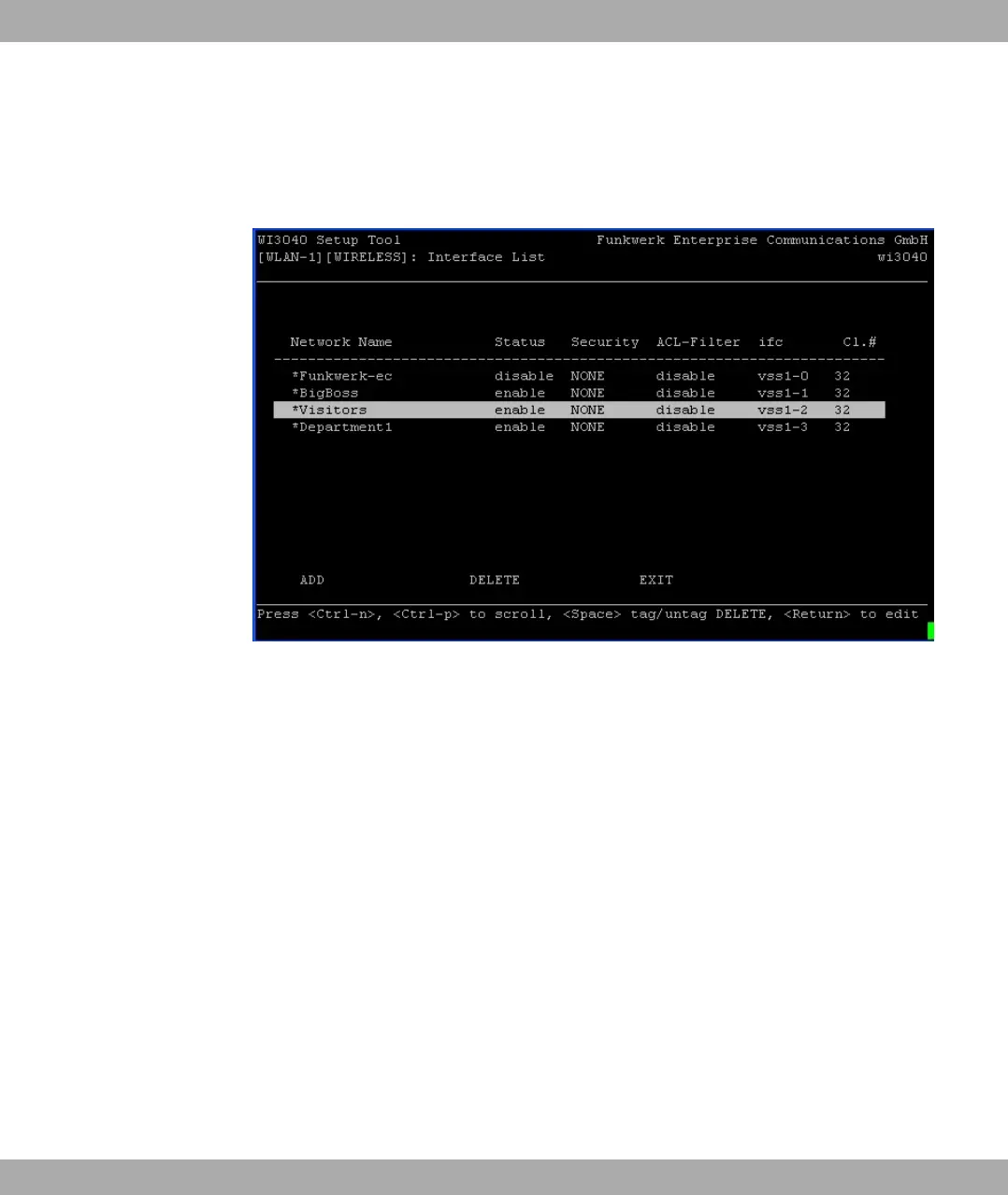
Some Setup Tool menus contain lists with several entries, e.g. the VSS Configuration
menu, which lists all wireless networks:
Fig. 38: Setup Tool search
An incremental search function is provided, which is very useful for searching for an item in
very long lists.
Proceed as follows:
(1) Enter the first letter of the entry you are looking for, with the cursor located on a list
entry. Entries can be made in upper or lower case.
(2) If necessary, enter more characters to refine the search.
(3) The Backspace or Delete key can be used to edit the search string.
The cursor automatically jumps to the first match it finds with the corresponding initial let-
ters. The characters entered for the search are displayed in the help line at the bottom of
the menu.
Do not enter invisible characters, such as Tabulator or Space as they stop the search and
could cause a function to be executed.
Funkwerk Enterprise Communications GmbH
4 Access and Configuration
funkwerk W1002/W2002/WIx040/WIx065 73



 To Next Page